18 Best OGG to AU Converters in 2026 (Free and Paid)
The best OGG to AU converters for 2026. Convert Vorbis OGG audio to Sun AU format for Java applications, legacy Unix systems, and academic toolchains with these free and paid tools.
Posted by
 Jake Manger
Want to convert your OGG to AU right now?
Use our free single-file OGG to AU web demo. It runs locally on your device, so your file never leaves your computer. No uploads, no signup, no waiting in a queue.
Or read on for the 18 best OGG to AU converters compared.
AU (also called Sun audio, with extensions .au or .snd) is the audio format that came out of Sun Microsystems in the late 1980s. It is still in use today: Java's javax.sound.sampled APIs read AU natively, many academic and scientific toolchains expect it, and some legacy Unix systems and embedded environments only handle AU. If you have an OGG file (open-source Vorbis audio) and need AU, it usually is for one of these specific compatibility reasons.
Converting OGG to AU always requires re-encoding because the codecs are completely different (Vorbis vs uncompressed PCM or 8-bit u-law). The good news is that AU output is well-supported by free tools because the format is old and stable. We tested 18 desktop, command-line, and online converters to find the best options.
1. How to Convert (I built this one) - Best Local-First OGG to AU Converter
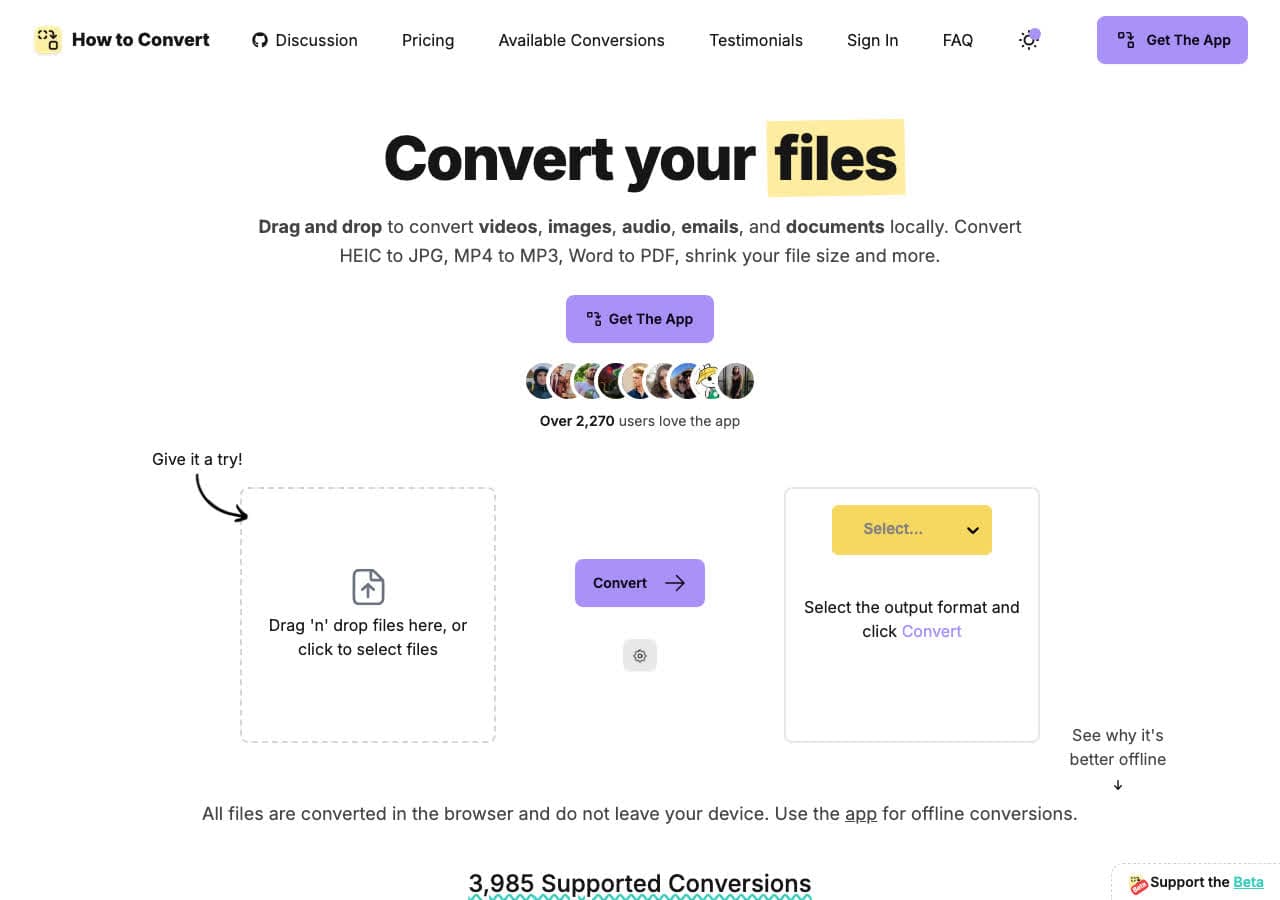
How to Convert converts OGG to AU locally on your device. Drop in the OGG, choose AU, convert. The desktop app handles batch processing for converting many files at once. There is also a free browser OGG to AU converter for one-off jobs.
Pros
- Local conversion. Files never leave your device.
- Batch convert entire folders.
- One-time purchase. No subscription.
- Mac, Windows, and Linux.
Cons
- Desktop app is a paid one-time purchase.
Pricing
- Free browser converter for common formats.
- Desktop: One-time purchase.
 How to Convert
The offline file converter for Mac, Windows and Linux.
- Converts video, audio, images, documents, ebooks and more
- Everything runs locally. Your files never leave your device
- Pay once. Access forever
Get the app on Mac, Windows and Linux
2. FFmpeg - Best Command-Line OGG to AU
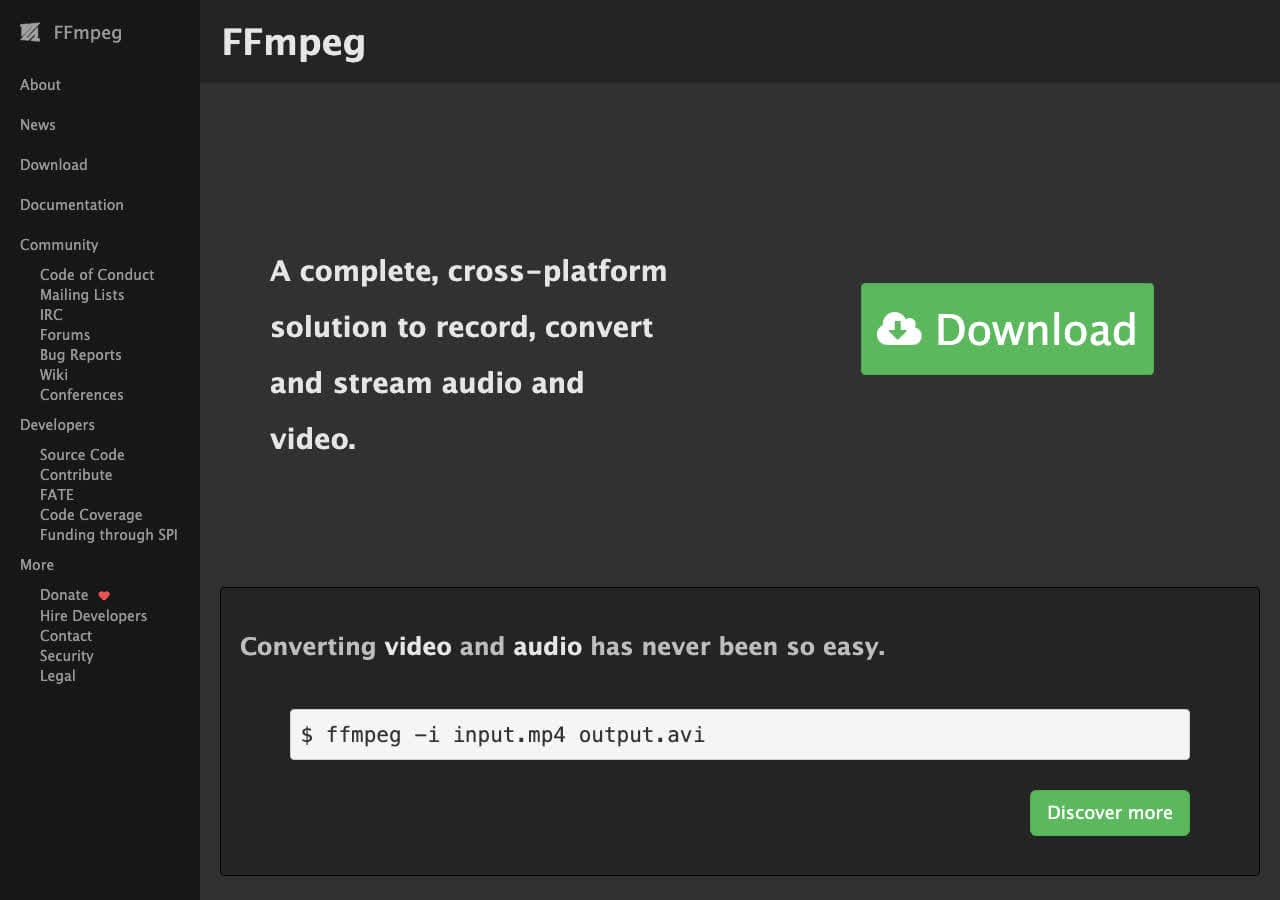
FFmpeg converts OGG to AU with one command: ffmpeg -i input.ogg -ar 44100 -ac 2 output.au. Defaults to 16-bit PCM AU, which works for most modern uses. For Java compatibility specifically, you may want 8-bit u-law: ffmpeg -i input.ogg -c:a pcm_mulaw -ar 8000 -ac 1 output.au.
Pros
- Full control over AU encoding (PCM, u-law, sample rate).
- Scriptable for batch jobs.
- Free, open source, runs everywhere.
Cons
- Command-line only.
Pricing
- Free (open source).
3. Audacity - Best for Editing Before Export
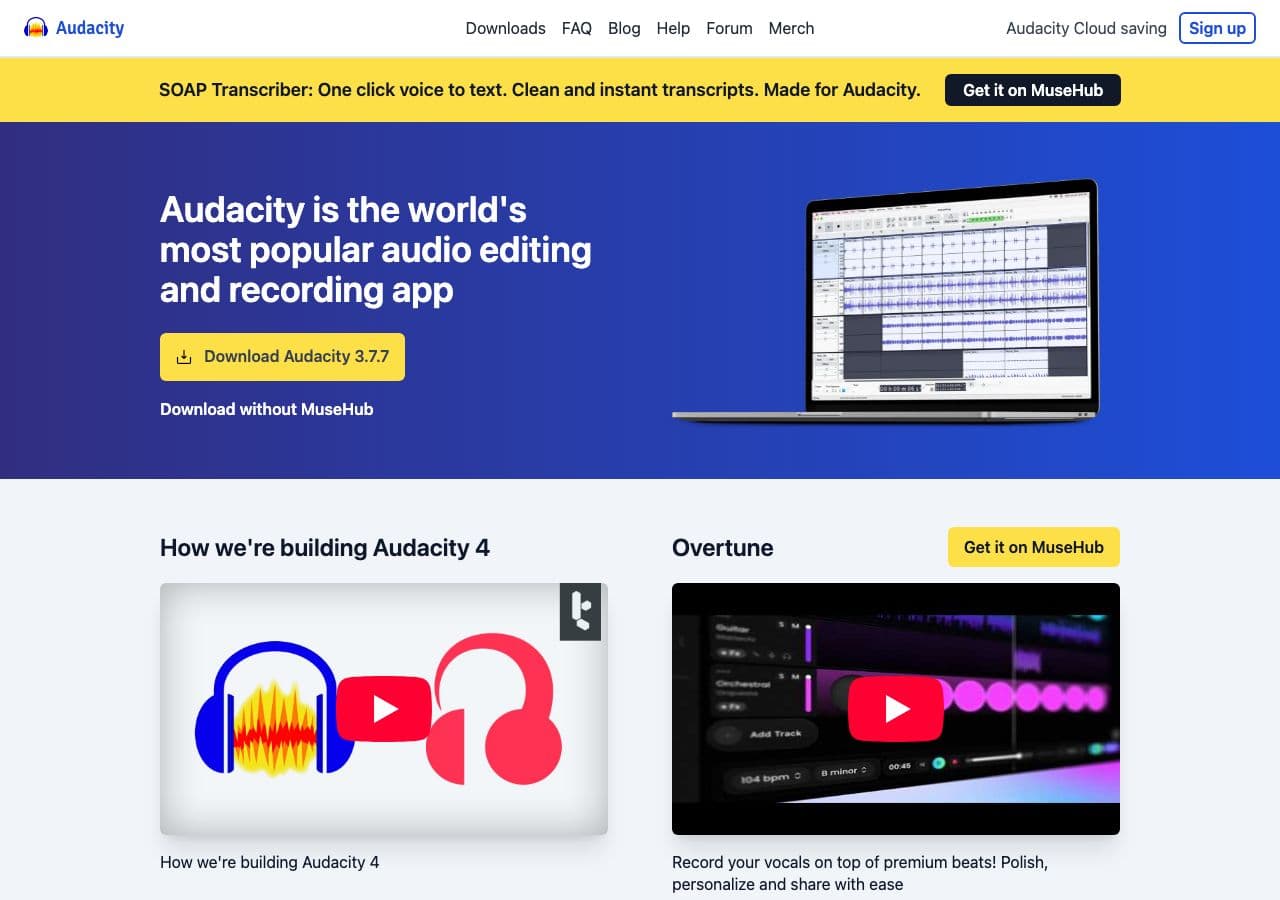
Audacity imports OGG natively and exports to AU through File > Export > Other Audio Formats. You get a dialog to pick AU encoding (PCM 16-bit, 8-bit u-law, etc.) and sample rate. Best free GUI for OGG to AU when you need editing or precise format choices.
Pros
- Detailed AU encoding options.
- Edit before exporting.
- Free, open source, cross-platform.
Cons
- Overkill if you only need a direct conversion.
Pricing
- Free (open source, GPL).
4. VLC - Already Installed Option
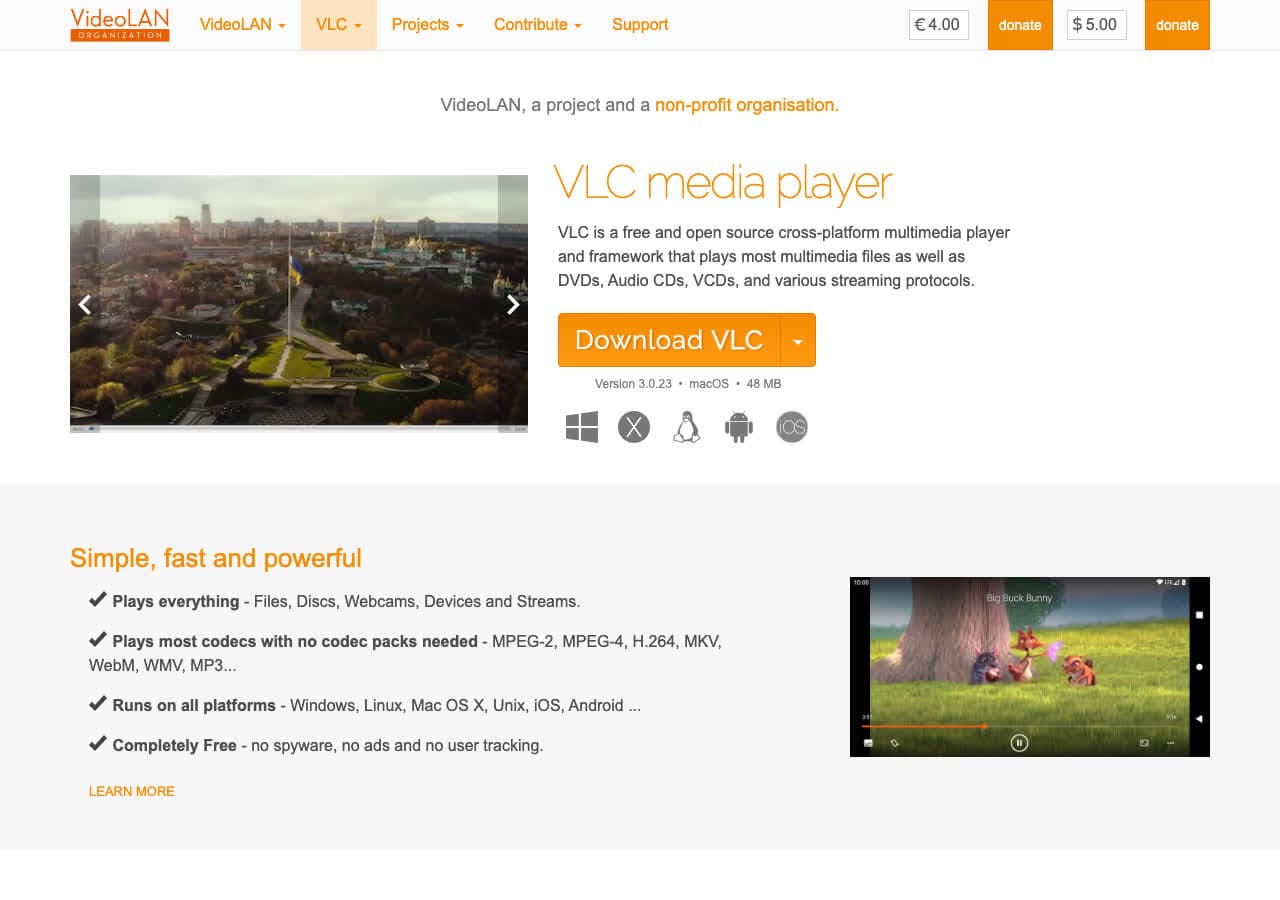
VLC converts OGG to AU through Media > Convert/Save. You may need to add a custom AU profile, but the underlying engine supports it. Useful when VLC is already installed and you do not want another tool.
Pros
- Free, open source, probably already installed.
- Cross-platform.
Cons
- Less direct than dedicated audio tools.
Pricing
- Free (open source, GPL).
5. fre:ac - Best Free Audio Converter for Batch OGG to AU
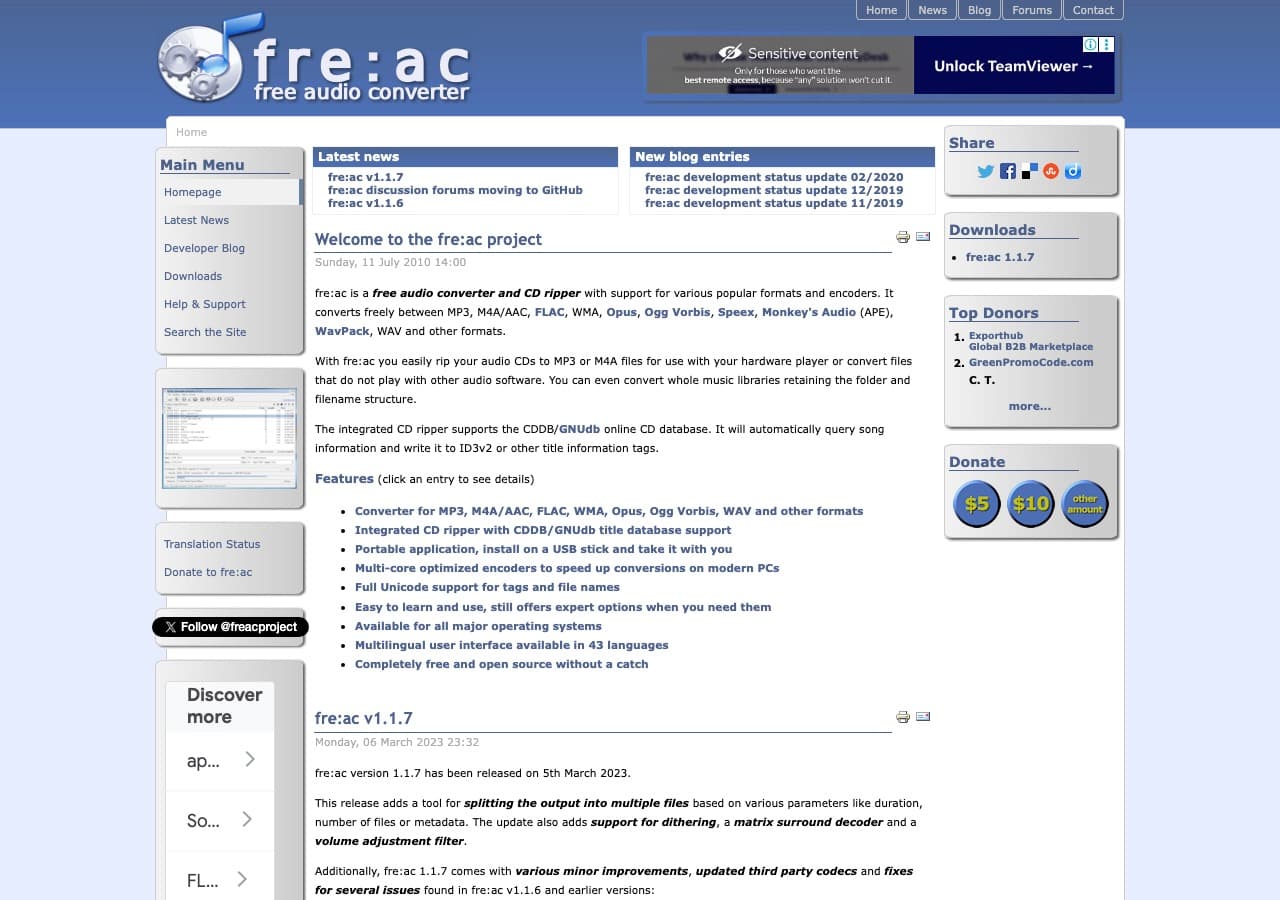
fre:ac handles OGG to AU in batch with no ads or upsells. Best free pick for converting many OGG files at once.
Pros
- Free, open source, no ads.
- Excellent batch conversion.
- Cross-platform.
Cons
- Older-style interface.
Pricing
- Free (open source, GPL).
6. MediaHuman Audio Converter - Cleanest GUI
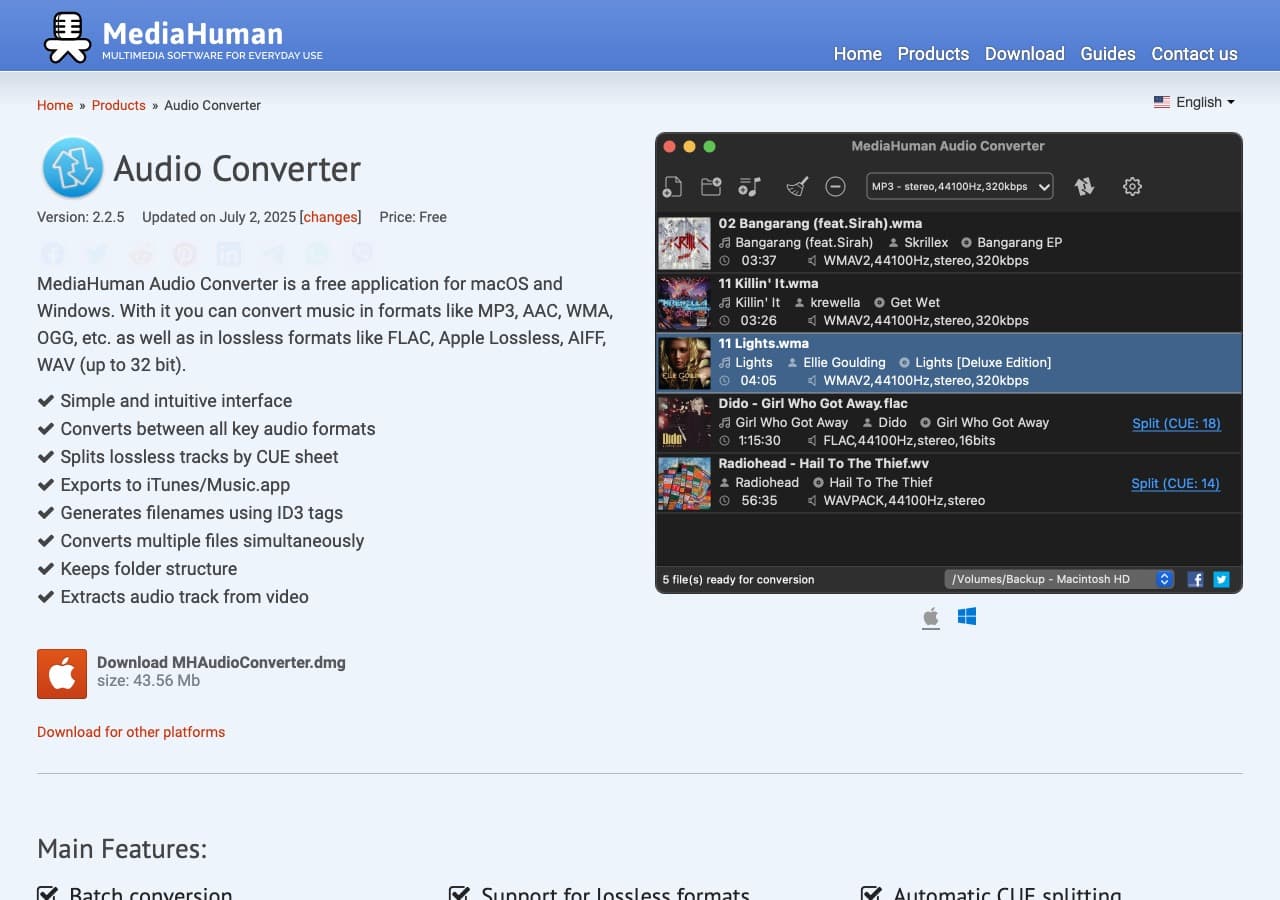
MediaHuman Audio Converter handles OGG input and exports to common formats. Clean UI, free for personal use. Mac and Windows.
Pros
- Clean, modern UI.
- Free for personal use.
Cons
- Some niche AU profiles may not be exposed.
- No Linux version.
Pricing
- Free for personal use.
How to Convert
The offline file converter for Mac, Windows and Linux.
- Converts video, audio, images, documents, ebooks and more
- Everything runs locally. Your files never leave your device
- Pay once. Access forever
Get the app on Mac, Windows and Linux
7. Switch by NCH - Reliable Batch Tool
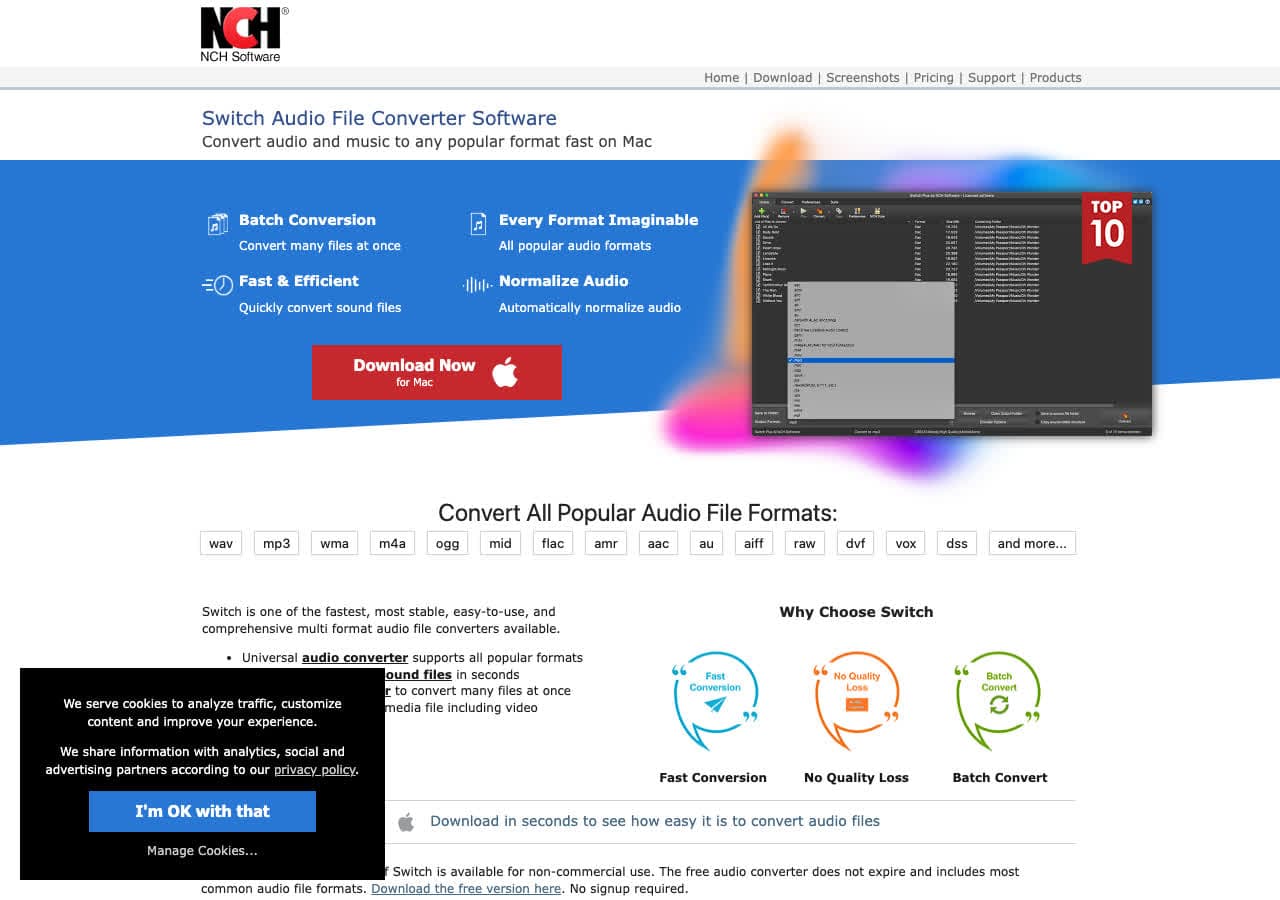
Switch by NCH handles OGG input with AU among its supported output formats. Reliable batch queue.
Pros
- Simple batch queue.
- Mac and Windows.
Cons
- Dated UI.
- Personal vs commercial license confusion.
Pricing
- Free for non-commercial use.
- Plus: Around $35 one-time.
8. Wondershare UniConverter - Polished Paid Pick
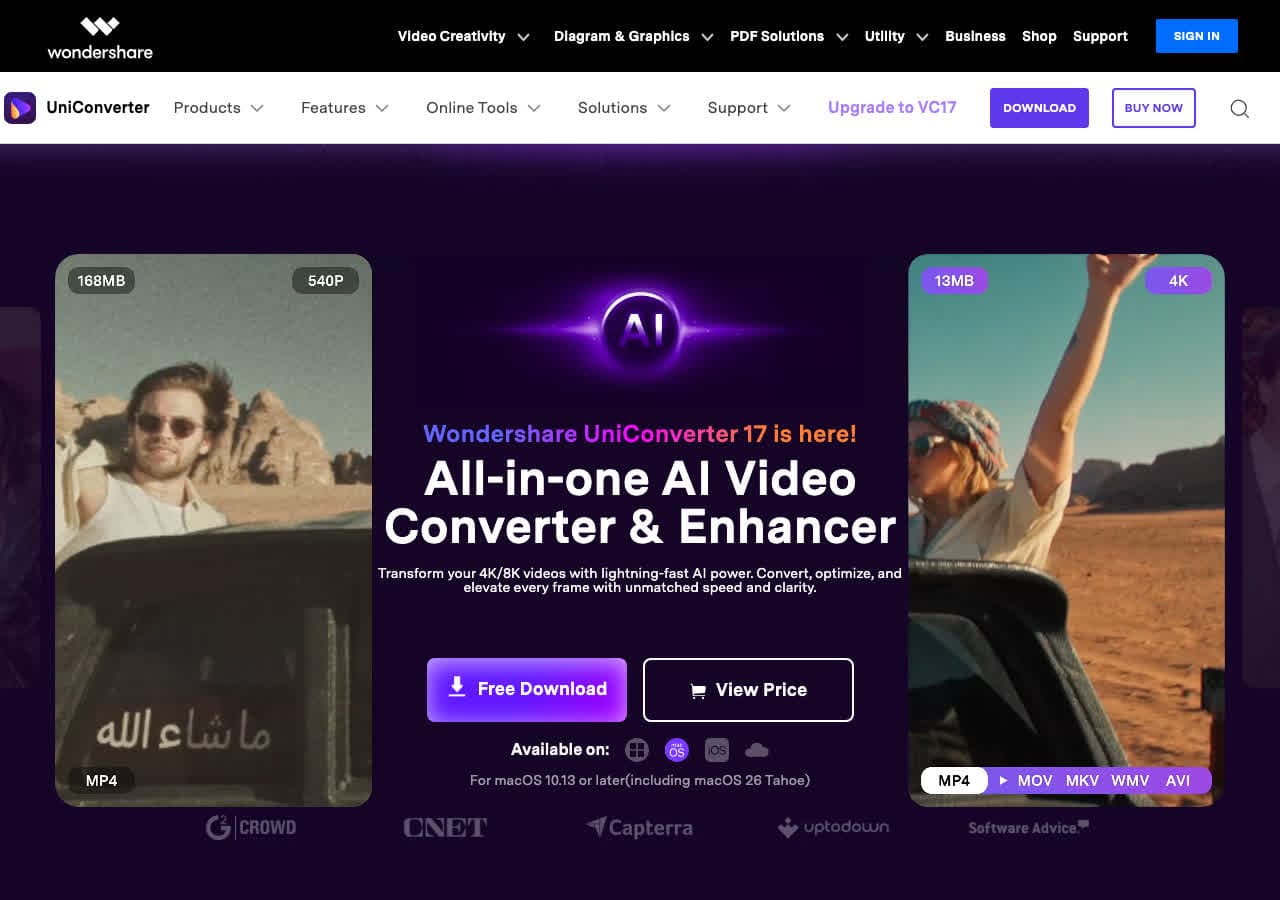
Wondershare UniConverter handles OGG input. AU output is one of many. Polished UI, hardware acceleration.
Pros
- Polished UI.
- Hardware acceleration.
Cons
- Paid software, subscription model.
Pricing
- Subscription: From around $40/year.
- Lifetime: Around $80 one-time.
9. Movavi Video Converter - Beginner-Friendly
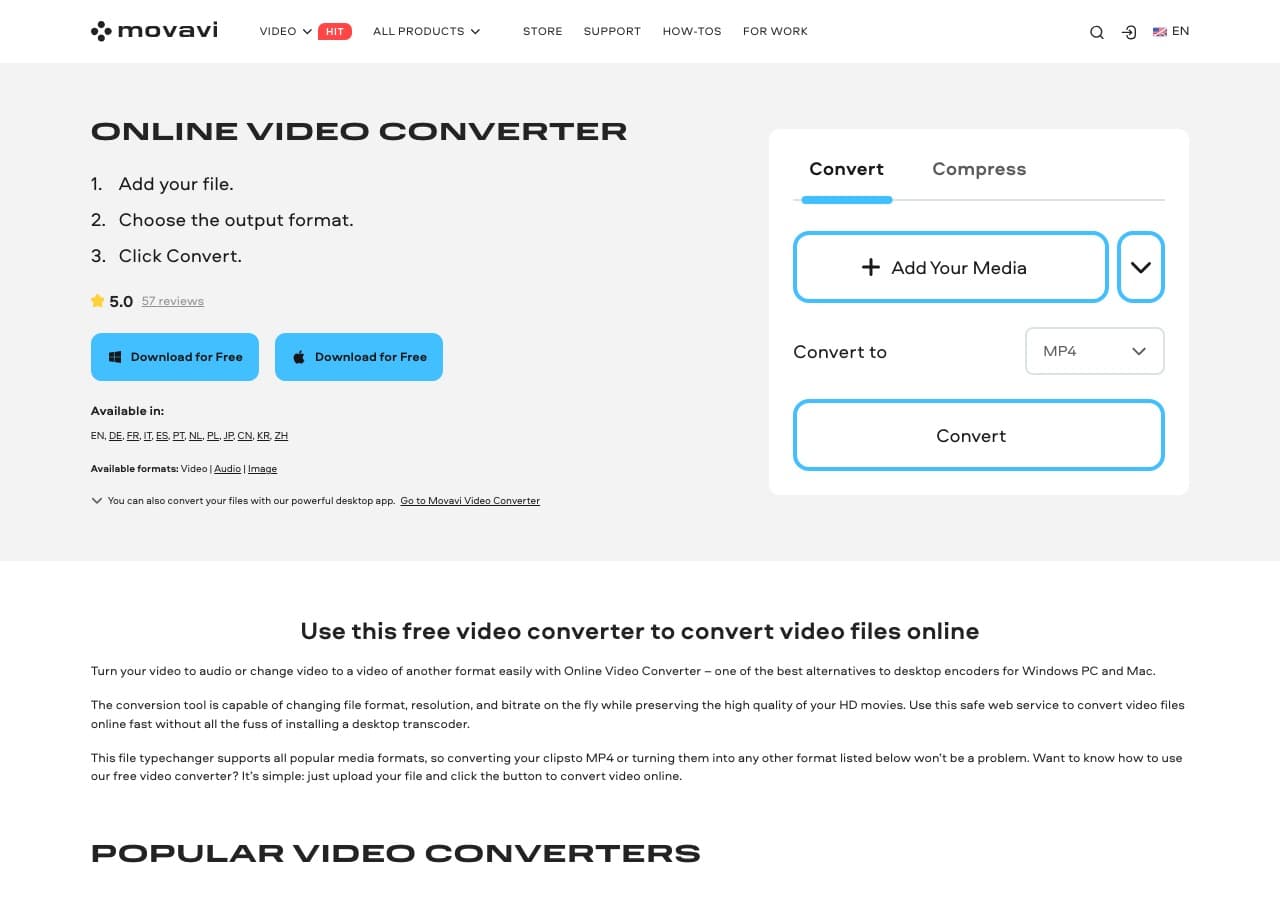
Movavi Video Converter handles OGG audio input. AU may need to be selected manually if not in the default presets.
Pros
- Very beginner-friendly UI.
- Mac and Windows.
Cons
- Paid software.
- AU not always a default preset.
Pricing
- Subscription: Around $40/year.
- Lifetime: Around $50 one-time.
10. Any Video Converter - Free Windows Tool
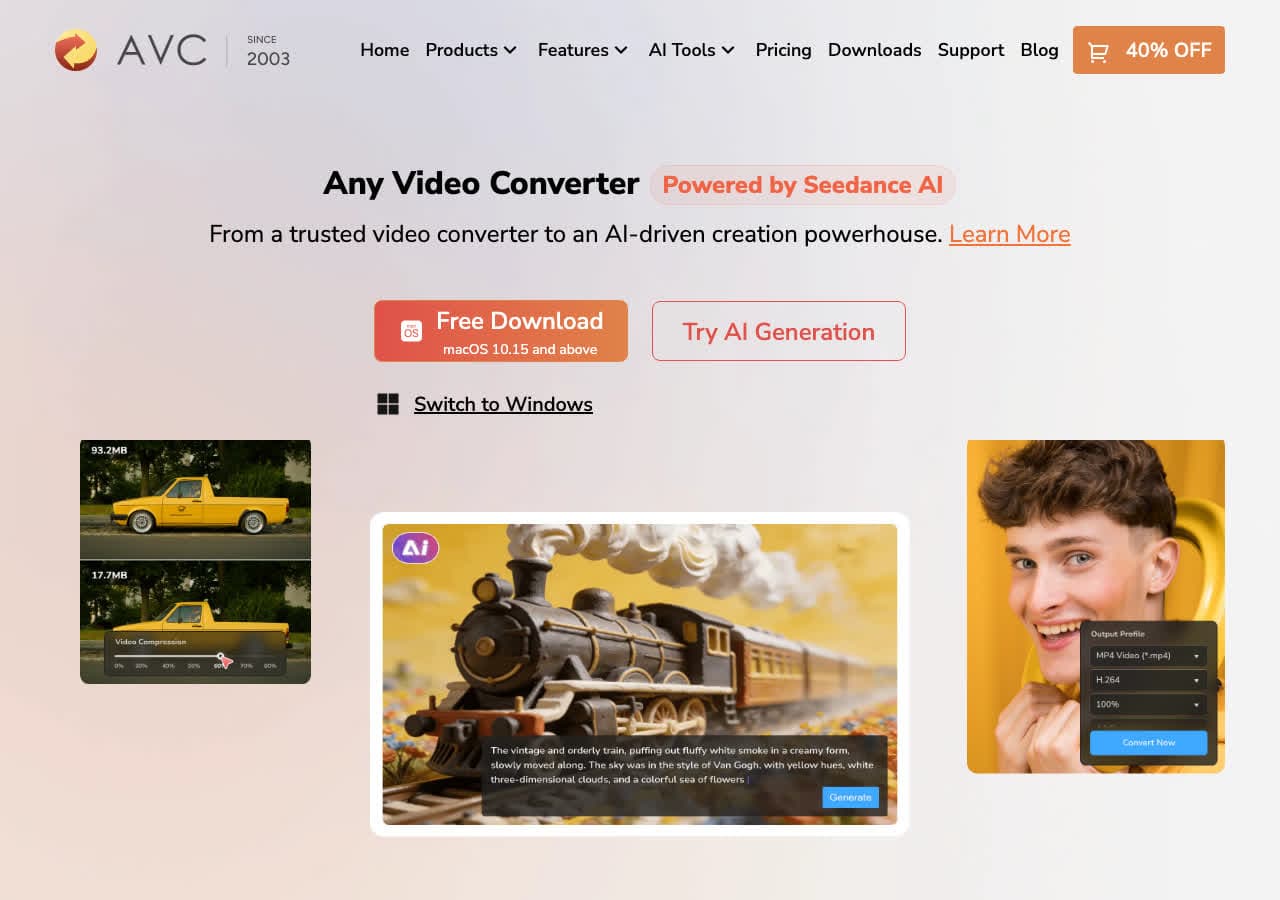
Any Video Converter (Free edition) handles OGG and exports to common audio formats. AU output may not be a default preset.
Pros
- Free version available.
- Batch friendly.
Cons
- Installer may bundle offers.
- UI feels dated.
Pricing
- Free edition available.
- Pro: One-time around $50.
11. Freemake Video Converter - Familiar Tool
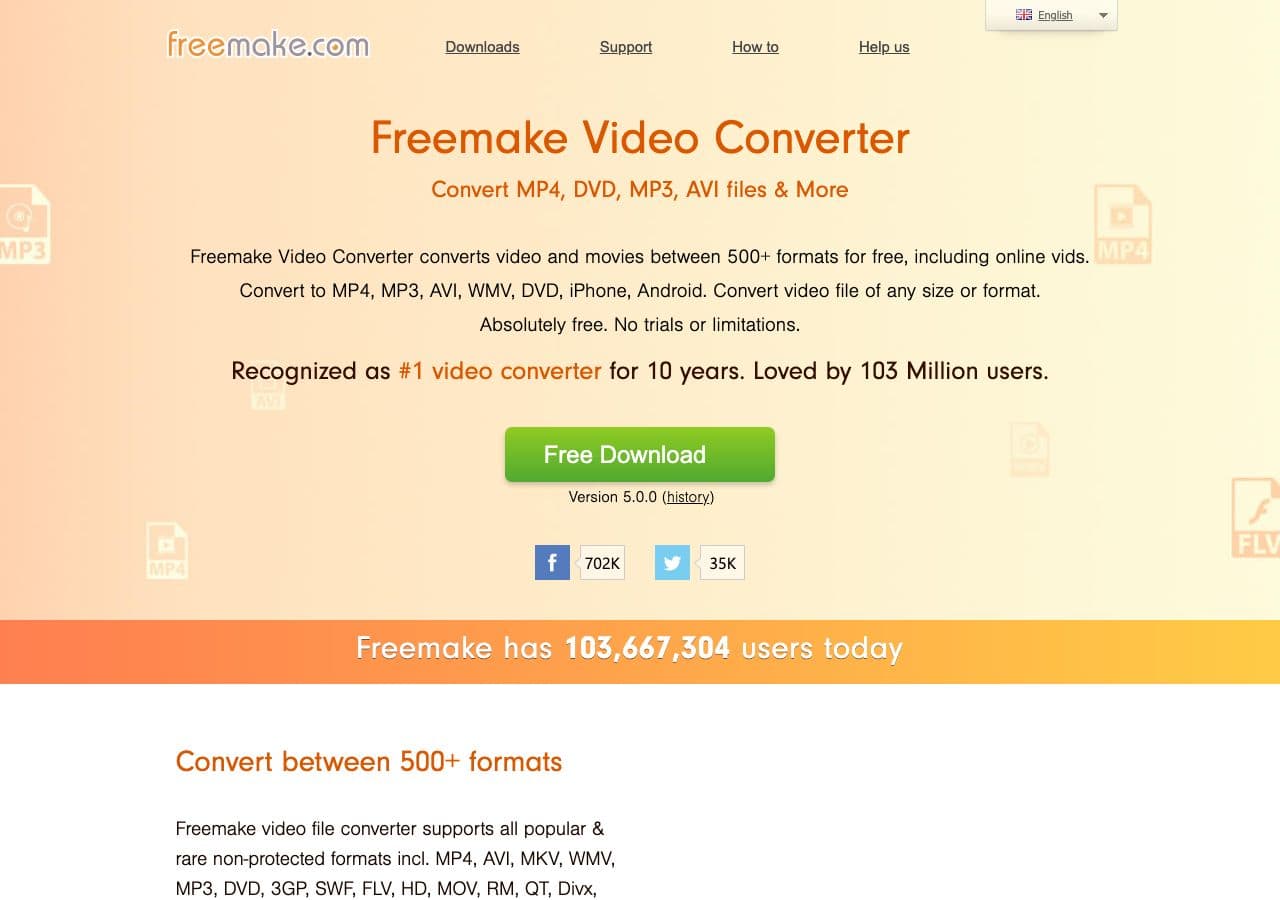
Freemake Video Converter handles OGG and exports to common audio formats. AU output is not always a default preset.
Pros
- Friendly UI.
- Familiar to Windows users.
Cons
- Free version watermark/limits.
- Windows only.
Pricing
- Free with limitations.
- Gold Pack: Around $20 one-time.
12. HandBrake - Wrong Tool for AU
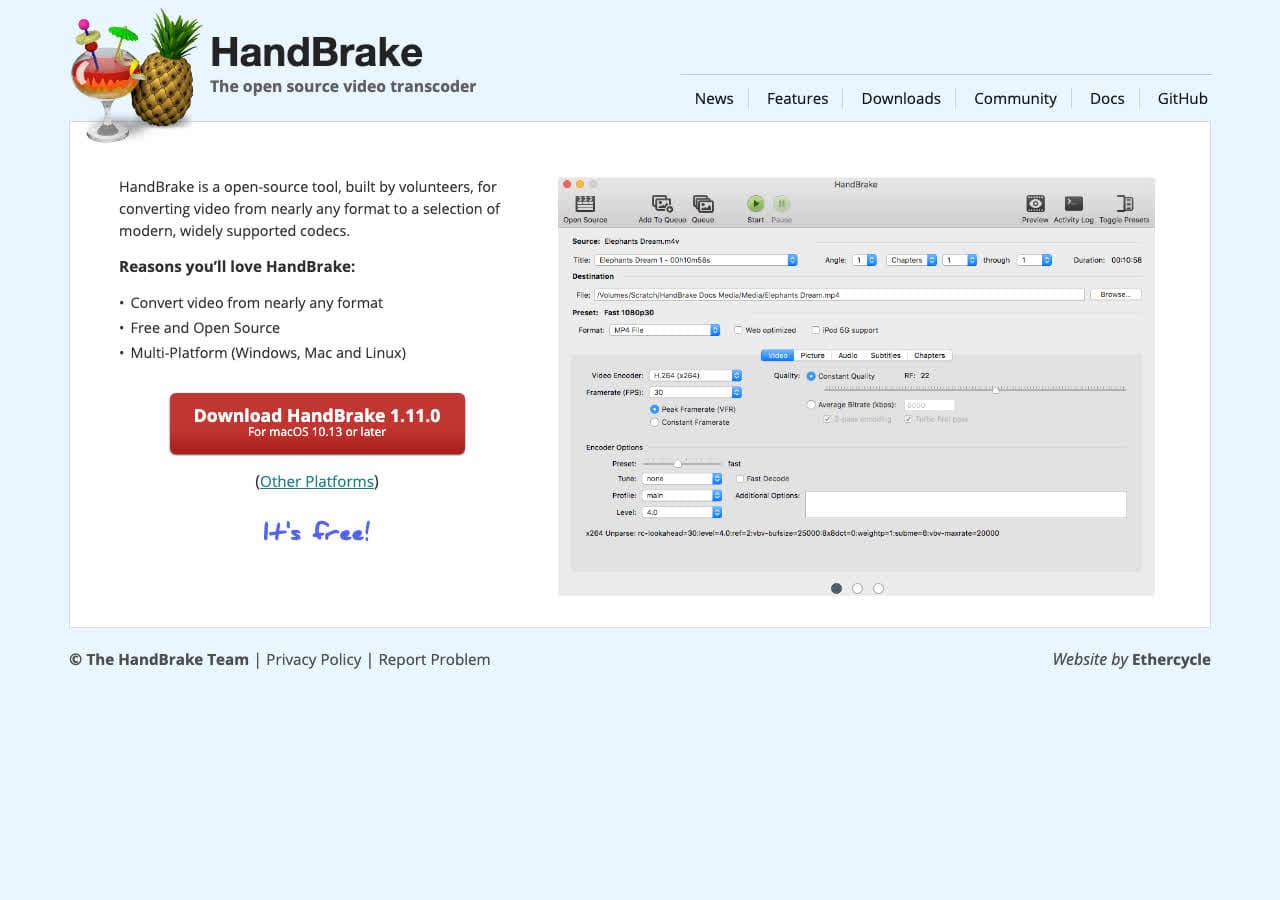
HandBrake is a video converter and does not output AU at all. We list it because some general-purpose guides incorrectly include it. For OGG to AU, use FFmpeg, Audacity, or fre:ac instead.
Pros
- Excellent for video work.
Cons
- Does not output AU.
Pricing
- Free (open source).
How to Convert
The offline file converter for Mac, Windows and Linux.
- Converts video, audio, images, documents, ebooks and more
- Everything runs locally. Your files never leave your device
- Pay once. Access forever
Get the app on Mac, Windows and Linux
13. CloudConvert - Best Online OGG to AU
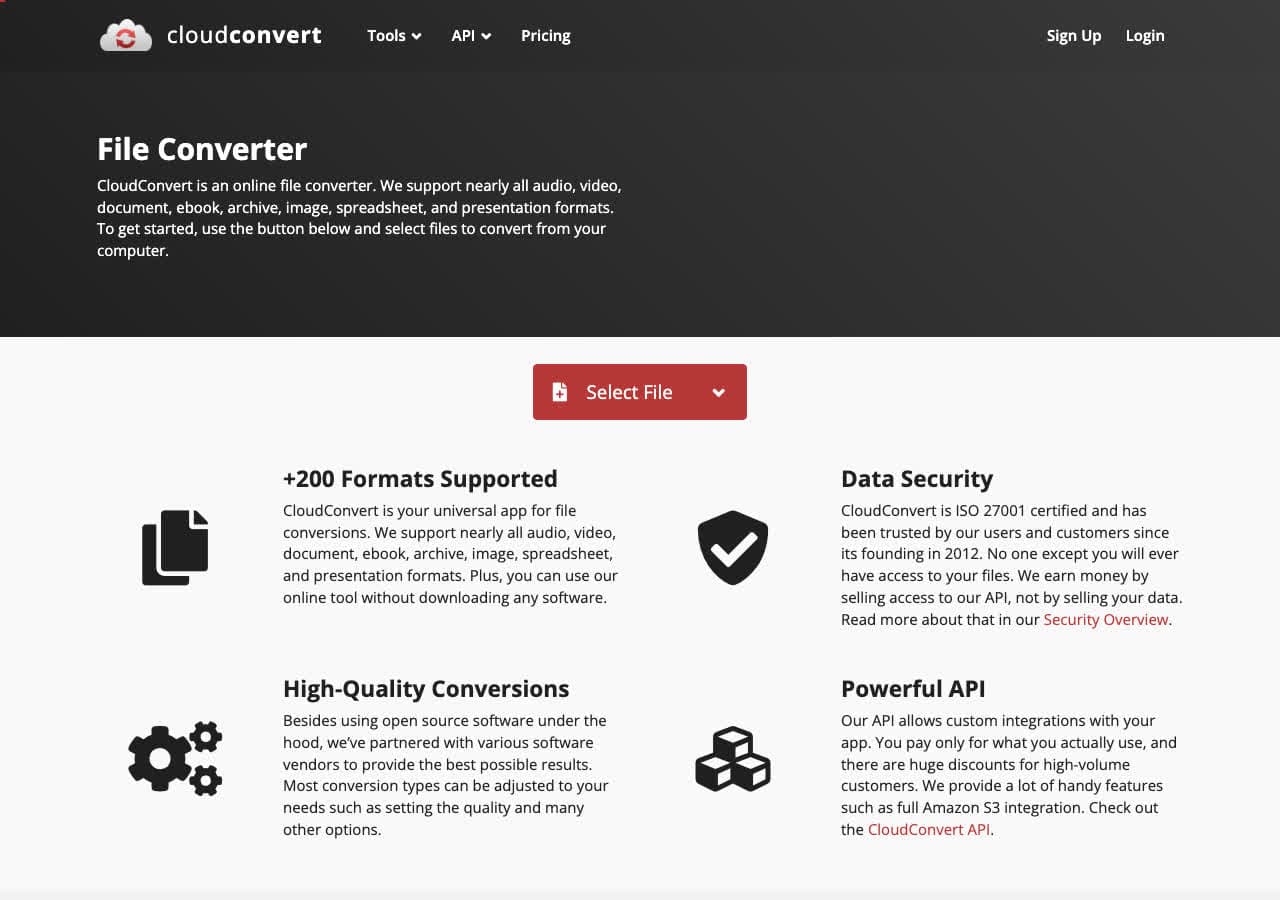
CloudConvert offers an OGG to AU page with control over sample rate and channels. Free tier allows 25 minutes per day.
Pros
- No installation required.
- Adjustable sample rate and channels.
- API for automation.
Cons
- Files uploaded to the cloud.
Pricing
- Free: 25 minutes per day.
- Paid: From $9 for 500 minutes.
14. Convertio - Simple Online OGG to AU
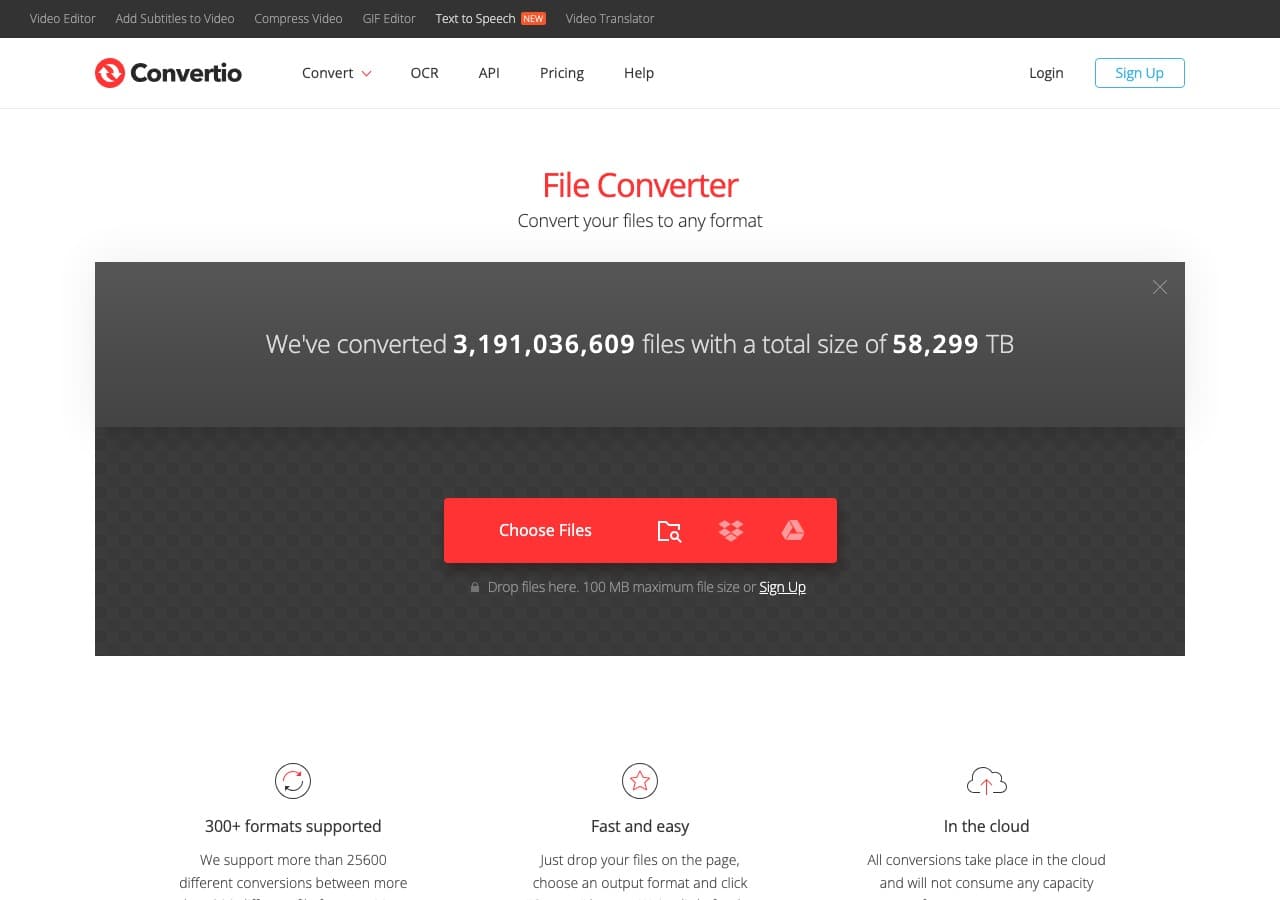
Convertio offers a clean OGG to AU flow with cloud storage integration.
Pros
- Clean, simple UI.
- Google Drive and Dropbox integration.
Cons
- Files uploaded to the cloud.
- Free tier limited.
Pricing
- Free: 100 MB, 10 minutes per day.
- Light: From $9.99/month.
15. Zamzar - Easiest Online OGG to AU
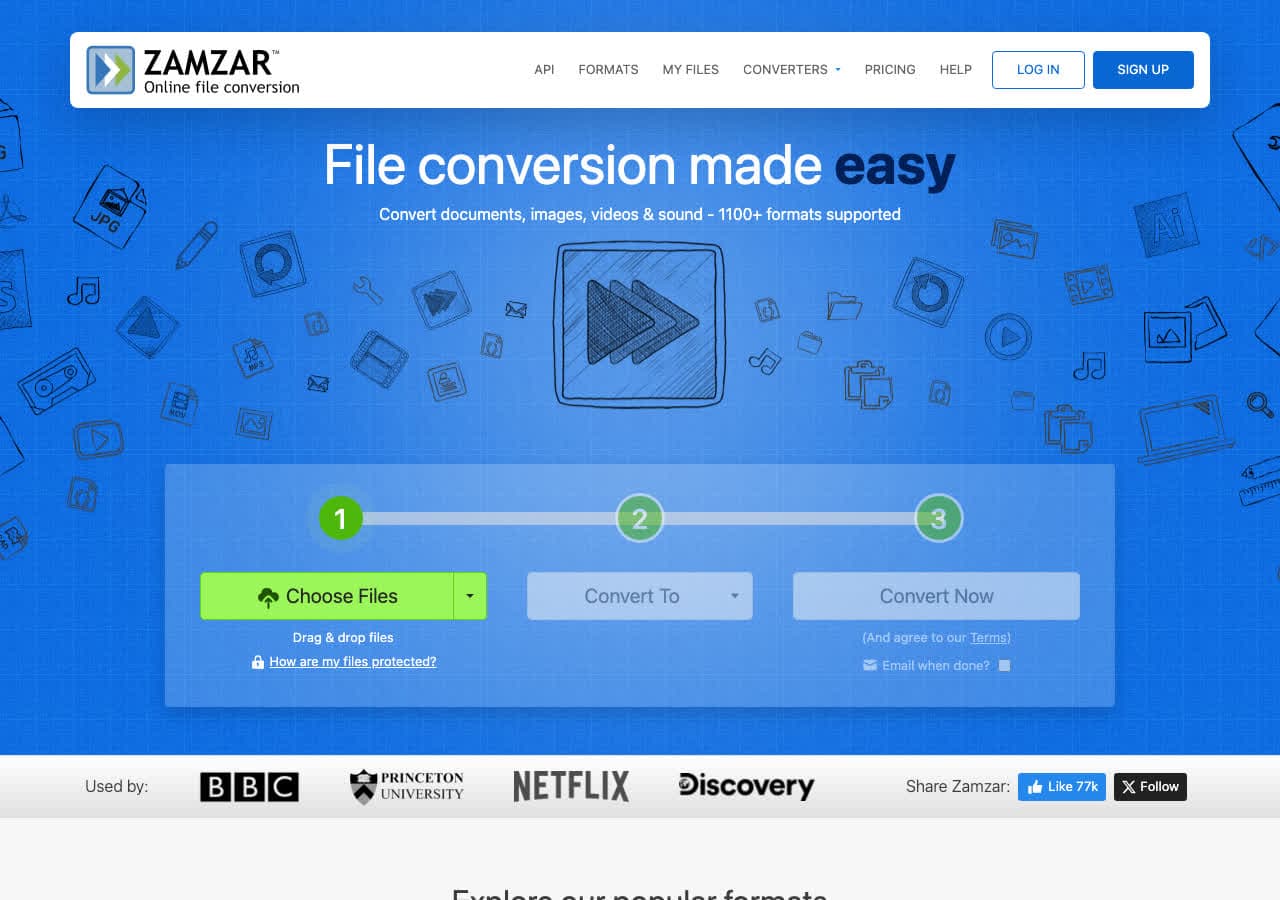
Zamzar is the simplest online OGG to AU converter. Free tier allows 2 conversions per day, 50 MB.
Pros
- Dead-simple workflow.
- No account needed.
Cons
- 2 free conversions per day.
- 50 MB free file cap.
Pricing
- Free: 2 conversions per day, 50 MB.
- Basic: From $18/month.
16. FreeConvert - Generous Free Tier
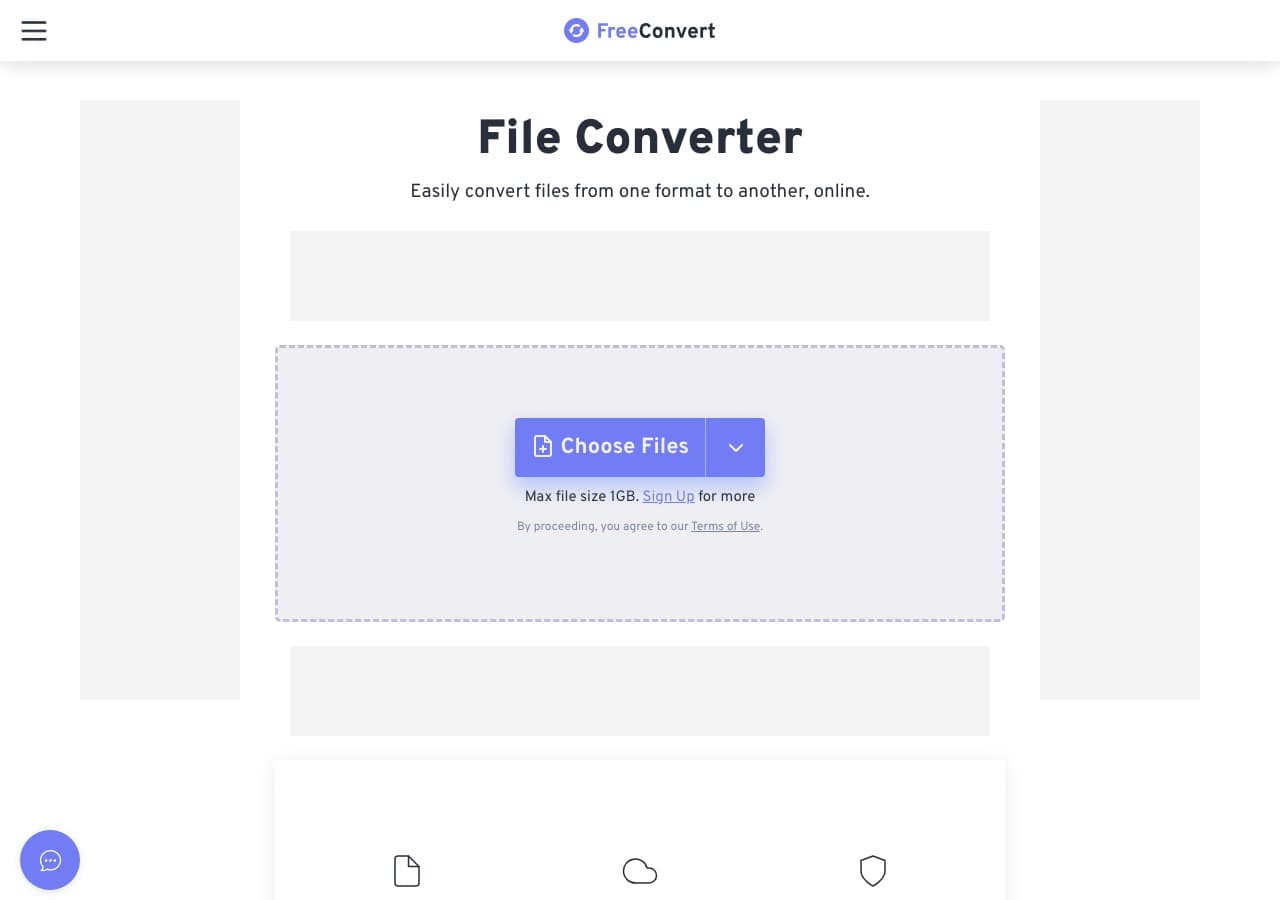
FreeConvert handles OGG to AU with a 1 GB free file size limit and adjustable sample rate.
Pros
- 1 GB free file size limit.
- Sample rate and bit depth controls.
Cons
- Files uploaded to servers.
- Daily usage limits on free tier.
Pricing
- Free: 1 GB file size limit.
- Pro: From $9.99/month.
17. Online-Convert - Most Detailed AU Output
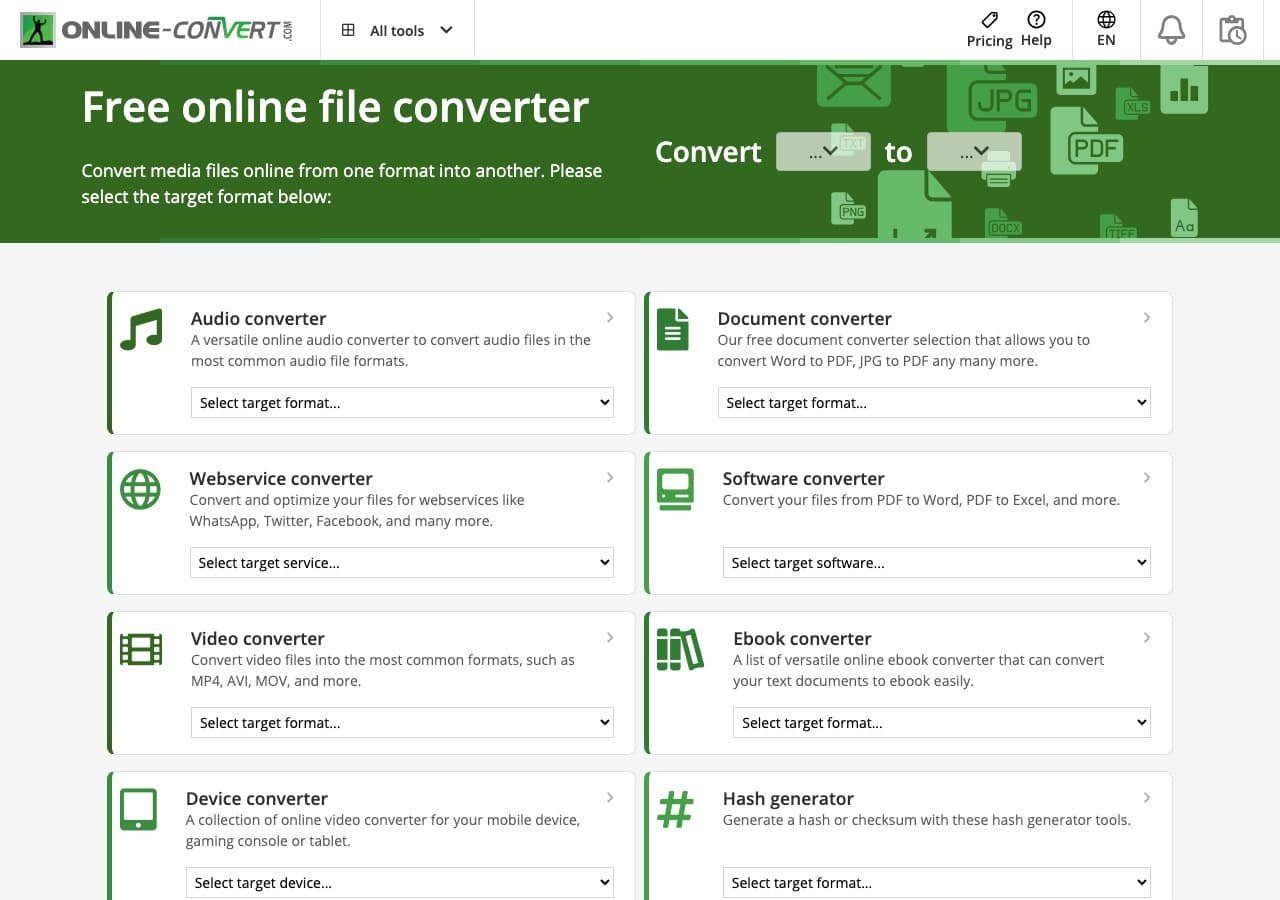
Online-Convert exposes the most detailed AU output controls of any web tool: sample rate, bit depth, channels, normalize.
Pros
- Detailed AU encoding settings.
- Built-in normalize and trim.
Cons
- Cluttered UI with ads.
- 100 MB free file size limit.
Pricing
- Free with ads.
- Paid: From $7.99/month.
18. Adapter - Minimal OGG to AU Tool
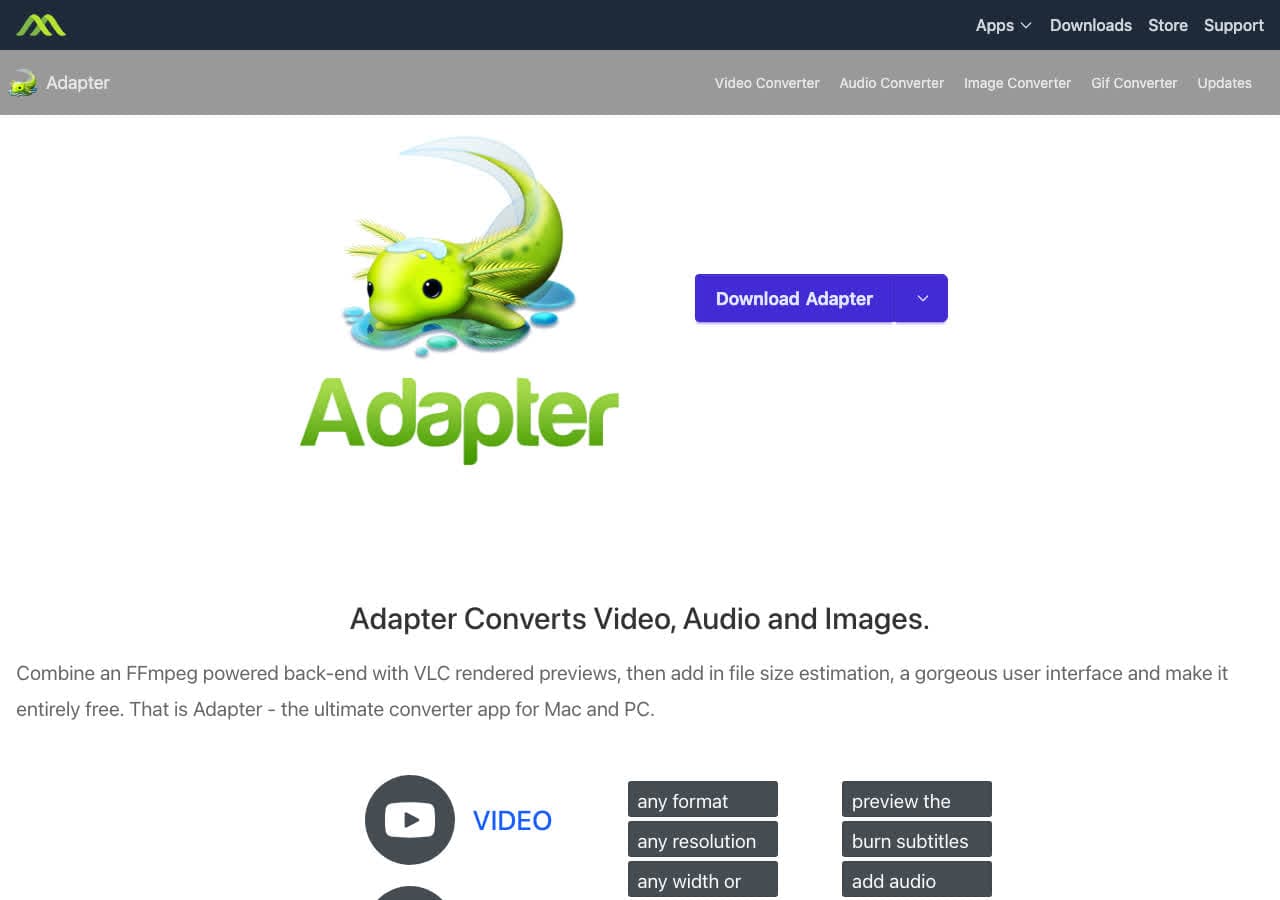
Adapter is a free FFmpeg-based converter on Mac and Windows. Drag in OGG, pick AU, convert.
Pros
- Minimal UI.
- Free, FFmpeg-based.
Cons
- Development has slowed.
Pricing
- Free.
Frequently Asked Questions
Why would I need OGG converted to AU?
The most common reasons are Java applications (the javax.sound.sampled API reads AU natively), legacy Unix systems and embedded environments that only support AU, and academic or scientific toolchains that standardize on AU. For general listening you should not convert OGG to AU.
What encoding should the AU file use?
For modern Java audio playback, 16-bit signed PCM at 44.1 kHz is the safest choice. For very old Sun systems or system sounds, 8-bit u-law mono at 8 kHz is the historical default. Pick based on what the consuming application expects.
Will the converted AU file sound the same as the OGG?
If you encode AU as PCM (uncompressed), the AU file is essentially the decoded OGG audio with no further loss. If you encode AU as 8-bit u-law, you will lose noticeable quality because u-law is a lossy companding scheme designed for voice. Pick PCM unless you specifically need u-law.
Final Thoughts
For one-off OGG to AU conversion in the browser, our free OGG to AU converter handles the file locally. For batch jobs or precise encoding control (PCM vs u-law, sample rate, channels), FFmpeg or Audacity are the strongest free options. For a polished local app that handles OGG to AU alongside every other format, How to Convert is the cross-platform pick.
How to Convert
The offline file converter for Mac, Windows and Linux.
- Converts video, audio, images, documents, ebooks and more
- Everything runs locally. Your files never leave your device
- Pay once. Access forever
Get the app on Mac, Windows and Linux
