3 Best SD2 to WAV Converters in 2026

Trying to rescue an old SD2 recording? I found three routes to WAV. Which one fits depends on the files and the recording software you still have, so I’ve included the limits of each.
1. How to Convert
Mac · $29 once
This is the app I made for converting almost any file in one place. It finds and runs the tools for you. For SD2, you’ll need a Mac and the original file metadata.
1. Keep the original backup. Work from a copy of the original Mac folder. SD2 depends on file metadata that some copying methods discard.
2. Convert on a Mac. Add an SD2 to How to Convert, choose WAV and click Convert. This route is unavailable on Windows, Linux or the website.
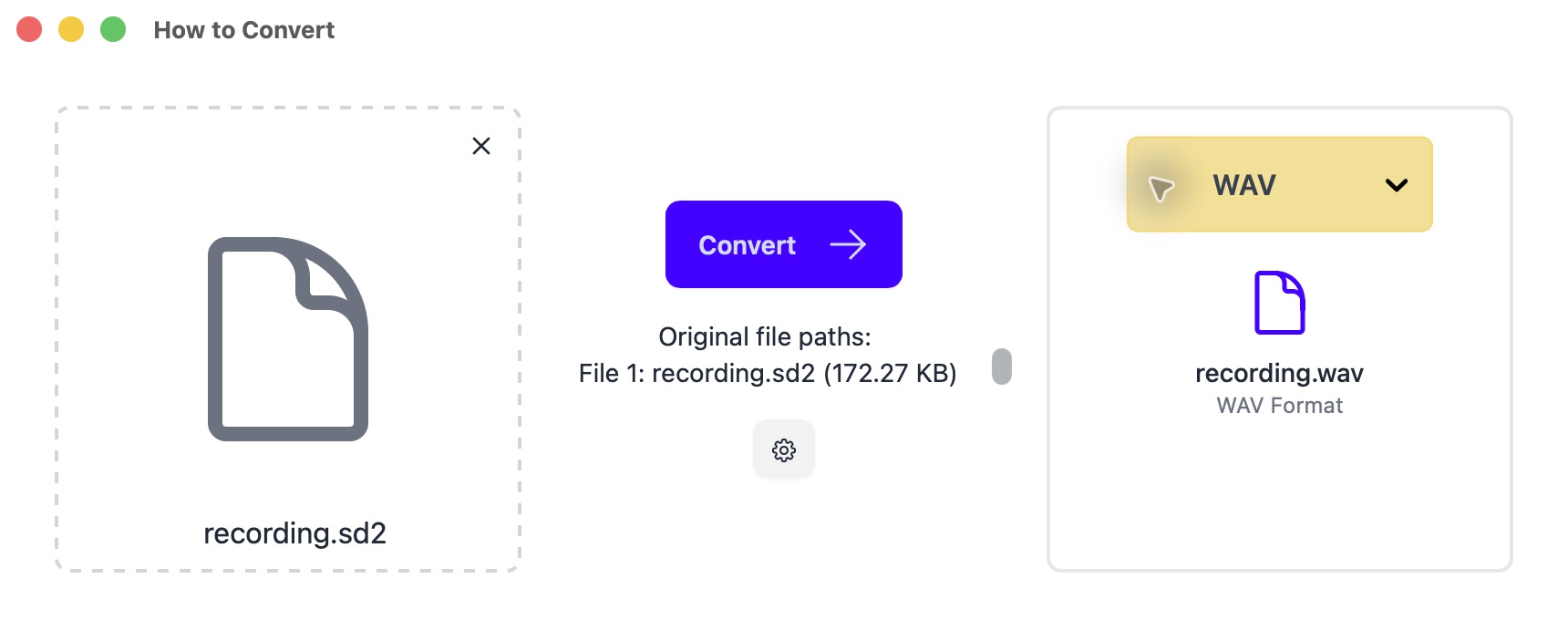
An SD2 file loaded in the Mac app, with WAV selected. 3. Check the recording. Play the WAV at low volume and check its duration, pitch and channels before converting the rest.
This route writes 16-bit WAV. Keep the SD2 originals if preserving 24-bit audio matters. If a file will not open, try the original Mac drive or backup first.
Other options
2. Pro Tools
Mac · Paid
Use a compatible Mac version for a session or 24-bit masters. SD2 support varies by version.
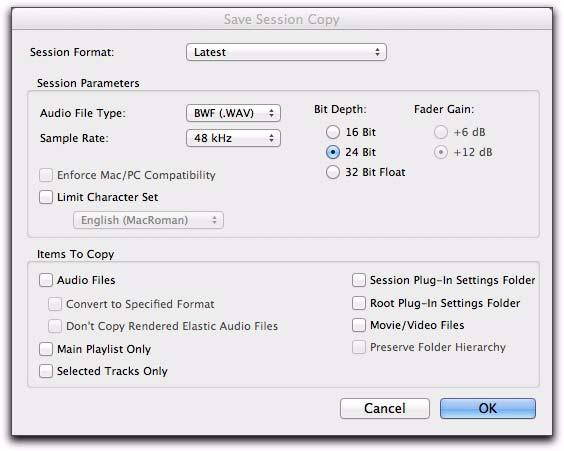
- Open a copy of the session in a Mac version that can read its SD2 audio.
- Choose File → Save Copy In, select WAV, preserve the sample rate and bit depth, and include all audio files.
3. Audacity
Mac, Windows, Linux · Free
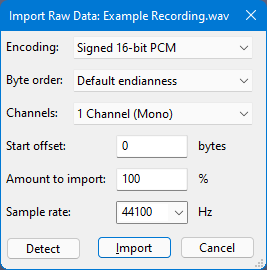
A free recovery route when SD2 metadata is missing and you know the original recording settings.
- Choose File → Import → Raw Data. Enter the known sample rate, bit depth, byte order and channel count.
- Preview at low volume: wrong settings can produce loud noise. If it sounds right, use File → Export Audio → WAV.