How to Convert Old Audio Files Without Losing the Originals
Convert WMA, RealAudio and other old audio files into something modern while keeping the original recording safe.

Old WMA, RealAudio, AU and similar files can be awkward because modern phones and music apps may not open them. The safest approach is to keep the old file and make a new copy in a format you can use today.
For ordinary listening, MP3 is the easiest result. For a family recording, interview or anything irreplaceable, also make a lossless WAV or FLAC copy if the source can be decoded properly.
Do not throw away the strange old file
The old extension does not always tell the full story, and future software may decode a damaged or unusual file better than today's tool. Keep it even after you have a working MP3.
Work from a copy when the file came from an old drive or disc. If the source storage is failing, copy everything off it before doing repeated playback and conversion tests.
How to make a modern listening copy
Copy the old file to a safe folder
Do not convert directly from the only floppy, CD or ageing drive. Keep the original filename and any notes about where it came from.
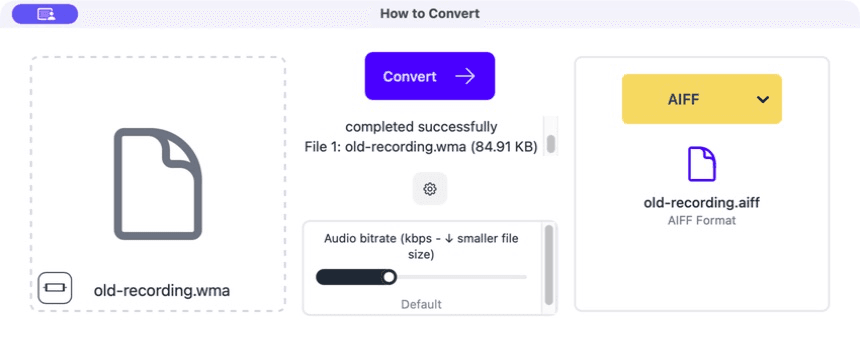
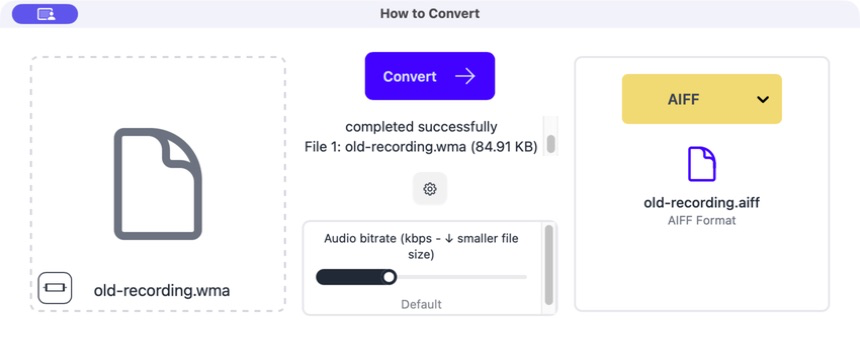
Drag the copy into How to Convert
If the app recognises the file, its available outputs will appear on the right.
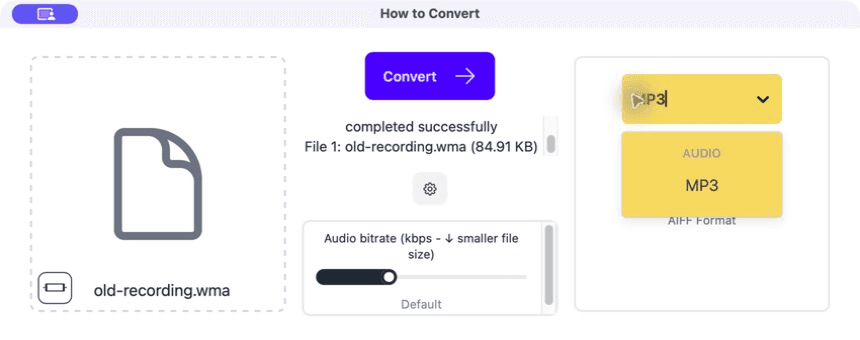
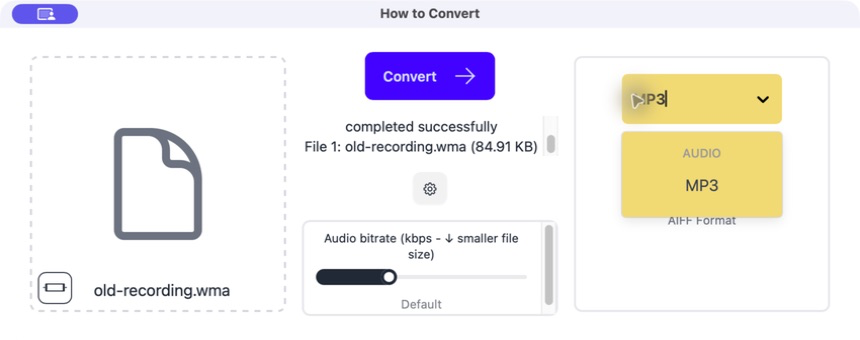
Choose MP3
Use MP3 for easy playback. For an important recording, make a WAV or FLAC copy as well.
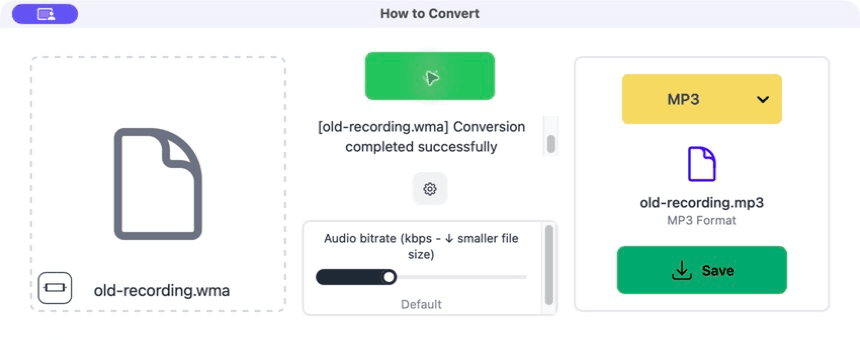
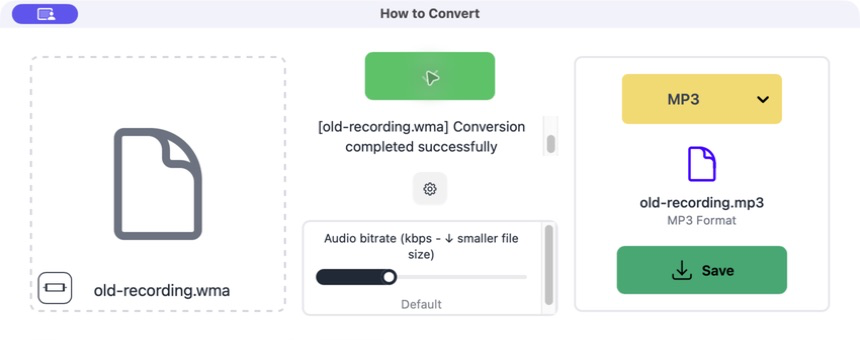
Convert and listen through the file
Check the beginning, middle and end. Listen for wrong speed, silence, missing channels and an ending that stops too early.
Common problems
The recording plays too fast or slow
The sample rate was read incorrectly.
Keep the source and try another decoder or explicitly set the known sample rate.
Only one side has sound
The source has one channel or the channel layout was handled badly.
Check the original in another player before making a corrected listening copy.
The title or artist is gibberish
Old text encoding was not read correctly.
Copy the useful information manually into the new file while keeping the original metadata notes.
Frequently asked questions
Should I convert old WMA files to MP3?
Yes for convenient listening, but keep the WMA original if it is important.
What format is best for preservation?
Keep the original and add a lossless WAV or FLAC access copy when possible.
Can conversion repair damaged audio?
It can make an awkward format playable, but it cannot recover sound that is physically missing from the source.
Why make both FLAC and MP3?
FLAC is the better long-term working copy; MP3 is smaller and easier to play anywhere.
Extra: Extra care for irreplaceable recordings
Write down the original filename, size and date, then keep the old file beside the new copies. A checksum is a short digital fingerprint that can later tell you whether the file has changed or become corrupted.
If one decoder produces the wrong speed, missing audio or a cut-off ending, try another trusted tool before deciding the original is damaged. Old formats sometimes have several slightly different versions.
