WAV vs AIFF: Which Uncompressed Audio Format Should You Use?
Compare WAV and AIFF for PCM audio, metadata, Mac and Windows workflows, DAWs, sample libraries, archiving, and delivery.

WAV and AIFF are both common uncompressed audio files. At the same sample rate, bit depth and channel count, they can contain the same audio quality. The practical difference is which software and workflow expect each format.
Use WAV when you want the broadest Windows, web and general audio compatibility. Use AIFF when an older Apple or studio workflow specifically asks for it.
The quality is in the audio settings, not the letters
A 24-bit, 48 kHz stereo WAV and an AIFF with the same settings contain the same amount of uncompressed audio data. Converting between them does not need to make the sound worse.
The files can still differ in metadata support and how particular apps read tags or embedded artwork. If tags matter, test them as well as listening to the sound.
How to convert WAV to AIFF
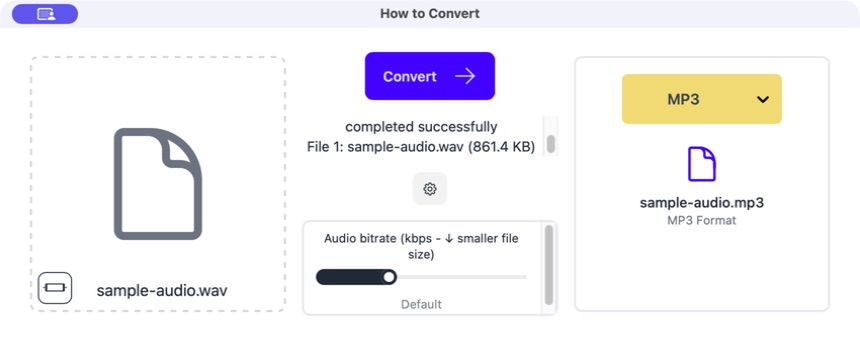
Drag the WAV into How to Convert
The source file appears on the left. Keep it as your original until the new file is checked.
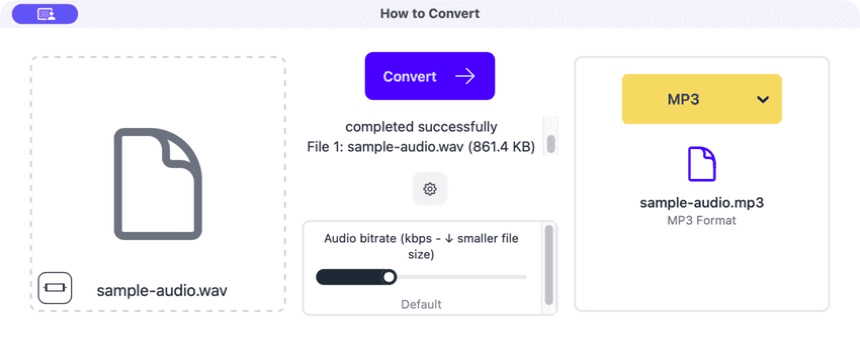
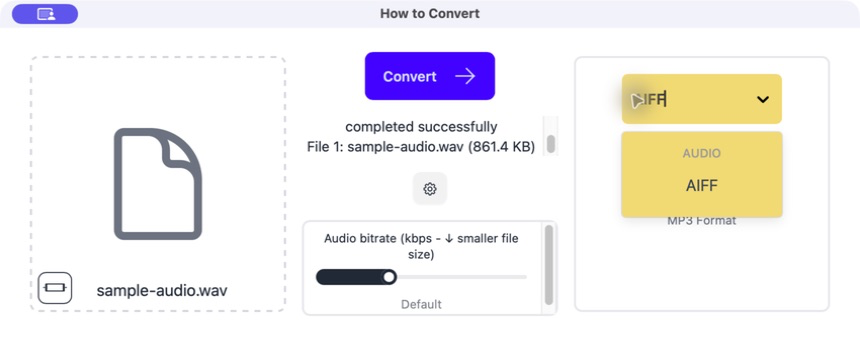
Choose AIFF
Select AIFF from the output menu. Leave the normal sample-rate and channel settings alone unless the destination gave you a specific requirement.
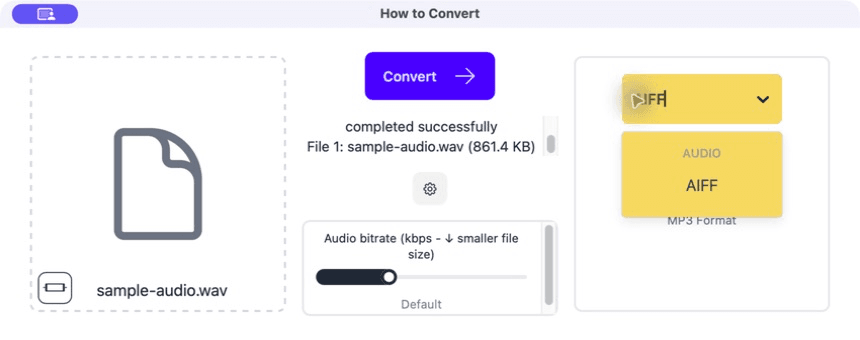
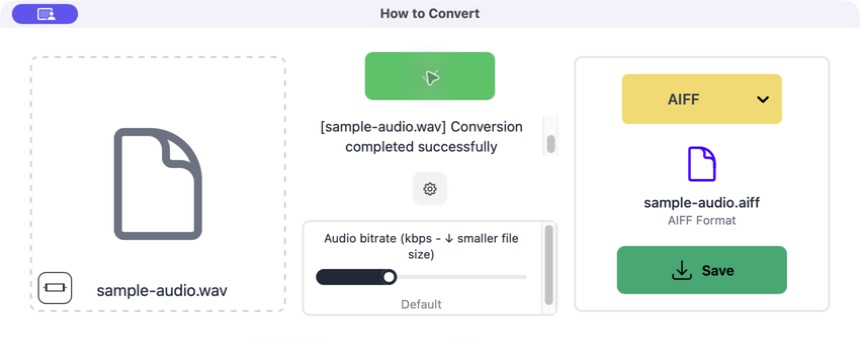
Click Convert
The app creates a new AIFF file without changing the original WAV.
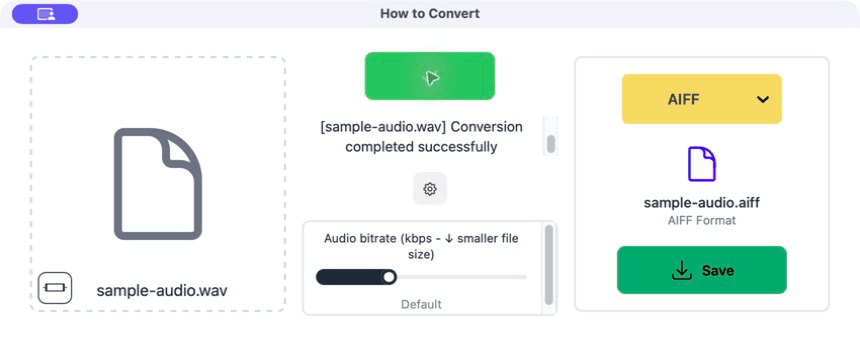
Save and compare
Open the AIFF in the destination app. Check the duration, channel count and any title or artist tags you need.
Common problems
The AIFF is the same large size
Both files contain uncompressed audio.
Use FLAC or ALAC for smaller lossless storage, or MP3/AAC for a small listening copy.
Tags are missing
The two apps store or read metadata differently.
Copy the important tags again and keep the original file.
The audio became mono
The output settings changed the channel count.
Convert again and preserve stereo or the original channel layout.
Frequently asked questions
Does WAV sound better than AIFF?
Not when both contain the same uncompressed audio settings.
Which one is smaller?
They are usually very similar in size. Use a compressed format if size is the real problem.
Can AIFF work on Windows?
Many modern audio apps can open it, but WAV remains the safer general Windows choice.
Will conversion lose quality?
A straightforward PCM WAV-to-AIFF conversion can preserve the same audio samples.
Extra: Sample rate, bit depth and channels
Sample rate describes how often the sound is measured each second. Bit depth describes the range available for each measurement. Channels describe mono, stereo or a larger speaker layout.
Changing the container from WAV to AIFF does not require changing any of those values. Preserve the source settings unless the receiving studio, editor or device has told you otherwise.
