18 Best WAV to MP3 Converters in 2026 (Free and Paid)
The 18 best WAV to MP3 converters in 2026. Convert WAV to MP3 locally (offline) or online with these free and paid tools for Mac, Windows, and Linux.
Posted by
 Jake Manger
WAV is a great format for recording and archiving because it is uncompressed, but it is not great for sharing. WAV files are huge compared to MP3, and many devices and apps still default to MP3 for playback and uploads. If you need to email audio, send it over chat, upload it to a form, or just save space, converting WAV to MP3 is usually the quickest fix.
In this guide, we cover the 18 best WAV to MP3 converters in 2026, including offline desktop apps (best for privacy and big batches), pro audio editors, and a few reputable online converters for one-off jobs.
1. How to Convert (I built this one) - Best Privacy-First WAV to MP3 Converter
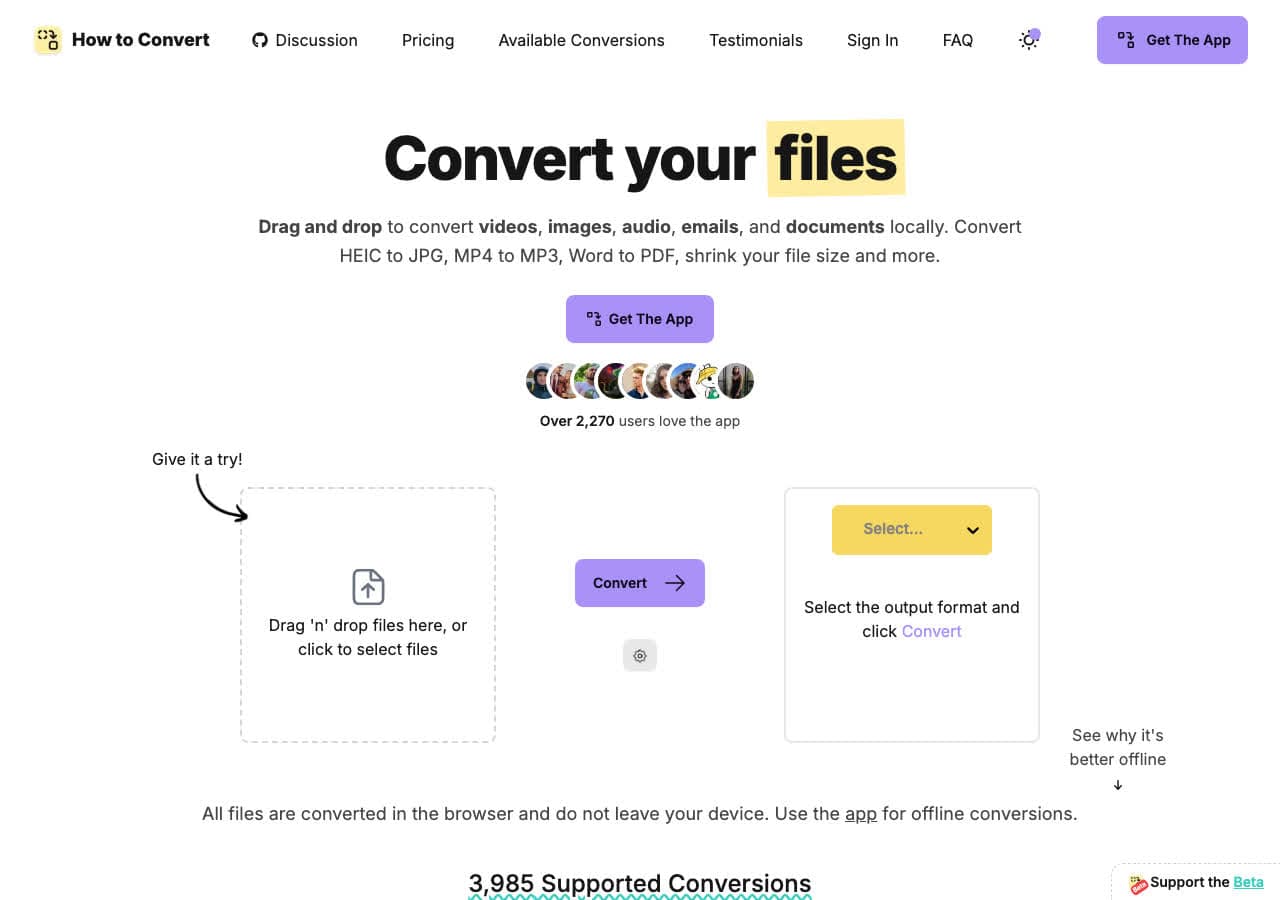
How to Convert is a local-first converter that runs on your machine, so your audio never needs to be uploaded to a website. If you are converting voice notes, interviews, client recordings, or anything sensitive, doing the conversion offline is the safest approach.
It is also convenient for batches: drop in a folder of WAV files, choose MP3, and export them all at once. For a quick web flow, you can also use the conversion page for WAV to MP3.
Pros
- Offline conversion (no upload required).
- Good default MP3 settings for most use cases.
- Works for many other formats beyond audio.
- Batch-friendly workflow.
Cons
- Desktop app required for the full offline workflow.
- Not a full DAW/editor (no multitrack).
Pricing
- Free web converter for common formats.
- Desktop: one-time purchase (no subscription).
2. FFmpeg - Best Command-Line WAV to MP3 Converter
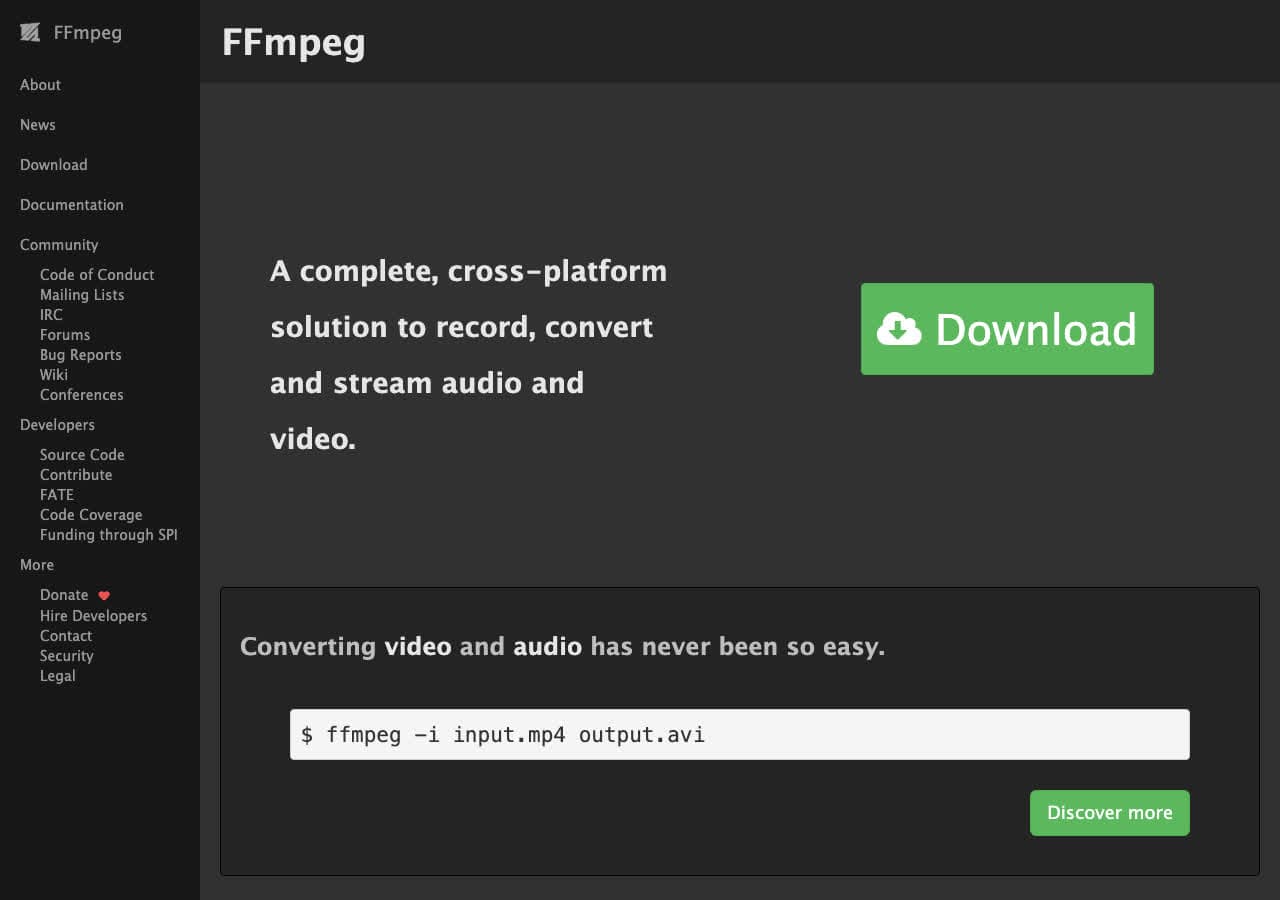
FFmpeg is the gold standard for audio and video conversion. If you are comfortable with the terminal, it is one of the fastest, most controllable ways to convert WAV to MP3, including batch scripts and exact bitrate or VBR settings.
A typical command looks like: ffmpeg -i input.wav -codec:a libmp3lame -qscale:a 2 output.mp3. You can also normalize loudness, downmix to mono, resample, or trim audio in the same pipeline.
Pros
- Extremely fast and reliable.
- Full control over encoding settings.
- Easy to automate with scripts.
- Free and open-source.
Cons
- Command-line learning curve.
- No built-in library management.
Pricing
- Free.
3. Audacity - Best Free WAV to MP3 Converter with Editing
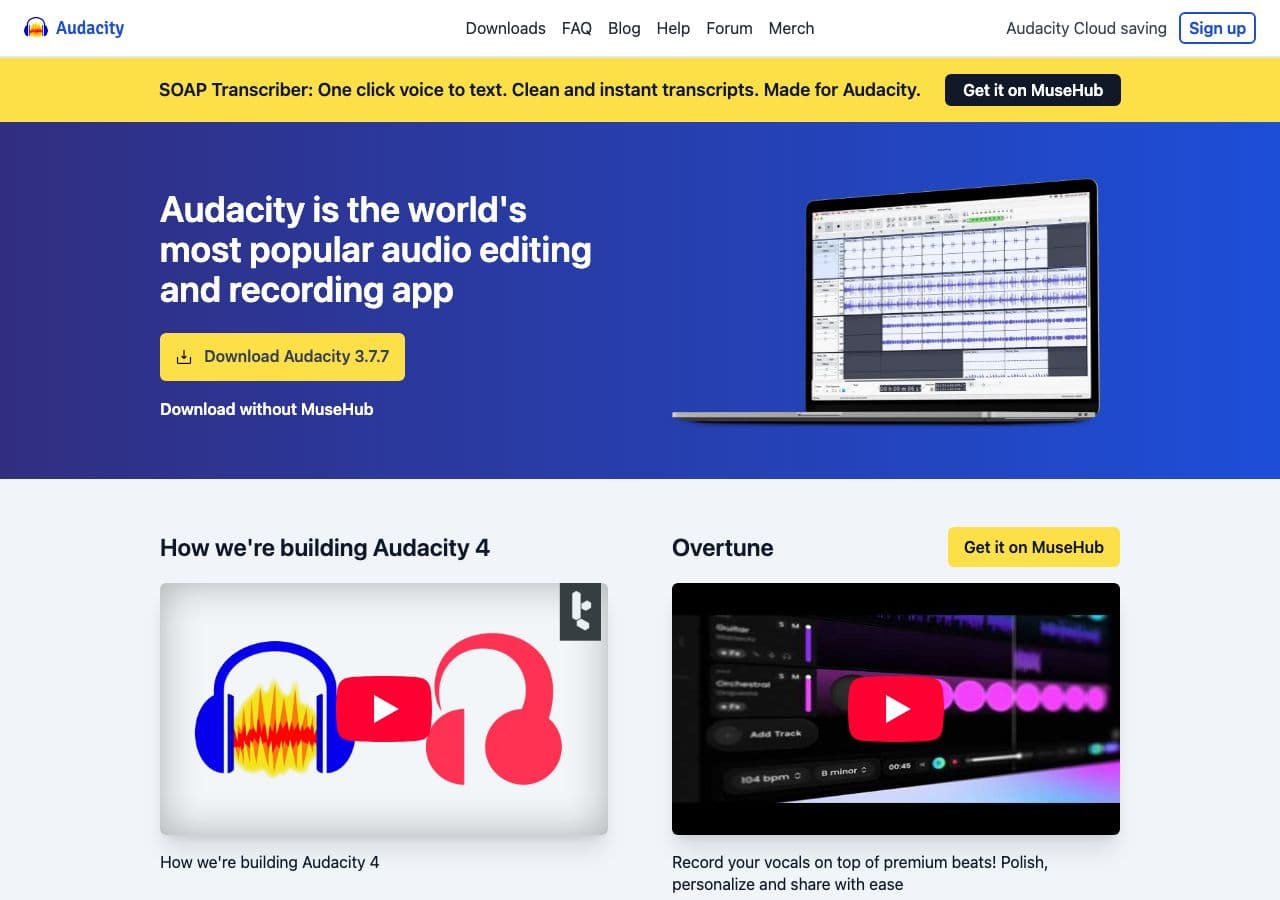
Audacity is a free, open-source audio editor that can import WAV, make basic edits (trim, fade, noise reduction), and export to MP3. For many people, it is the easiest way to do a “clean up and convert” workflow in one tool.
Audacity supports batch export via “Export Multiple” and can apply chains/macros for repetitive tasks. The only gotcha is that MP3 export depends on your install (modern builds usually include it), so if MP3 export is missing you may need to install the encoder.
Pros
- Free, open-source, cross-platform.
- Edit + convert in the same app.
- Good for cleaning up voice recordings.
Cons
- Interface can feel dated.
- Not a full DAW for complex production.
Pricing
- Free.
4. VLC - Best Quick WAV to MP3 Converter You Already Have
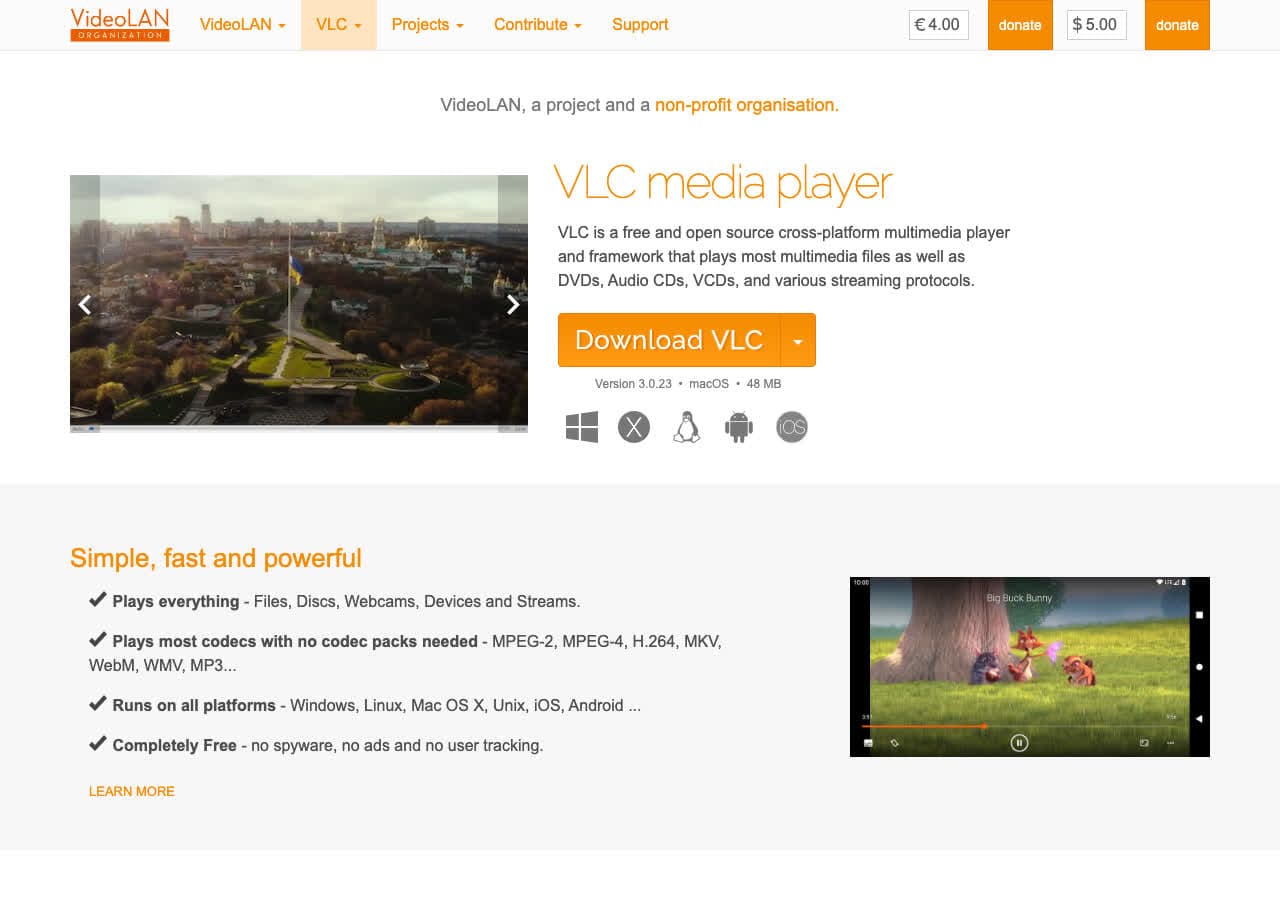
VLC is best known as a media player, but it also includes a surprisingly capable “Convert/Save” tool. If VLC is already installed, it is a good no-extra-download option for converting a few WAV files to MP3.
VLC’s conversion UI is not as polished as dedicated converters, but it works: choose Media → Convert/Save, pick a profile (MP3), and start. For anything bigger than a handful of files, you will probably prefer a batch-oriented app.
Pros
- Free and widely available.
- No extra tool needed if you already use VLC.
- Works on Mac, Windows, and Linux.
Cons
- Not ideal for big batches.
- UI is a bit hidden/clunky.
Pricing
- Free.
5. Apple Music / iTunes - Best WAV to MP3 Converter for Music Libraries
On Mac (and older Windows setups), Apple Music / iTunes can convert WAV files into compressed formats that are easier to sync and store. If your goal is getting WAV into your music library or onto an iPhone, this can be a practical built-in approach.
The workflow is: set your import settings to MP3 Encoder, then use “Convert” on selected tracks. It is not the fastest batch tool, but it is familiar to a lot of users.
Pros
- Convenient for Apple ecosystem syncing.
- No extra installs for many Mac users.
- Simple bitrate options.
Cons
- Limited control compared to FFmpeg/LAME.
- Not designed for huge conversion queues.
Pricing
- Free (built-in on macOS; Windows support varies).
6. Windows Media Player - Best Simple Windows WAV to MP3 Option (Legacy)
Windows Media Player is not a modern converter, but it still shows up in workflows where people rip CDs or manage local libraries. Depending on your Windows version and settings, you can configure ripping/encoding formats and end up with MP3 files.
If you specifically need a supported, current tool, choose something like FFmpeg, Audacity, or a dedicated converter app instead. But for legacy setups, WMP can be “good enough.”
Pros
- Often already installed on older systems.
- Works for simple library workflows.
Cons
- Not a dedicated converter UI.
- Feature set varies by Windows version.
Pricing
- Free (bundled with Windows in many versions).
7. Adobe Audition - Best Pro WAV to MP3 Converter for Audio Workflows
Adobe Audition is a professional audio editor with excellent export controls, batch processing, and loudness standards support. If you are producing podcasts or delivering audio assets to clients, Audition is a dependable “edit + export MP3” tool.
Its Batch Process panel can convert multiple WAV files to MP3, apply effects, and normalize loudness. The tradeoff is price: Audition is subscription software and overkill if you only need basic conversions.
Pros
- Excellent MP3 export settings and presets.
- Batch processing and loudness tools.
- Great for professional deliverables.
Cons
- Subscription required.
- Too complex for quick one-off conversions.
Pricing
- Subscription (Adobe Creative Cloud).
8. MediaHuman Audio Converter - Best Simple Desktop Batch Converter
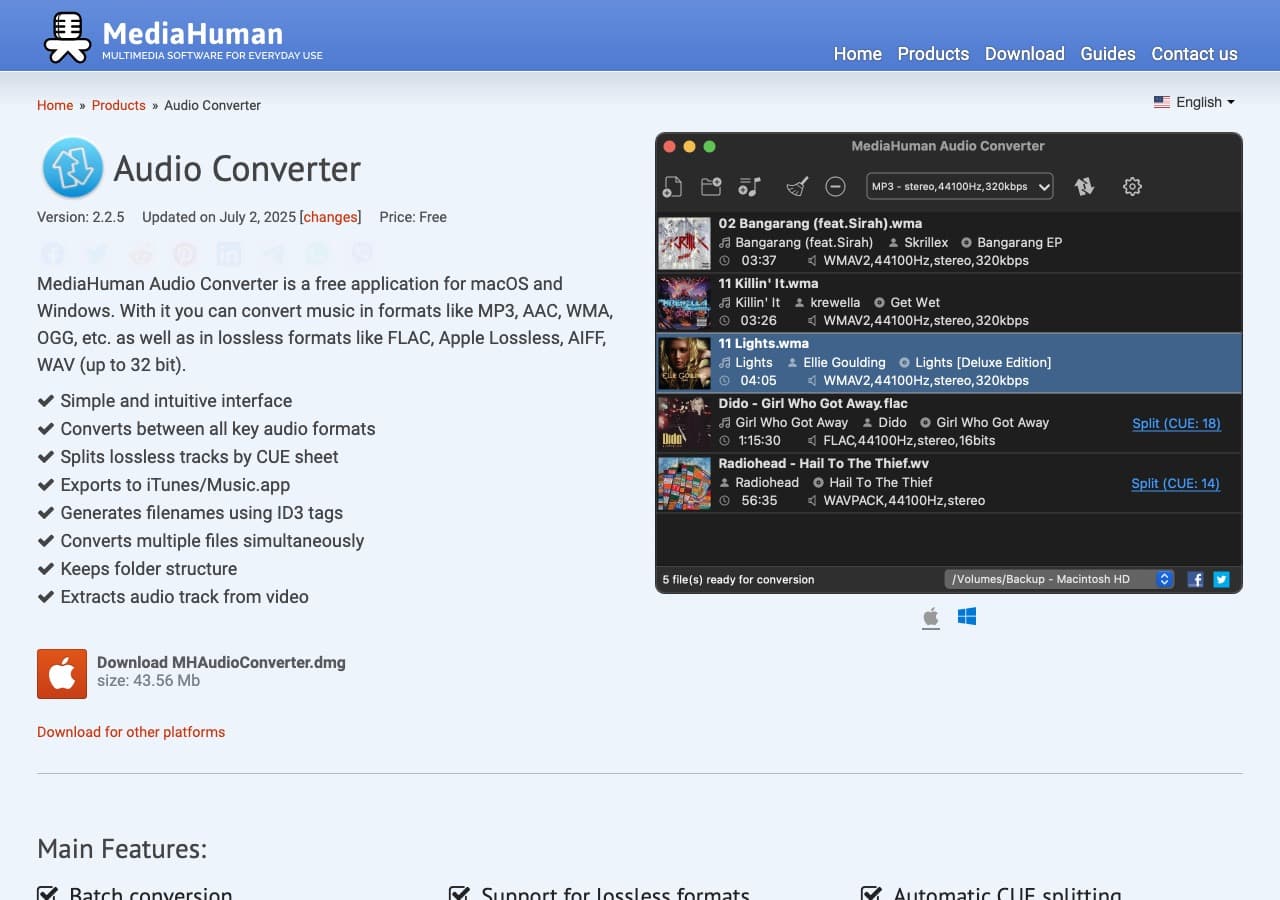
MediaHuman Audio Converter is a straightforward drag-and-drop converter for Mac and Windows. Add WAV files, choose MP3, tweak bitrate, and convert. It is a good fit for non-technical users who want something more “app-like” than a command line.
It also supports batch conversion, automatic import from folders, and basic metadata handling. For pure WAV-to-MP3 jobs, it is one of the simplest desktop choices.
Pros
- Very easy UI.
- Good batch conversion support.
- Metadata handling for music files.
Cons
- Not as many advanced encoding knobs as FFmpeg.
- Limited editing features.
Pricing
- Free (donation-supported).
9. Fre:ac - Best Free Converter for CD Rips and Bulk Audio
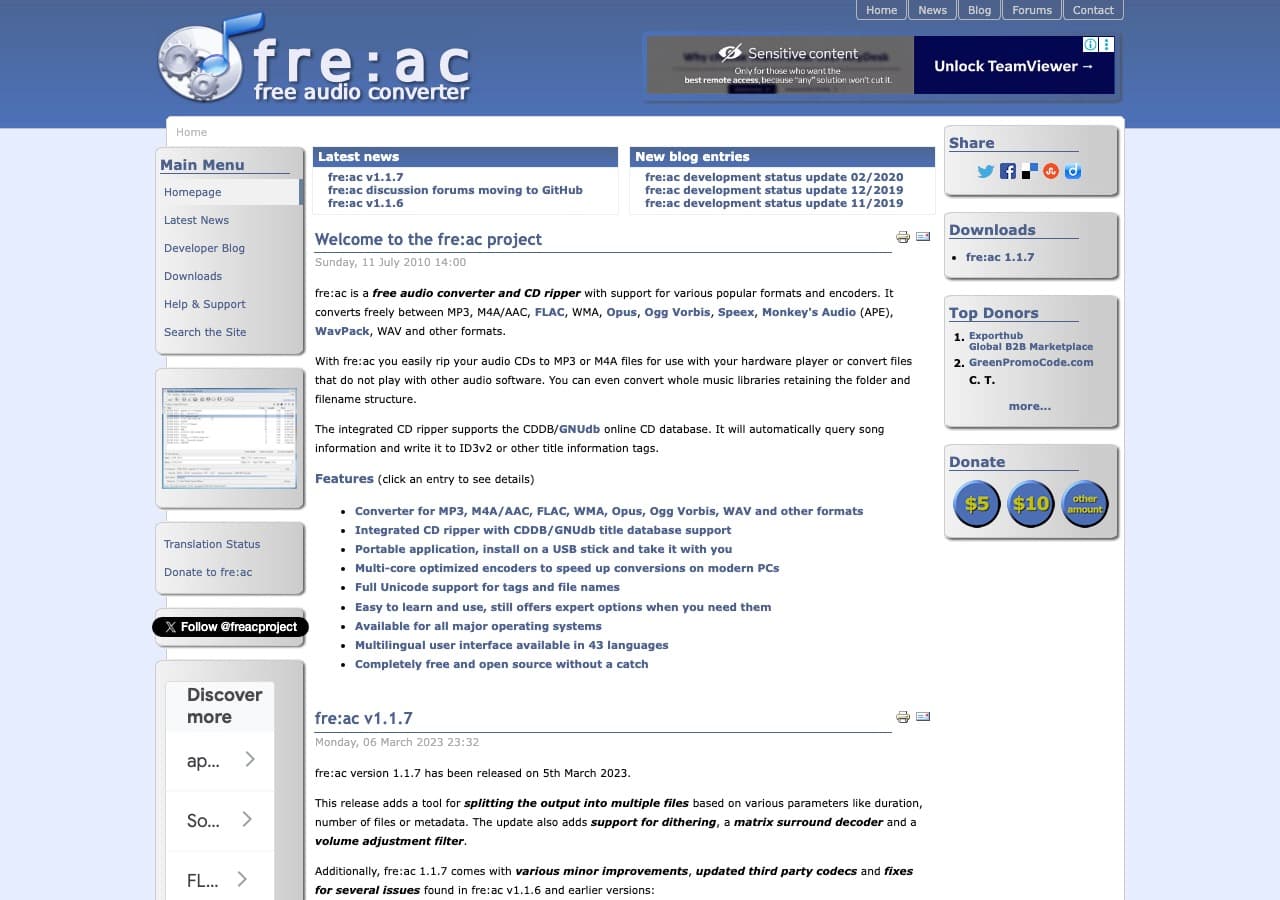
Fre:ac is a long-running free audio converter and CD ripper. It is especially good if your starting point is a folder of WAV files from a rip or a recorder and you need to convert them to MP3 in bulk.
Fre:ac supports multiple encoders and lets you choose constant bitrate or VBR profiles. The interface is functional rather than pretty, but it gets the job done.
Pros
- Free and open-source.
- CD ripping + conversion in one tool.
- Batch conversion support.
Cons
- Interface feels old-school.
- Fewer editing tools than Audacity/Audition.
Pricing
- Free.
10. Switch Audio Converter - Best WAV to MP3 Converter for Bulk Jobs
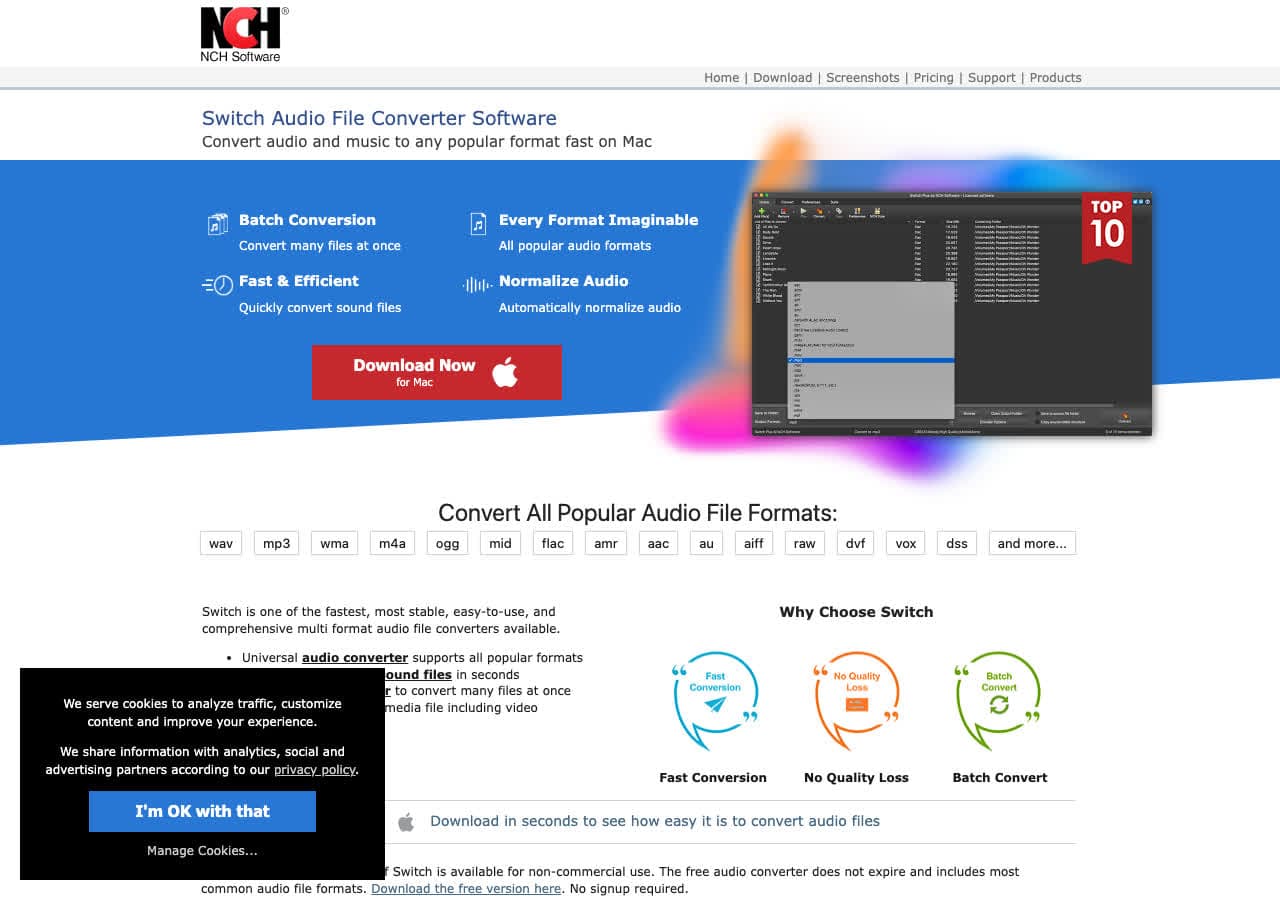
Switch by NCH is a dedicated audio converter with strong batch features. It is popular in small business and transcription workflows because it can chew through folders of audio quickly and supports presets.
The free version is limited, but the paid version adds more encoders and commercial usage. If you want a “set it and forget it” batch converter with a straightforward UI, Switch is worth a look.
Pros
- Strong batch conversion workflow.
- Preset system for repeated jobs.
- Supports many audio formats.
Cons
- Free tier is limited.
- Occasional upsell prompts.
Pricing
- Free (limited features).
- Paid: license available (varies by edition).
11. Movavi Video Converter - Best Polished Converter App (Audio Included)
Movavi is a consumer-friendly converter app that handles both video and audio. If you sometimes convert video but right now need WAV to MP3, it is an easy all-in-one.
Movavi includes device presets and basic trimming, which can be handy if you want to clip the start/end of a WAV before exporting MP3. It is a paid app, but often discounted.
Pros
- Very approachable UI.
- Supports many audio/video formats.
- Includes simple trim tools.
Cons
- Paid license for full version.
- Not as configurable as pro audio tools.
Pricing
- Paid (free trial available).
12. Wondershare UniConverter - Best Feature-Rich Converter Suite
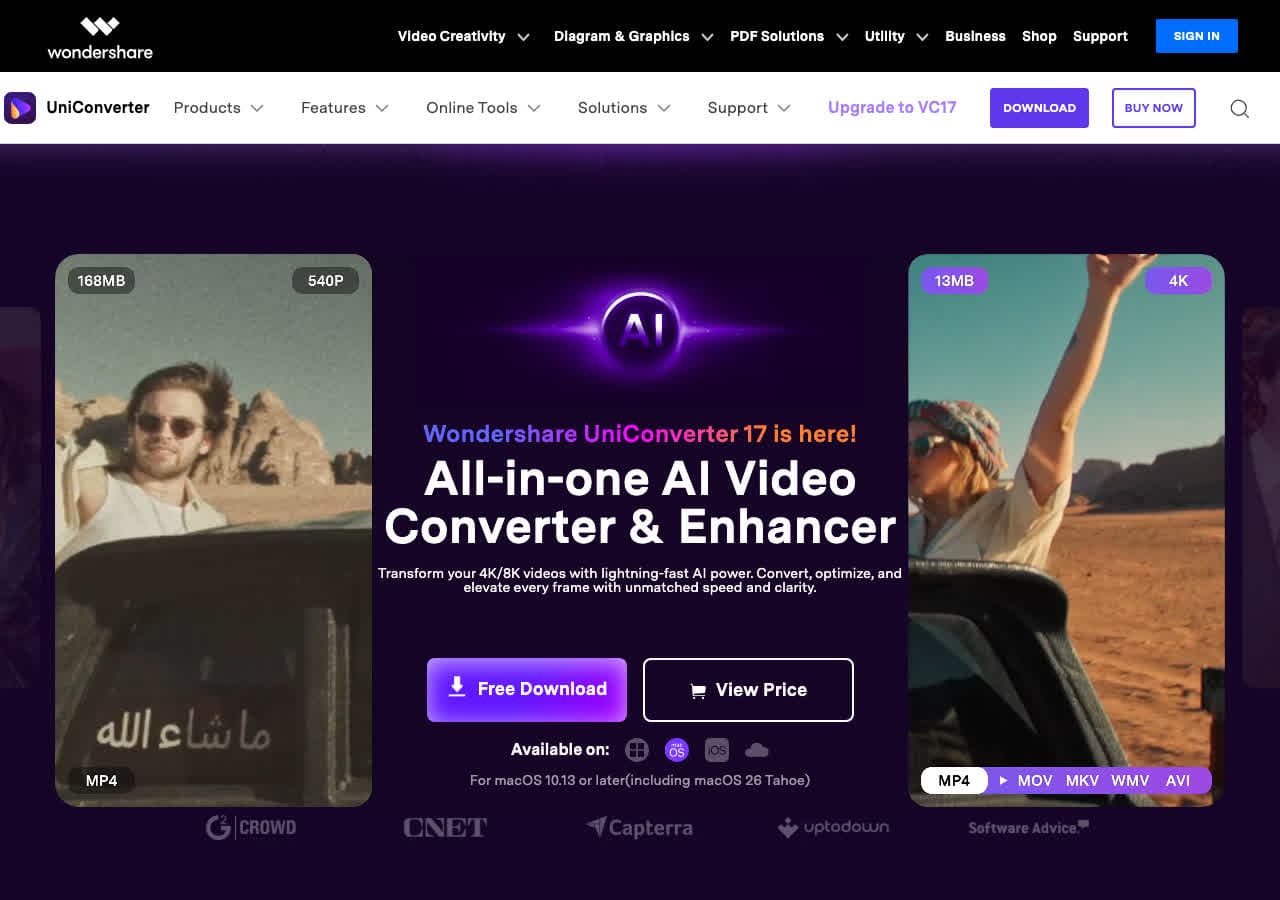
Wondershare UniConverter is a full conversion suite with a lot of extra utilities (downloading, compression, basic editing). For users who want a single app for many media tasks, it can make WAV to MP3 conversion painless.
The downside is that it is heavier than single-purpose audio converters, and the pricing is typically subscription-oriented. Still, it is a popular option for non-technical users.
Pros
- Lots of features beyond conversion.
- Easy presets and batch support.
- Polished UI.
Cons
- Can feel bloated for simple needs.
- Pricing can be expensive.
Pricing
- Paid (subscription or lifetime depending on plan).
13. Online Audio Converter - Best Simple Web WAV to MP3 Converter
Online Audio Converter is a basic, no-frills web converter that supports WAV to MP3 and a handful of other formats. It is a good choice when you cannot install software and the file is not sensitive.
Like any online converter, check file-size limits and retention policies. For private audio, prefer offline tools like How to Convert, Audacity, or FFmpeg.
Pros
- Fast and simple web UI.
- No install required.
- Supports multiple audio formats.
Cons
- Not ideal for sensitive files.
- Depends on internet speed.
Pricing
- Free (ad-supported).
14. CloudConvert - Best Online WAV to MP3 Converter for Control and API
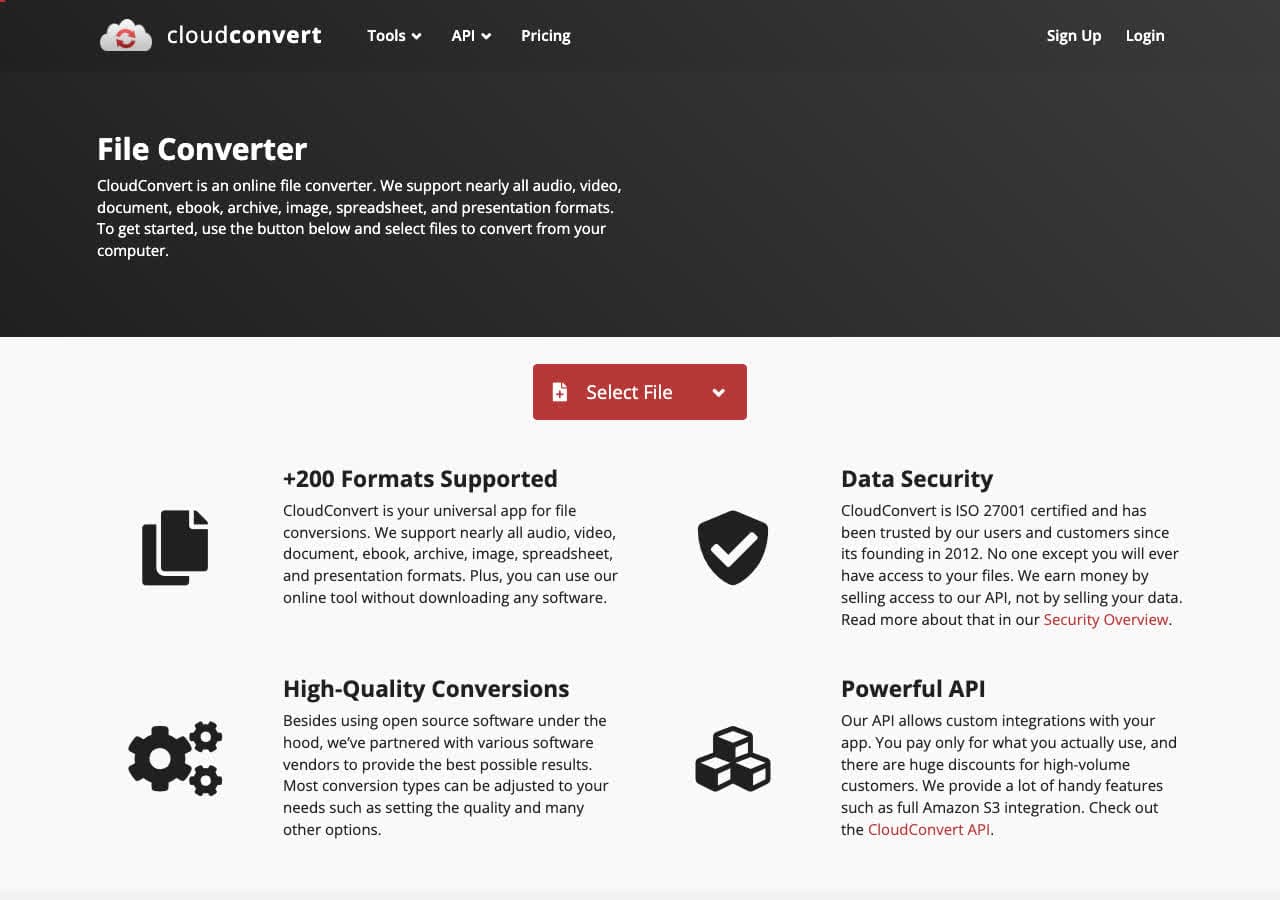
CloudConvert is one of the more reputable online converters, and it stands out for offering real control over codec settings. You can set bitrate, trim, and sometimes adjust audio channels depending on the conversion.
It is also popular with developers because it has an API. If you need consistent WAV to MP3 conversions as part of a pipeline, CloudConvert is one of the safer bets.
Pros
- Good reputation among online converters.
- More control than most web tools.
- API available.
Cons
- Credit-based pricing for heavy use.
- Uploads required.
Pricing
- Free tier with limits.
- Paid plans for higher volume.
15. Convertio - Best All-Purpose Web Converter
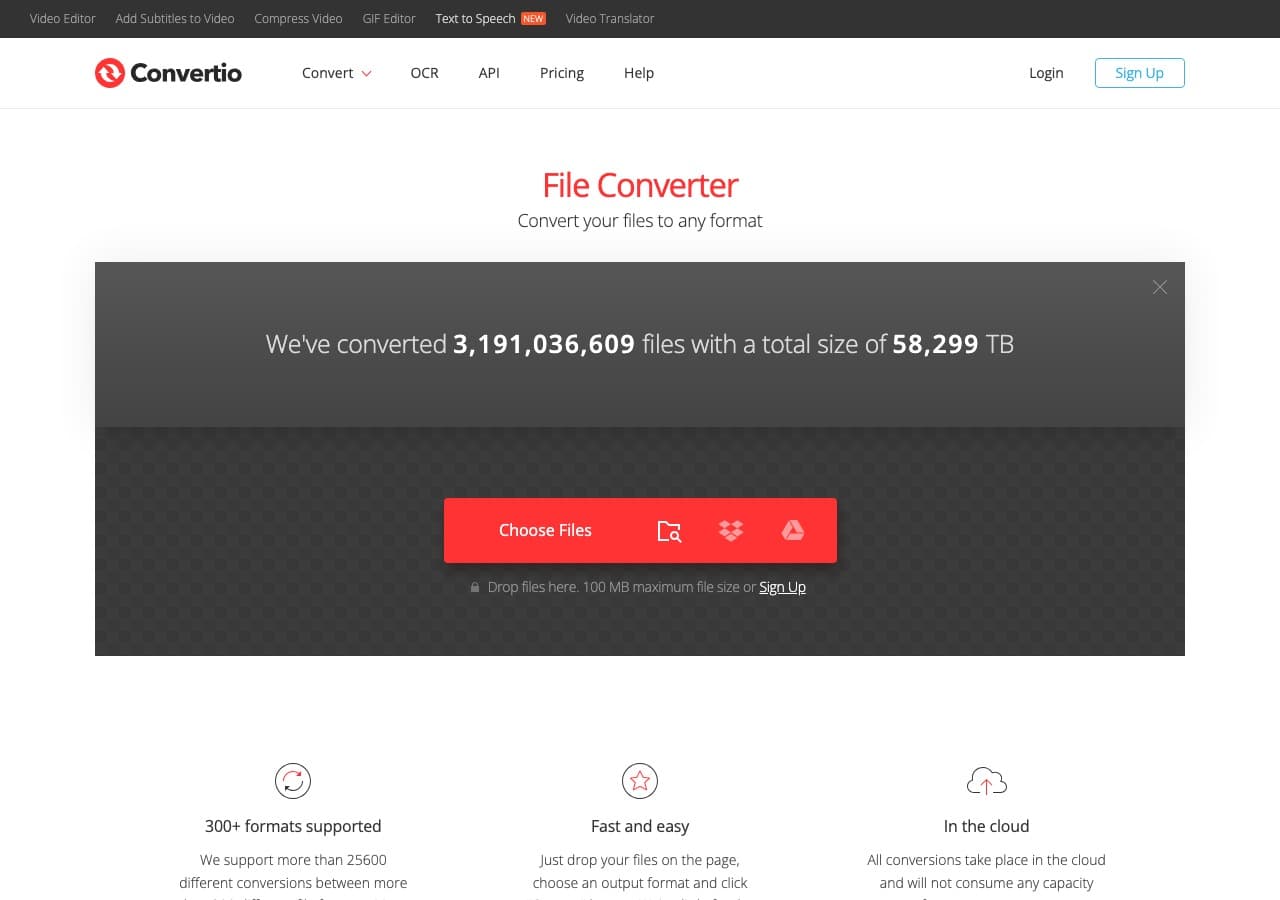
Convertio supports a huge range of formats and is often the site people end up on when searching “convert WAV to MP3.” It is easy to use, but it is also a typical web converter: you upload a file, wait, then download.
If the audio is private or large, prefer an offline tool. If you just need one file converted quickly and you accept the tradeoffs, Convertio is convenient.
Pros
- Very easy UI.
- Supports many formats.
- Works in browser.
Cons
- Uploads required.
- Free tier has size limits.
Pricing
- Free tier (limits apply).
- Paid subscription for higher limits.
16. Zamzar - Best “Email-Friendly” Online WAV to MP3 Converter
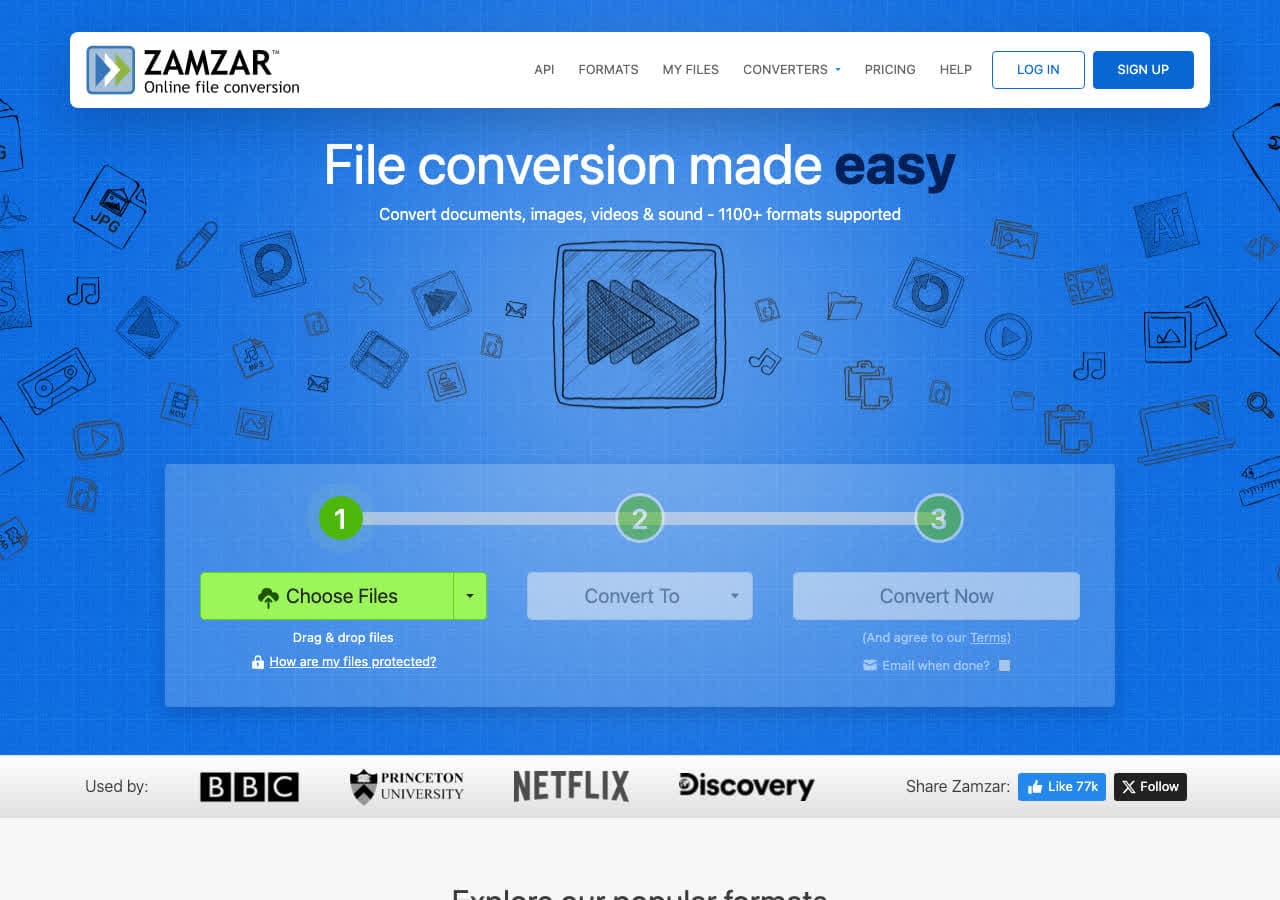
Zamzar is a long-running online conversion service with a simple UI. It is popular because it feels straightforward and supports a lot of formats without requiring you to think about codec settings.
Zamzar can be a good fit when you are converting a file for a less technical recipient and want a predictable output. Still, remember the tradeoff: the file must be uploaded.
Pros
- Very simple workflow.
- Supports lots of file types.
- Long-running, well-known service.
Cons
- Uploads required.
- Free tier is limited.
Pricing
- Free tier.
- Paid plans for larger files and faster queues.
17. FreeConvert - Best Clean Web UI for WAV to MP3
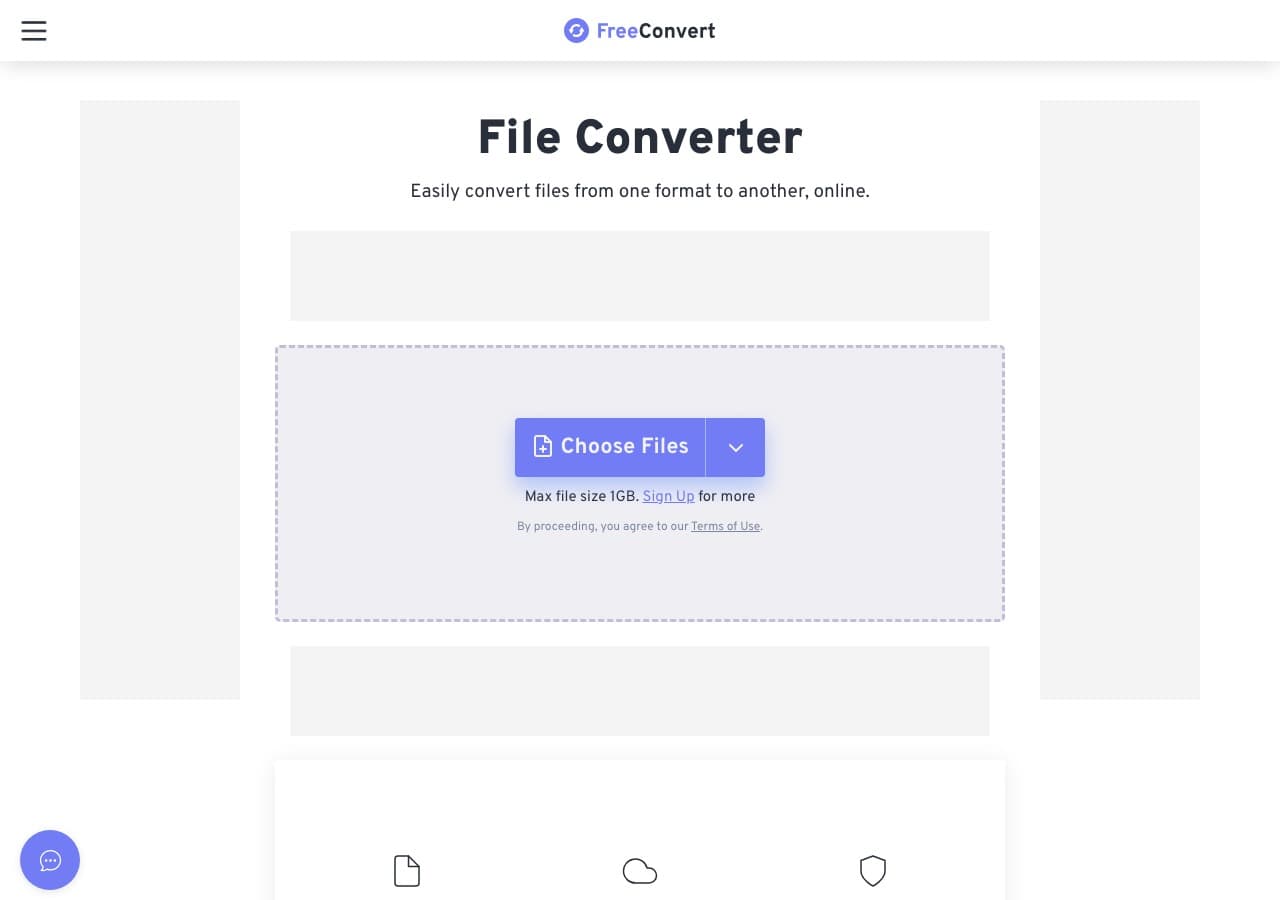
FreeConvert has a clean interface and tends to avoid the worst ad spam that plagues some online converters. For one-off WAV to MP3 conversions, it is one of the more pleasant web experiences.
It also supports basic settings for bitrate and trimming in some cases. As always, if you are converting anything private, choose an offline option.
Pros
- Clean UI.
- Decent free tier for small jobs.
- Supports many formats.
Cons
- Uploads required.
- Not ideal for large files.
Pricing
- Free tier.
- Paid plans for higher limits.
18. Restream Audio Converter - Best Quick Browser-Based Converter
Restream Audio Converter is a quick web tool that extracts and converts audio with minimal fuss. It is useful when you need a fast conversion and do not care about advanced settings.
For better control over quality and for offline conversions, use FFmpeg, Audacity, or a desktop converter. But for quick “just give me an MP3,” Restream is fine.
Pros
- Very fast and simple.
- No install required.
- Good for one-off conversions.
Cons
- Uploads required.
- Limited settings.
Pricing
- Free.
 How to Convert
The offline file converter for Mac, Windows and Linux.
- Converts video, audio, images, documents, ebooks and more
- Everything runs locally. Your files never leave your device
- Pay once. Access forever
Get the app on Mac, Windows and Linux
