TutorialsMarch 5, 2025
Try How to Convert in Your Browser on Mobile
Experience How to Convert's privacy-first file conversion directly in your browser on mobile. No installation required - convert files instantly while keeping your data private.
Posted by
 Jake Manger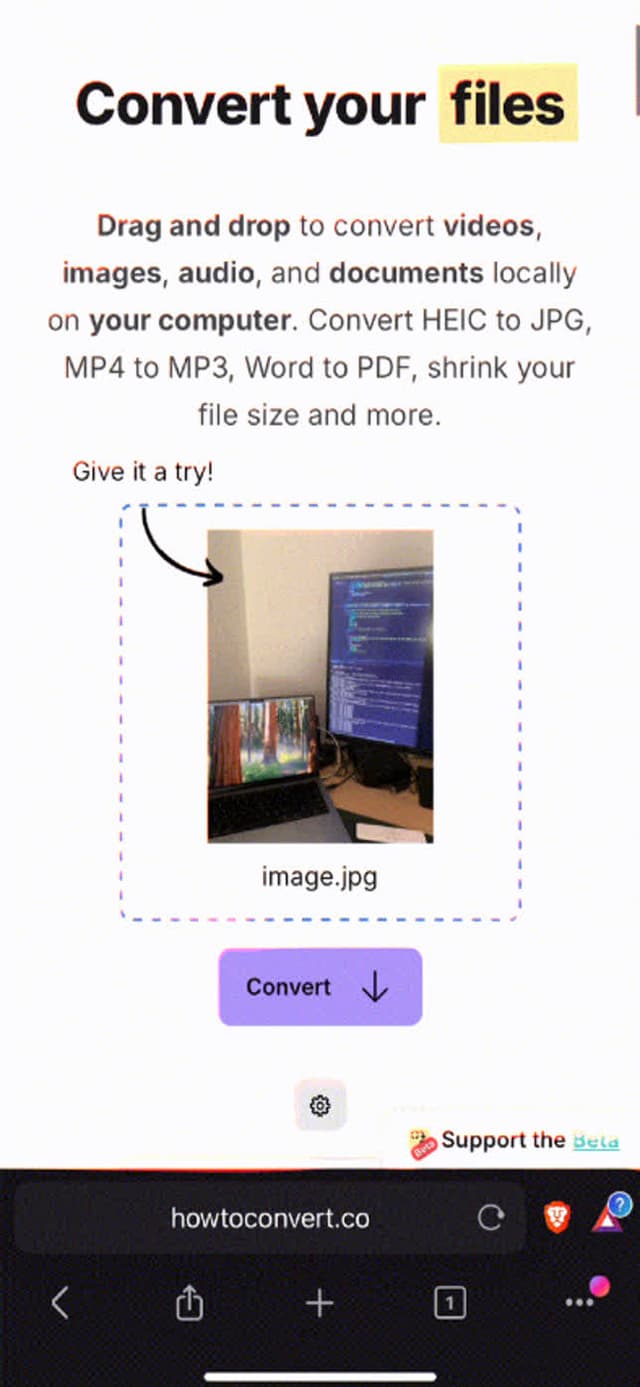
Browser-Based File Conversion is Here!
I'm excited to announce that How to Convert now offers a browser-based demo! This means you can try our privacy-first file conversion directly in your web browser, with no installation required. Best of all, all conversions happen locally - your files never leave your device.
It even works on mobile!
Try It Now
The browser demo currently supports a carefully selected set of common file conversions:
- PNG to ICO - Perfect for creating website favicons
- JPG to PNG - Convert photos while preserving quality
- and many more videos, images and audio files
 How to Convert
The offline file converter for Mac, Windows and Linux.
- Converts video, audio, images, documents, ebooks and more
- Everything runs locally. Your files never leave your device
- Pay once. Access forever
Get the app on Mac, Windows and Linux
