WebP vs AVIF: Which Should You Use?
Compare WebP and AVIF for website photos, graphics, transparency, file size and browser support.

WebP and AVIF are both good website image formats. WebP is the easier default; AVIF can make some images smaller but can take longer to create and is not as comfortable in every older editing tool.
The sensible choice is not the format that wins a general benchmark. Convert one of your real images to both, put them on the page and compare size and appearance.
When I would use each one
I would start with WebP for a normal website because support and tooling are broad and the files are usually much smaller than an old oversized JPG or PNG. I would try AVIF when image weight is particularly important and the publishing system handles it properly.
Both formats can be lossy, which means they may remove detail to save space. Both can also support transparency. Keep the original image so you can make a new version later without converting the compressed copy again.
How to compare WebP and AVIF properly
Pick one difficult image
Use a real image with faces, small details, gradients or text. Easy images can hide problems.
Make a WebP copy
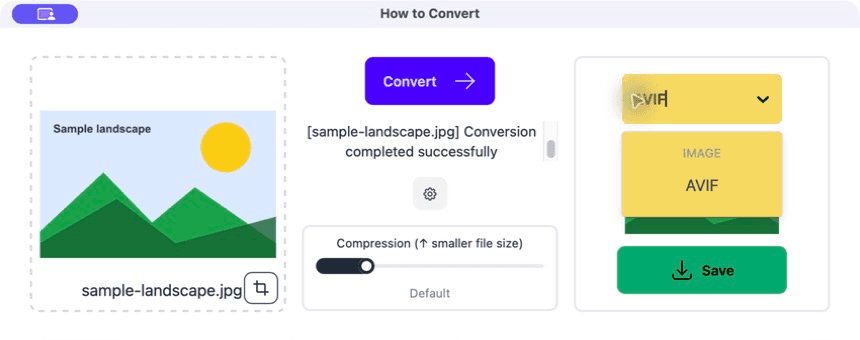
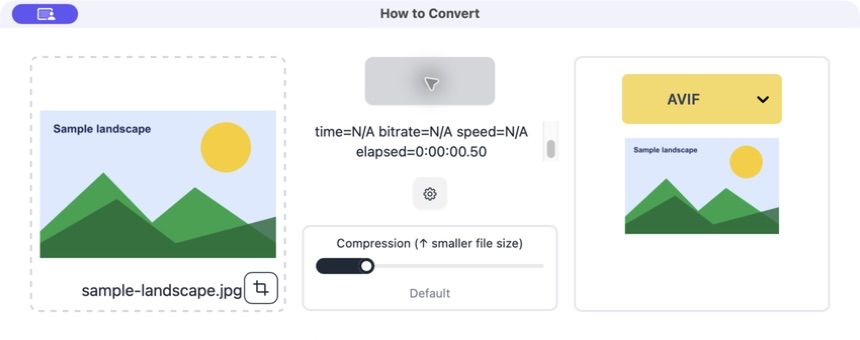
Drag the original into How to Convert, choose WebP and convert it with the default setting.
Make an AVIF copy from the same original
Choose AVIF and convert again. Do not create the AVIF from the WebP copy.
Compare them on the actual page
Look at the file sizes, conversion time and visible result. Choose the one that works better in your site, not just the smallest number.
Common problems
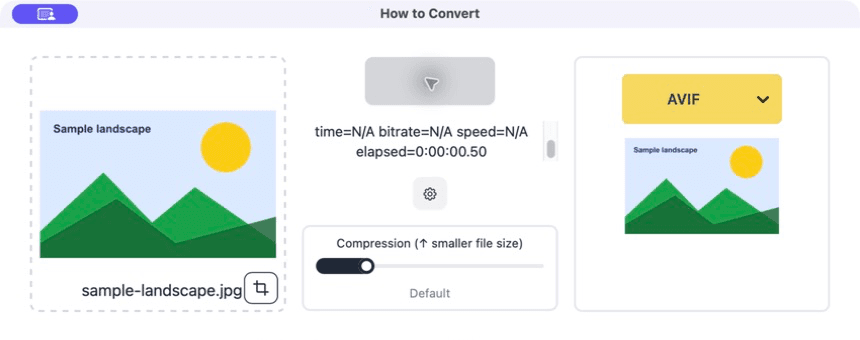
AVIF takes much longer
Its encoder is doing more work.
Use WebP if build time or local editing matters more than the final saving.
An editor will not open the file
The app does not support that newer format.
Keep the original and use WebP or JPG in that part of the workflow.
The smallest file looks bad
The comparison used too much compression.
Raise the quality until the images look equally good, then compare again.
Frequently asked questions
Is AVIF always smaller than WebP?
No. It often does well, but the image and encoder settings decide the result.
Does WebP support transparency?
Yes. It can replace PNG for many transparent website graphics.
Do I need a JPG fallback?
Modern browsers support both formats, but your CMS, email tool or other destination may still have its own rules.
Which format should I choose today?
Start with WebP unless you have a reason to test AVIF. Then use your own page and images to decide.
Extra: A fair quality comparison
A quality slider of 70 does not mean exactly the same thing in two different formats. Make the files look equally good first, then compare their sizes. Otherwise you may simply be comparing a blurry small file with a cleaner large one.
Check more than the centre of the photo. Hair, foliage, text, transparent edges and smooth skies are good places to find compression problems.
