18 Best File Converter Apps in 2026 (Free and Paid)
The definitive list of file converter apps in 2026 with founding years, from tools that have been around for decades to newcomers shaking things up.
Posted by
 Jake Manger
Some of the best file converters have been around for decades. Others launched last year. Here are 18 of the best file converter apps available in 2026, with a note on how long each has been around and why it still matters.
1. How to Convert
Founded 2024 (2 years old)

How to Convert is one of the newest tools on this list but already one of the most complete. It converts hundreds of formats locally on Mac, Windows, and Linux. No uploads, no subscriptions. Named Software Product of the Year 2025 by Production Expert.
Pros
- Local conversion. Files never leave your device.
- Hundreds of formats across all file types.
- One-time purchase; free web demo for single-file conversions.
- Mac, Windows, and Linux.
Cons
- Desktop app is paid.
Pricing
- Free: Browser converter.
- Desktop app: One-time purchase.
 How to Convert
The offline file converter for Mac, Windows and Linux.
- Converts video, audio, images, documents, ebooks and more
- Everything runs locally. Your files never leave your device
- Pay once. Access forever
Get the app on Mac, Windows and Linux
2. FFmpeg
Founded 2000 (26 years old)

FFmpeg has been the backbone of media conversion for over two decades. Virtually every video or audio converter on the market uses FFmpeg under the hood. If you know the command line, nothing is more capable.
Pros
- Free and open source.
- Supports virtually every media format.
- 26 years of battle-tested reliability.
Cons
- CLI only.
- Steep learning curve.
Pricing
- Free (open source).
3. ImageMagick
Founded 1990 (36 years old)

ImageMagick is one of the oldest tools on this list and still the gold standard for command-line image processing. 200+ formats, scriptable, battle-tested for 36 years.
Pros
- Free and open source.
- 200+ image formats.
- 36 years of development.
Cons
- CLI only.
- Images only.
Pricing
- Free (open source).
4. HandBrake
Founded 2003 (23 years old)
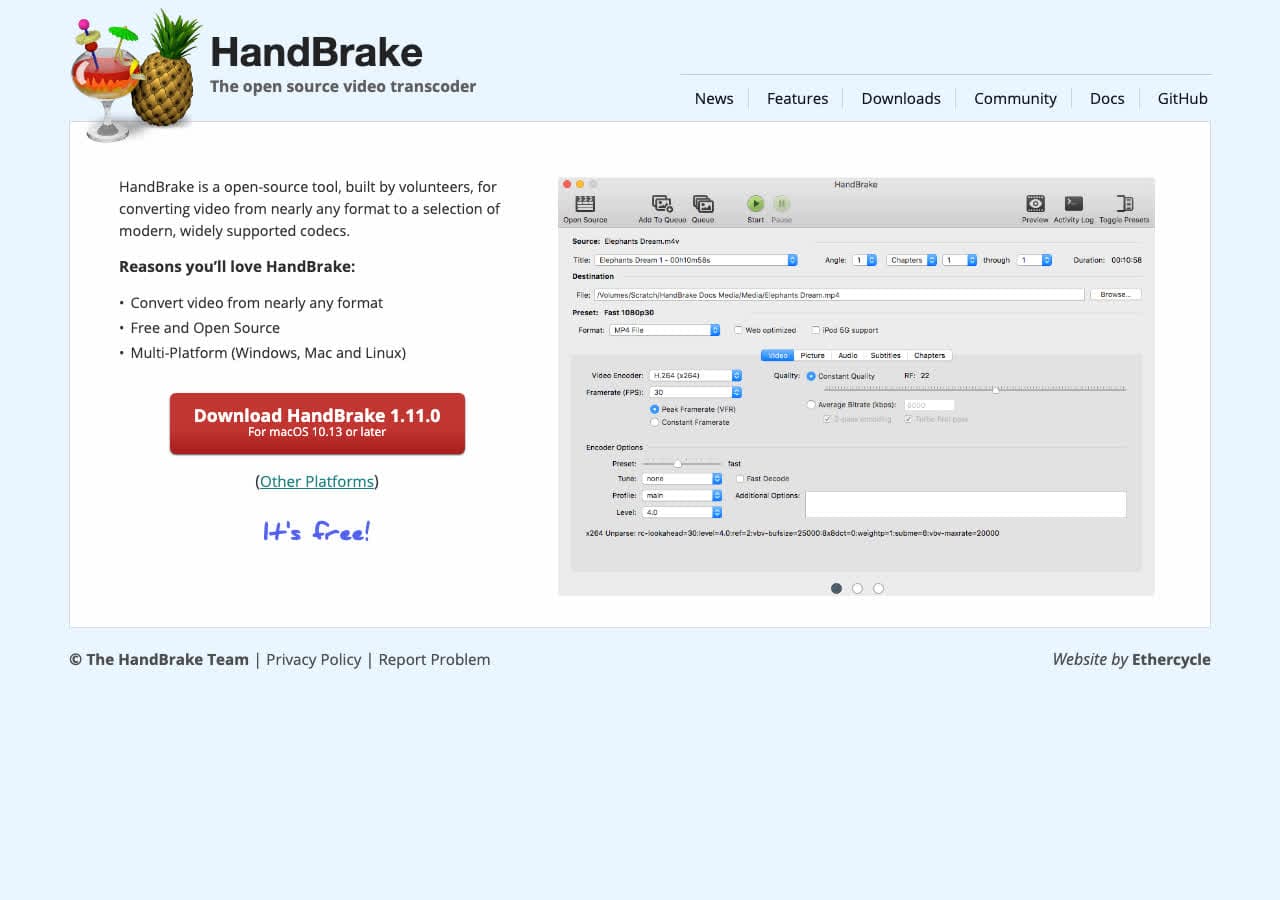
HandBrake has been the go-to free video transcoder for over two decades. Hardware-accelerated encoding, device presets, batch queuing. Still actively maintained.
Pros
- Free and open source for 23 years.
- Hardware acceleration.
- Cross-platform (Mac, Windows, Linux).
Cons
- Video only.
Pricing
- Free (open source).
5. VLC Media Player
Founded 2001 (25 years old)

VLC has been playing (and converting) media since 2001. 25 years later, it's still the first app many people install. The hidden conversion feature works on any audio/video format VLC can play.
Pros
- Free, open source, 25 years running.
- Cross-platform.
Cons
- Conversion UI is not intuitive.
Pricing
- Free (open source).
6. Calibre
Founded 2006 (20 years old)

Calibre has been the go-to ebook converter for 20 years. EPUB, MOBI, AZW3, PDF, and dozens more. Still actively developed and still completely free.
Pros
- Free and open source for 20 years.
- Dozens of ebook formats.
Cons
- Ebooks only.
Pricing
- Free (open source).
7. LibreOffice
Founded 2011, based on OpenOffice (15 years old)

LibreOffice carries forward the OpenOffice legacy. Converts between DOCX, ODT, RTF, PDF, and dozens of document formats. Free, open source, and available everywhere.
Pros
- Free and open source.
- Wide document format support.
- Cross-platform.
Cons
- Documents only.
Pricing
- Free (open source).
8. Zamzar
Founded 2006 (20 years old)

Zamzar has been one of the most recognized online converters for 20 years. 1,200+ format conversions. Browser-based, no install, but files are uploaded.
Pros
- 1,200+ conversions.
- 20 years of reliability.
Cons
- Files uploaded to their servers.
- 25 MB free limit.
Pricing
- Free: 25 MB limit.
- From $18/month.
9. CloudConvert
Founded 2012 (14 years old)

CloudConvert has grown into one of the most polished online converters over 14 years. 200+ formats, a solid API, and high-quality output. Files are uploaded to their servers.
Pros
- 200+ formats.
- API for automation.
Cons
- Files uploaded to their servers.
- Free tier limited.
Pricing
- Free: 25 conversions/day.
- From $9/month.
10. XnConvert
Founded 2012 (14 years old)

XnConvert is a batch image converter supporting 500+ formats. Chain resize, watermark, rotate, and convert actions. 14 years of development and still actively updated.
Pros
- Free for personal use.
- 500+ image formats.
- Cross-platform.
Cons
- Images only.
Pricing
- Free (personal).
- $27 commercial.
11. Permute
Founded 2013 (13 years old)

Permute is a Mac-native media converter that has quietly been one of the best-designed converter apps for 13 years. Video, audio, and image conversion with drag-and-drop.
Pros
- Beautiful native macOS design.
- Video, audio, and images.
Cons
- Mac only.
- No documents.
Pricing
- One-time purchase.
12. Wondershare UniConverter
Founded 2008 (18 years old)
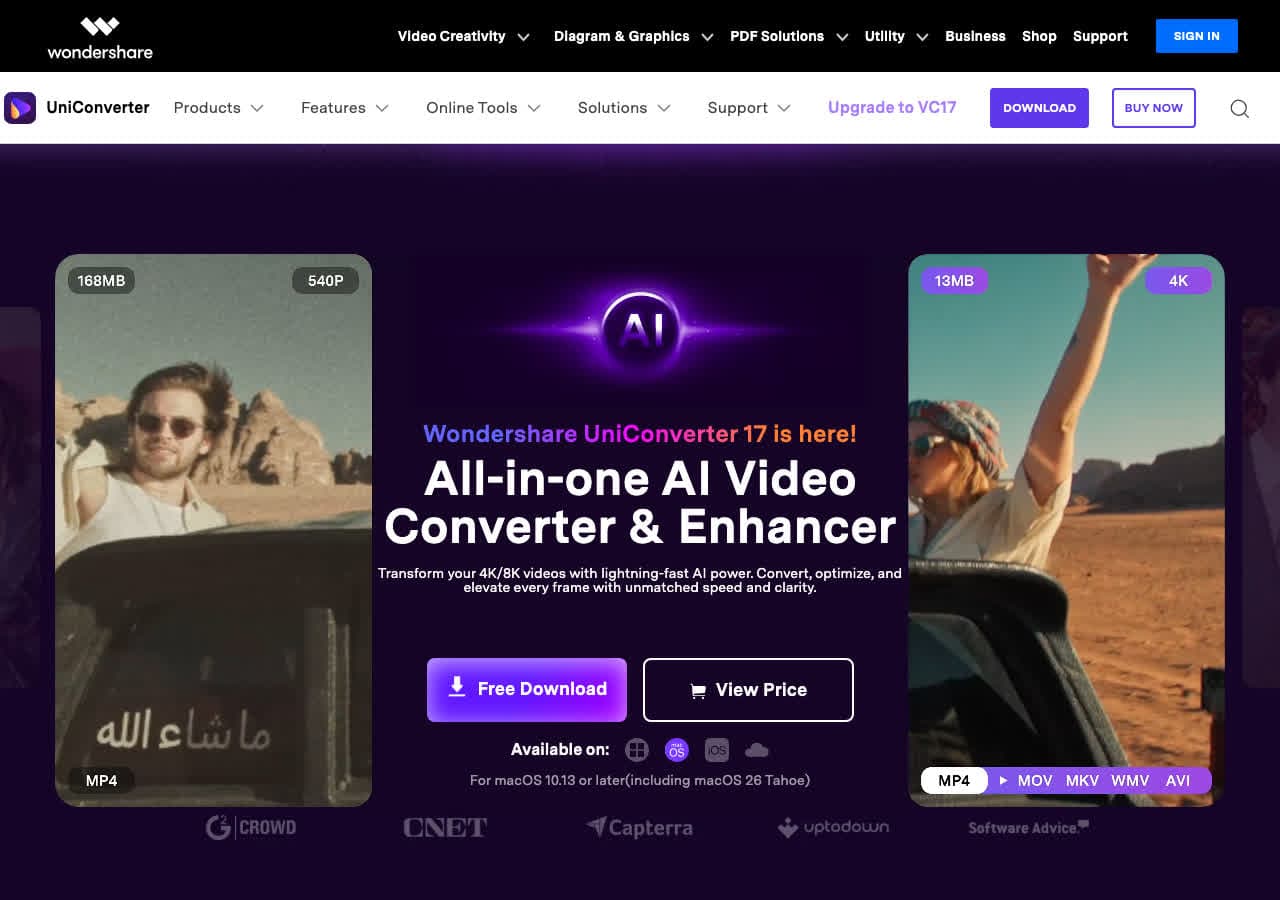
Wondershare UniConverter has evolved from a simple video converter into a full media toolkit over 18 years. 1,000+ formats, GPU acceleration, built-in editing.
Pros
- 1,000+ formats.
- All-in-one media toolkit.
Cons
- Expensive subscription.
- Bloated for simple conversions.
Pricing
- $29.99/year or $55.99 one-time.
13. Any Video Converter
Founded 2006 (20 years old)
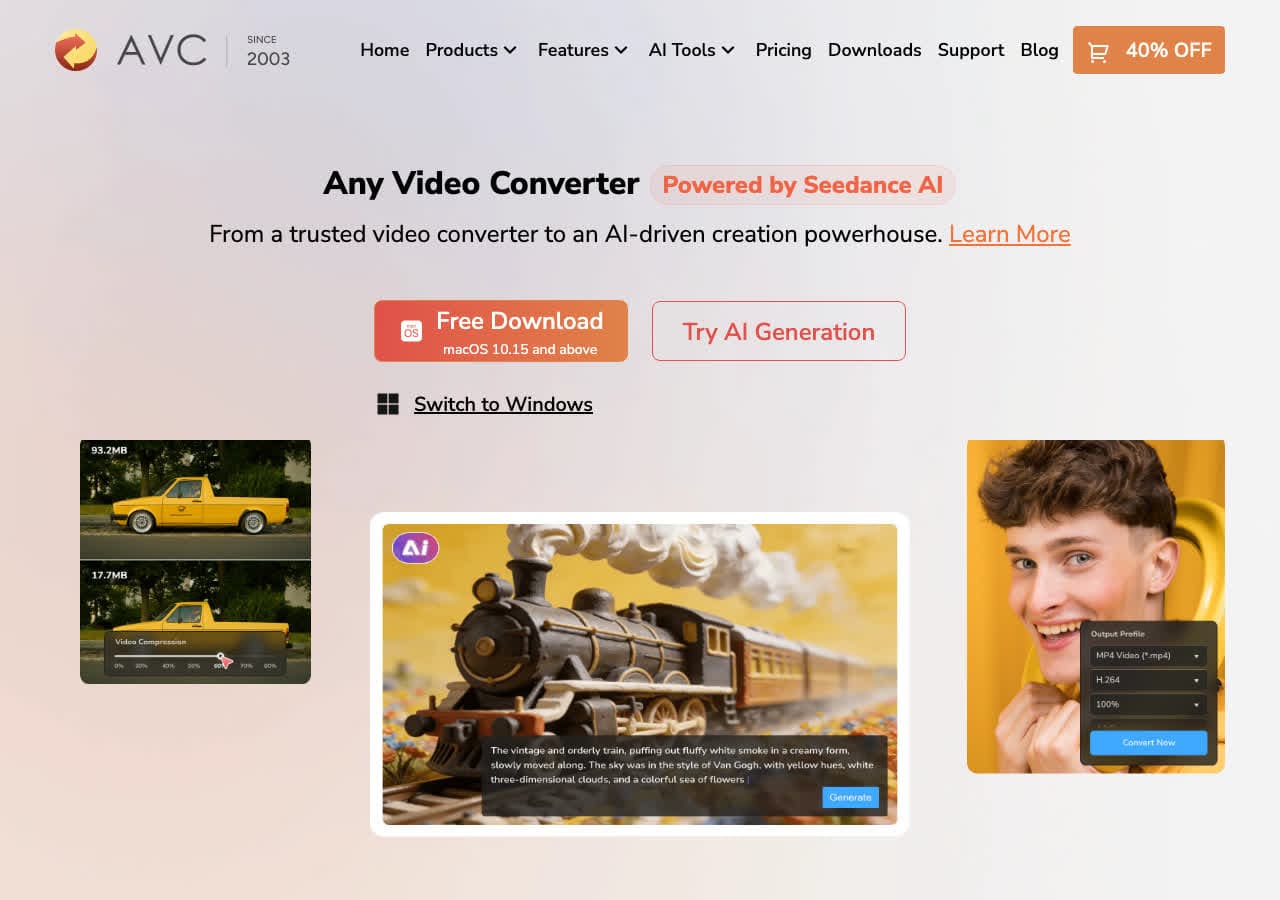
Any Video Converter has been around for 20 years. Free tier covers basic conversion, Ultimate adds DVD ripping and screen recording.
Pros
- Free version available.
- 20 years of updates.
Cons
- May bundle extra software.
- Video only.
Pricing
- Free (basic).
- $49.95 Ultimate.
14. Adapter
Founded 2012 (14 years old)
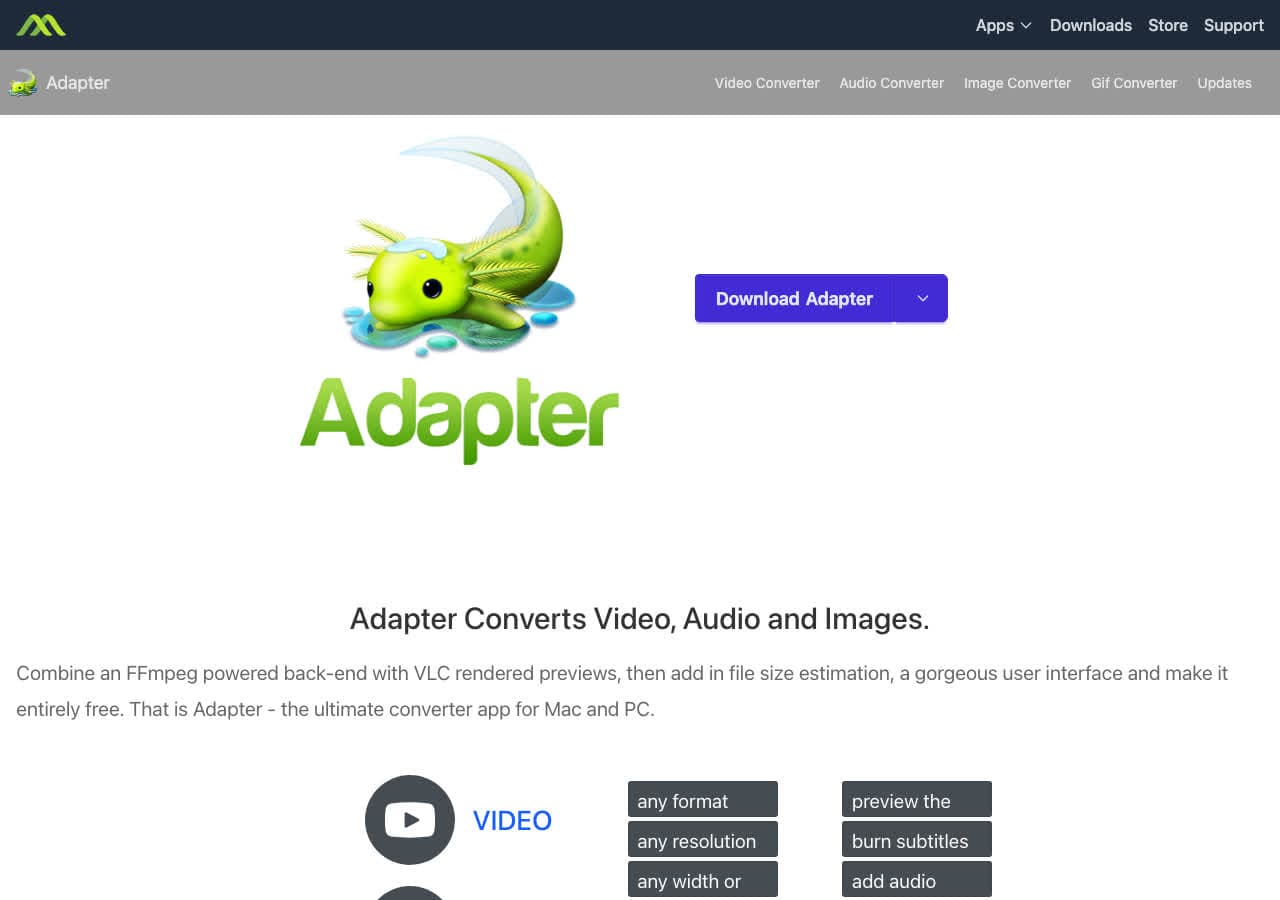
Adapter is a free Mac media converter wrapping FFmpeg in a clean UI. Handles video, audio, and images with subtitle overlays, trimming, and resizing. 14 years old and still free.
Pros
- Free with no limitations.
- Video, audio, and images.
Cons
- Mac only.
- Updates are infrequent.
Pricing
- Free.
15. Pixelmator Pro
Founded 2017 (9 years old)

Pixelmator Pro is a professional Mac image editor that exports between HEIC, JPEG, PNG, TIFF, WebP, PSD, and more. 9 years of refinement into a best-in-class Mac app.
Pros
- Native Mac app.
- One-time purchase.
Cons
- Mac only.
- Images only.
Pricing
- $49.99 (one-time).
16. PDF Expert
Founded 2013 (13 years old)

PDF Expert by Readdle has been a top PDF app for 13 years. Edit, annotate, and convert PDFs to Word, Excel, PowerPoint, and images.
Pros
- Best-in-class PDF editing.
- 13 years of refinement.
Cons
- PDF only.
- Subscription pricing.
Pricing
- $79.99/year.
17. Switch Audio Converter
Founded 2007 (19 years old)
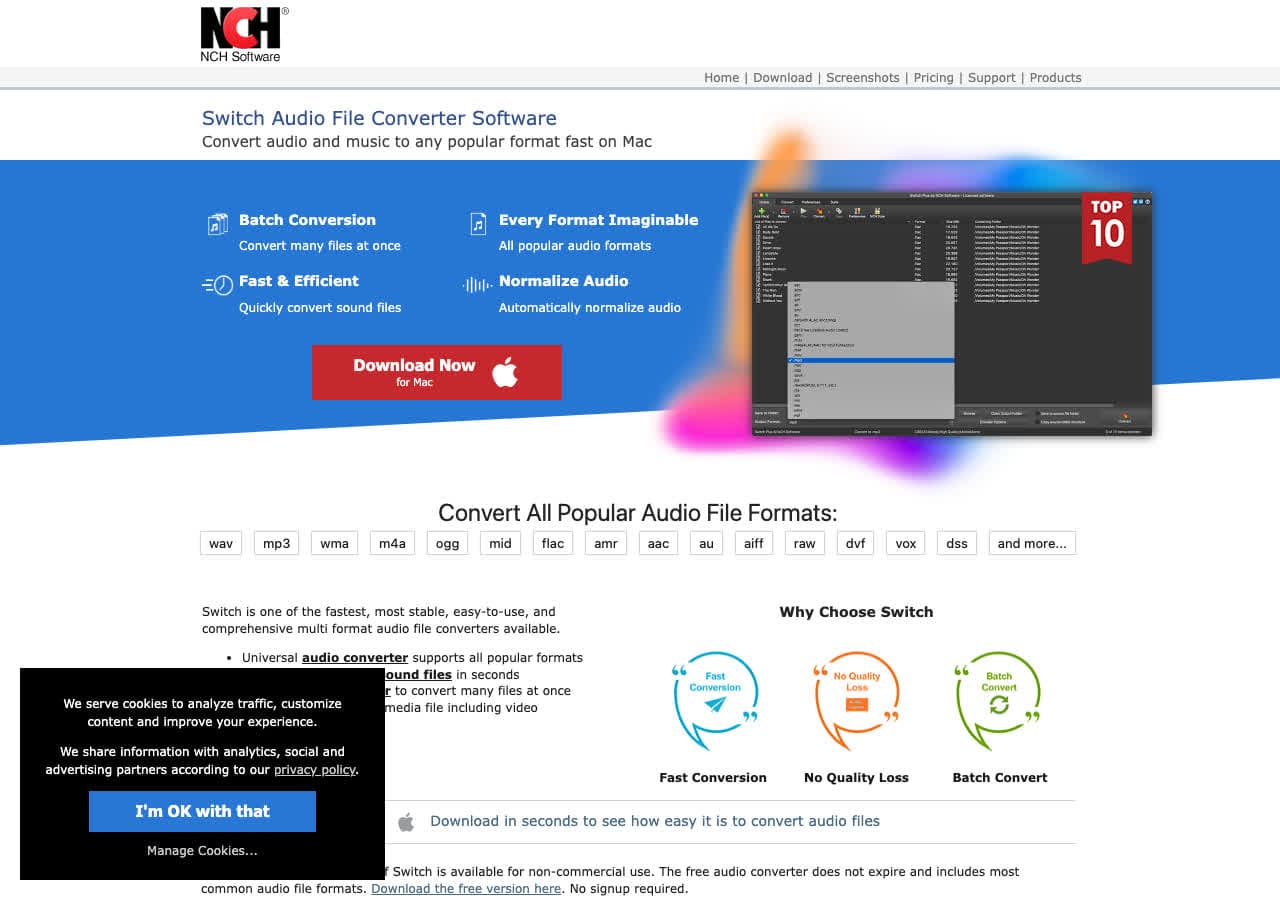
Switch has been converting audio files for 19 years. 40+ formats, batch conversion, folder monitoring. Simple and focused.
Pros
- 40+ audio formats.
- 19 years of reliability.
Cons
- Audio only.
Pricing
- Free (non-commercial).
- $29.99 (one-time).
18. Automator / Shortcuts
Automator founded 2005 (21 years old)

Apple's built-in automation tools have been converting images and PDFs on Macs for 21 years. Automator (legacy) and Shortcuts (modern) can batch convert images between JPEG, PNG, TIFF, and HEIC with no third-party software.
Pros
- Free and built into macOS.
- 21 years of availability.
Cons
- Mac only.
- Limited to basic image/PDF conversion.
Pricing
- Free (built into macOS).
Final Thoughts
The best file converters in 2026 range from tools with 36 years of history (ImageMagick) to newcomers like How to Convert (2 years old). Age isn't everything, but it's a useful signal: tools that survive decades tend to be reliable and well-maintained.
For the widest format coverage with local privacy, How to Convert leads the pack. For CLI power, FFmpeg and ImageMagick are unmatched. And for free video transcoding, HandBrake has been the answer for 23 years and counting.
How to Convert
The offline file converter for Mac, Windows and Linux.
- Converts video, audio, images, documents, ebooks and more
- Everything runs locally. Your files never leave your device
- Pay once. Access forever
Get the app on Mac, Windows and Linux
