18 Best File Converter Apps for Windows (Free and Paid)
The best file converter apps for Windows in 2026. Free and paid tools for video, audio, image, and document conversion on your PC.
Posted by
 Jake Manger
Windows has no shortage of file converters, but picking the right one can save you hours of frustration. Some are bloated with toolbars, some upload your files to unknown servers, and some just quietly stop working after three conversions.
Here are 18 file converter apps for Windows that actually deliver, from free open-source tools to polished paid software.
1. How to Convert

How to Convert is a privacy-first converter that runs entirely on your PC. Drop files in, pick a format, done. The paid desktop app supports hundreds of formats across video, audio, images, documents, and ebooks. There's also a free web demo for single-file conversions across supported formats.
Pros
- All conversions run locally. Files never leave your device.
- Hundreds of supported formats.
- One-time purchase, no subscription.
- Free web demo for single-file conversions.
Cons
- Desktop app is paid.
- No cloud features.
Pricing
- Free: Browser converter.
- Desktop app: One-time purchase.
 How to Convert
The offline file converter for Mac, Windows and Linux.
- Converts video, audio, images, documents, ebooks and more
- Everything runs locally. Your files never leave your device
- Pay once. Access forever
Get the app on Mac, Windows and Linux
2. HandBrake

HandBrake is a free, open-source video transcoder. It excels at converting video into MP4 or MKV with great compression and hardware acceleration. A staple for anyone doing video work on Windows.
Pros
- Free and open source.
- Hardware-accelerated encoding.
- Built-in device presets.
- Batch queue support.
Cons
- Video only.
- Interface can overwhelm beginners.
Pricing
- Free (open source).
3. Format Factory
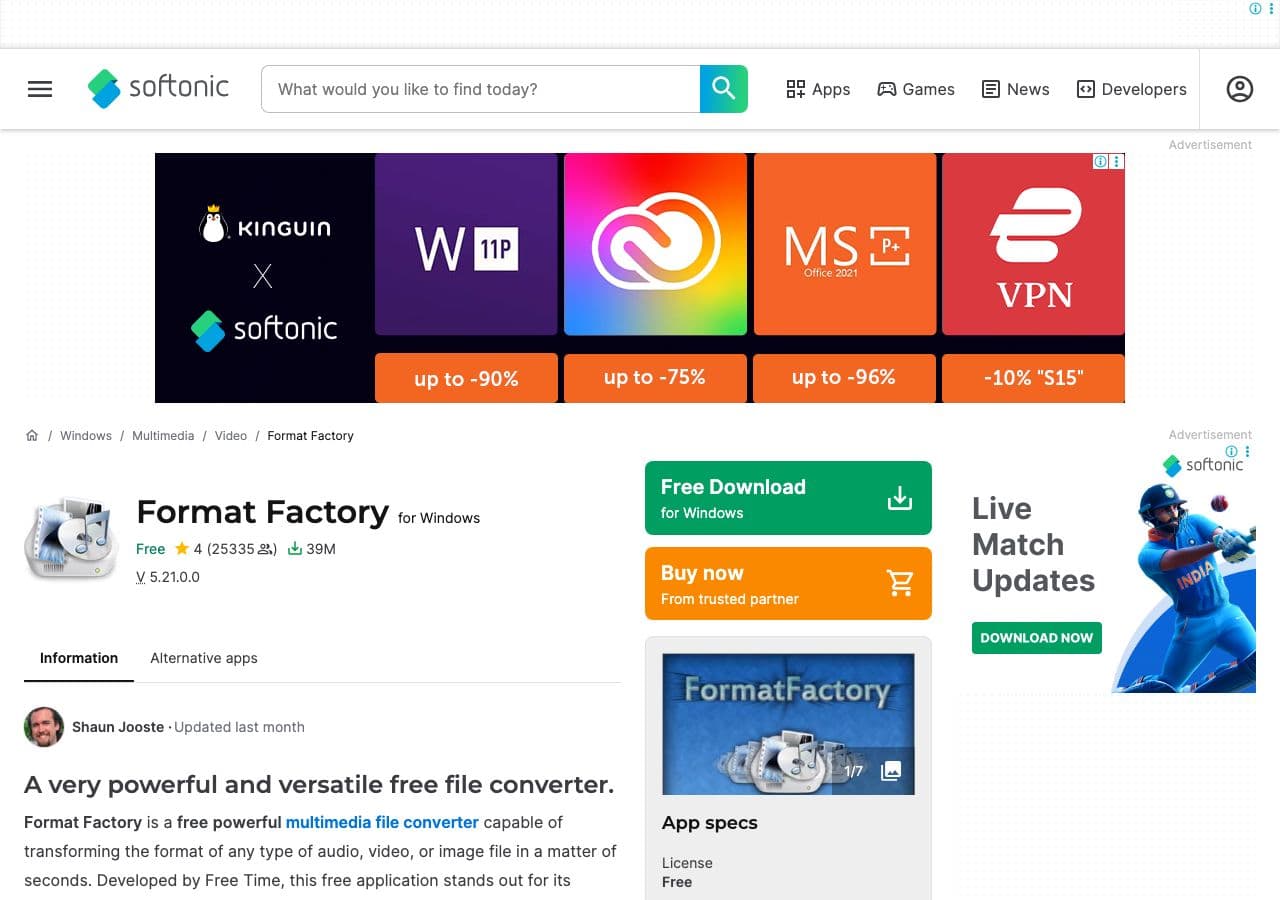
Format Factory is a Windows-only multimedia converter that handles video, audio, images, and even DVD ripping. It has been around since 2009 and remains popular for its wide format support and zero cost.
Pros
- Free with no watermarks.
- Converts video, audio, and images.
- Built-in DVD/CD ripper.
- Supports batch processing.
Cons
- Windows only.
- Installer may bundle extra software. Watch the checkboxes.
- Interface feels dated.
Pricing
- Free.
4. VLC Media Player

VLC plays almost anything, but it also converts. You can transcode video and audio files between formats using the Convert/Save menu. Not the most obvious feature, but it works and it's free.
Pros
- Free and open source.
- Huge codec support.
- No ads, no tracking.
Cons
- Conversion UI is not intuitive.
- No image or document conversion.
Pricing
- Free (open source).
5. Freemake Video Converter
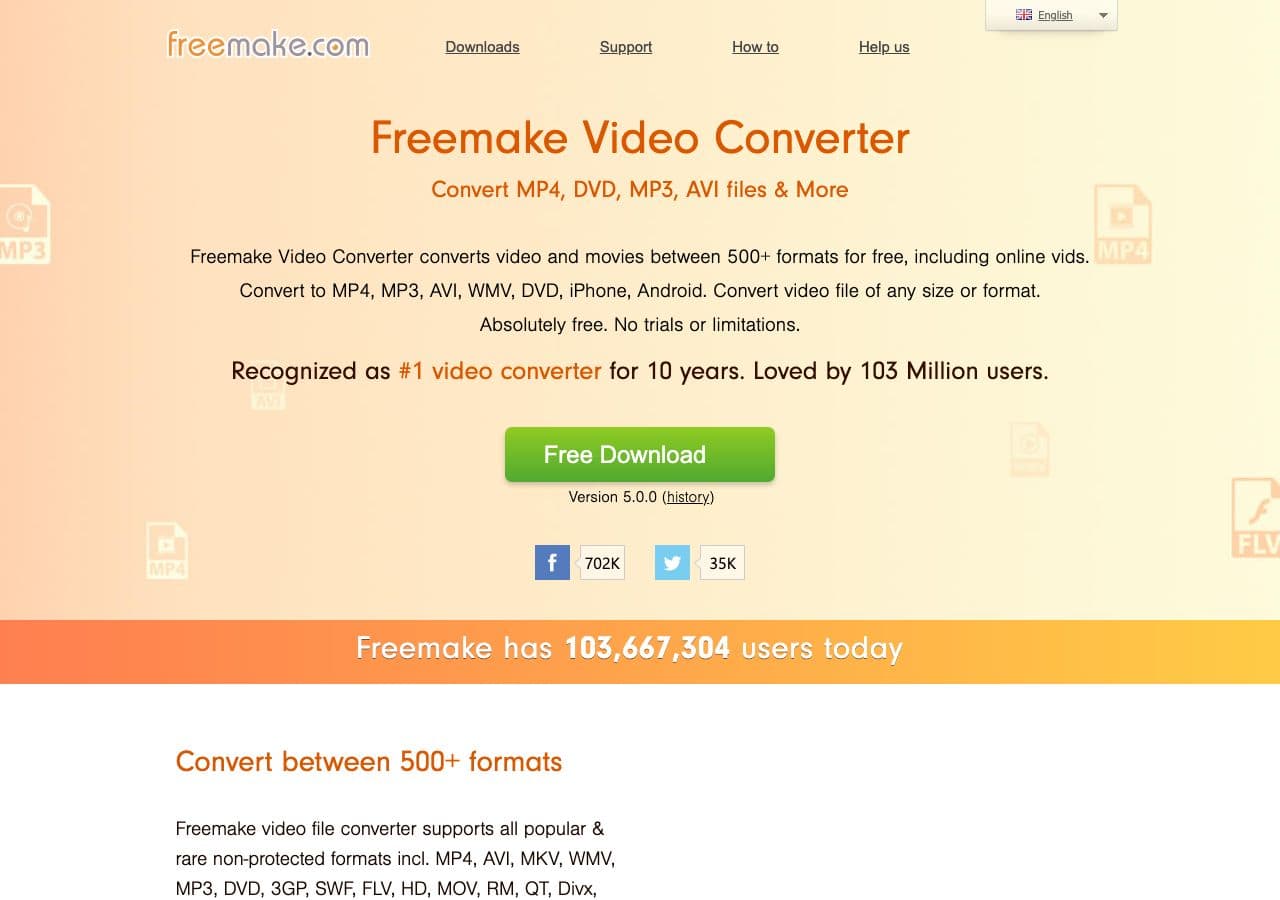
Freemake is a Windows video converter that supports 500+ formats and includes built-in editing tools. The free version adds a watermark, but the paid version removes it.
Pros
- 500+ format support.
- Built-in video editing (cut, merge, rotate).
- Can burn DVDs and Blu-rays.
Cons
- Free version adds a watermark.
- Windows only.
- Slow conversion on the free tier.
Pricing
- Free (with watermark).
- $29.95/year or $59.95 lifetime.
6. Any Video Converter

Any Video Converter offers a free tier for basic video conversion and an Ultimate version with DVD ripping and screen recording. A solid choice for casual video format changes.
Pros
- Free version covers core formats.
- Device-specific presets.
- Basic editing tools included.
Cons
- Free version may bundle extra software.
- Video only.
Pricing
- Free (basic).
- $49.95 Ultimate (one-time).
7. Wondershare UniConverter

Wondershare UniConverter is a feature-packed media toolkit: video/audio/image conversion, DVD burning, screen recording, compression, and more. Powerful but pricey.
Pros
- 1,000+ formats.
- GPU-accelerated conversion.
- Built-in editor, compressor, screen recorder.
Cons
- Expensive subscription.
- Free trial watermarks output.
- Bloated if you only need simple conversion.
Pricing
- Free trial (watermarked).
- $29.99/year or $55.99 one-time.
8. XnConvert
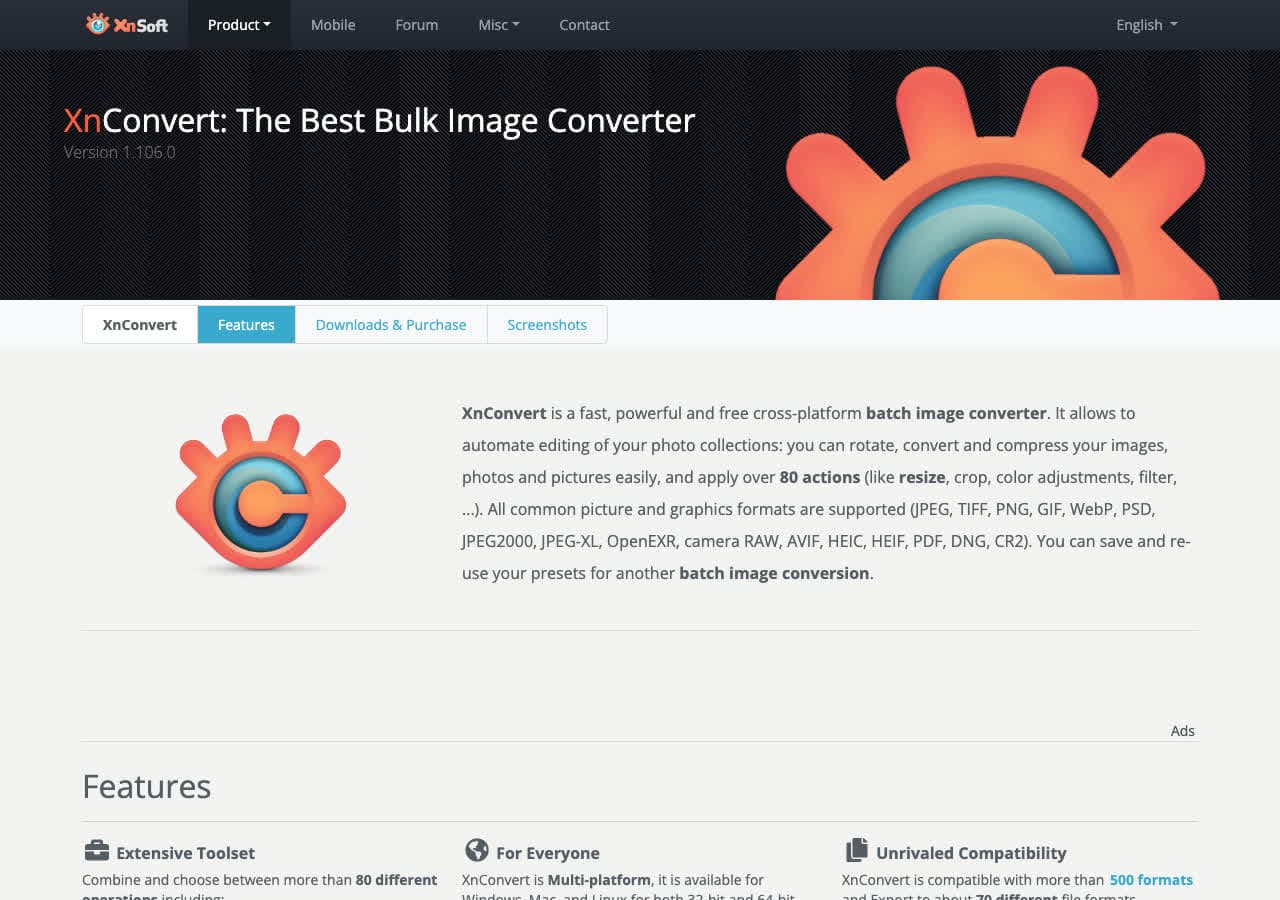
XnConvert is a batch image converter that supports 500+ image formats. Chain actions like resize, watermark, rotate, and convert hundreds of images at once.
Pros
- Free for personal use.
- 500+ image formats.
- Powerful batch processing with chained actions.
Cons
- Images only.
- Paid license for commercial use.
Pricing
- Free for personal use.
- $27 commercial license.
9. IrfanView

IrfanView is a legendary Windows image viewer that doubles as a batch image converter. It has been around since 1996 and remains one of the fastest, lightest image tools on the platform.
Pros
- Free for non-commercial use.
- Incredibly fast and lightweight.
- Batch conversion and renaming.
- Plugin system for extra formats.
Cons
- Windows only.
- Images only.
- Interface looks dated.
Pricing
- Free (non-commercial).
- $12 commercial license.
10. FFmpeg

FFmpeg is the industry-standard command-line tool for audio and video processing. Most converter apps use FFmpeg under the hood. If you're comfortable with the terminal, nothing is more powerful.
Pros
- Free and open source.
- Supports virtually every media format.
- Powers most other conversion tools.
Cons
- Command-line only.
- Steep learning curve.
Pricing
- Free (open source).
11. Calibre

Calibre is the go-to ebook converter and library manager. Convert between EPUB, MOBI, AZW3, PDF, and dozens of other ebook formats. Free and open source.
Pros
- Free and open source.
- Dozens of ebook formats.
- Full library management.
Cons
- Ebooks only.
- Interface is not pretty.
Pricing
- Free (open source).
12. LibreOffice

LibreOffice is a free office suite that can open and convert between DOCX, ODT, RTF, PDF, and many other document formats. Great for batch document conversion via the command line too.
Pros
- Free and open source.
- Wide document format support.
- CLI batch conversion.
Cons
- Documents only.
- Complex formatting may not convert perfectly.
Pricing
- Free (open source).
13. Foxit PDF Editor

Foxit PDF Editor is a full-featured PDF editor for Windows. It converts PDFs to and from Word, Excel, PowerPoint, and image formats. A lighter alternative to Adobe Acrobat.
Pros
- Full PDF editing, annotation, and conversion.
- Lighter and faster than Adobe Acrobat.
- Collaboration features.
Cons
- PDF only.
- Subscription pricing.
Pricing
- Free trial available.
- $149.99/year (PDF Editor Pro).
14. PDF24
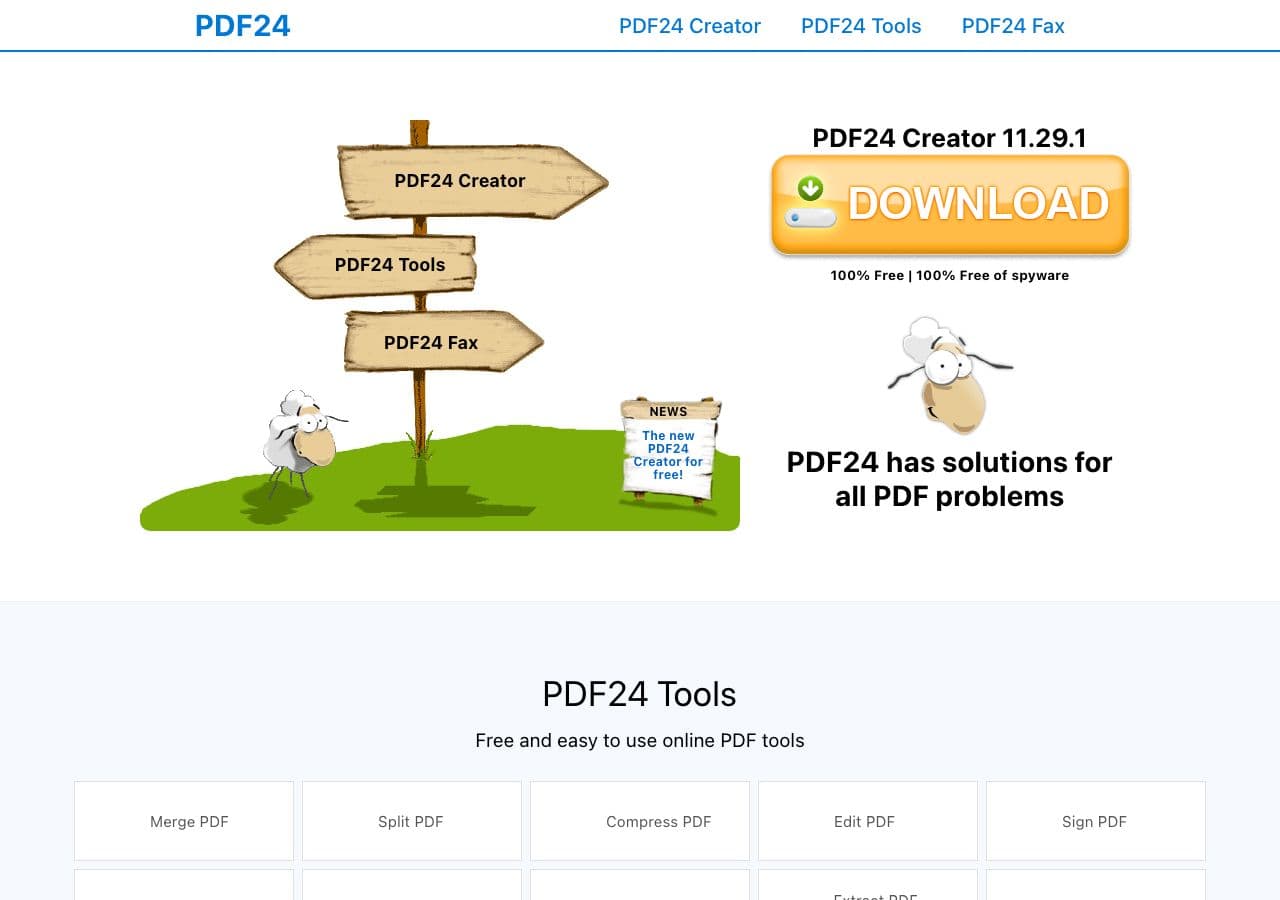
PDF24 is a completely free PDF toolkit for Windows. It converts to and from PDF, merges, splits, compresses, and more. The desktop app and online tools are both free with no limits.
Pros
- Completely free with no watermarks.
- PDF conversion, merging, splitting, compressing.
- Desktop app and online version.
Cons
- PDF only.
- Windows only (online version works everywhere).
Pricing
- Free.
15. ImageMagick

ImageMagick is the FFmpeg of images. A command-line tool that supports 200+ image formats with powerful batch processing and scripting.
Pros
- Free and open source.
- 200+ image formats.
- Scriptable batch processing.
Cons
- Command-line only.
- Images only.
Pricing
- Free (open source).
16. CloudConvert

CloudConvert is an online converter supporting 200+ formats. No install needed, but your files are uploaded to their servers.
Pros
- 200+ formats across all file types.
- No install needed.
- API for automation.
Cons
- Files uploaded to their servers.
- Free tier limited to 25 conversions/day.
Pricing
- Free: 25 conversions/day.
- From $9/month for more.
17. Zamzar
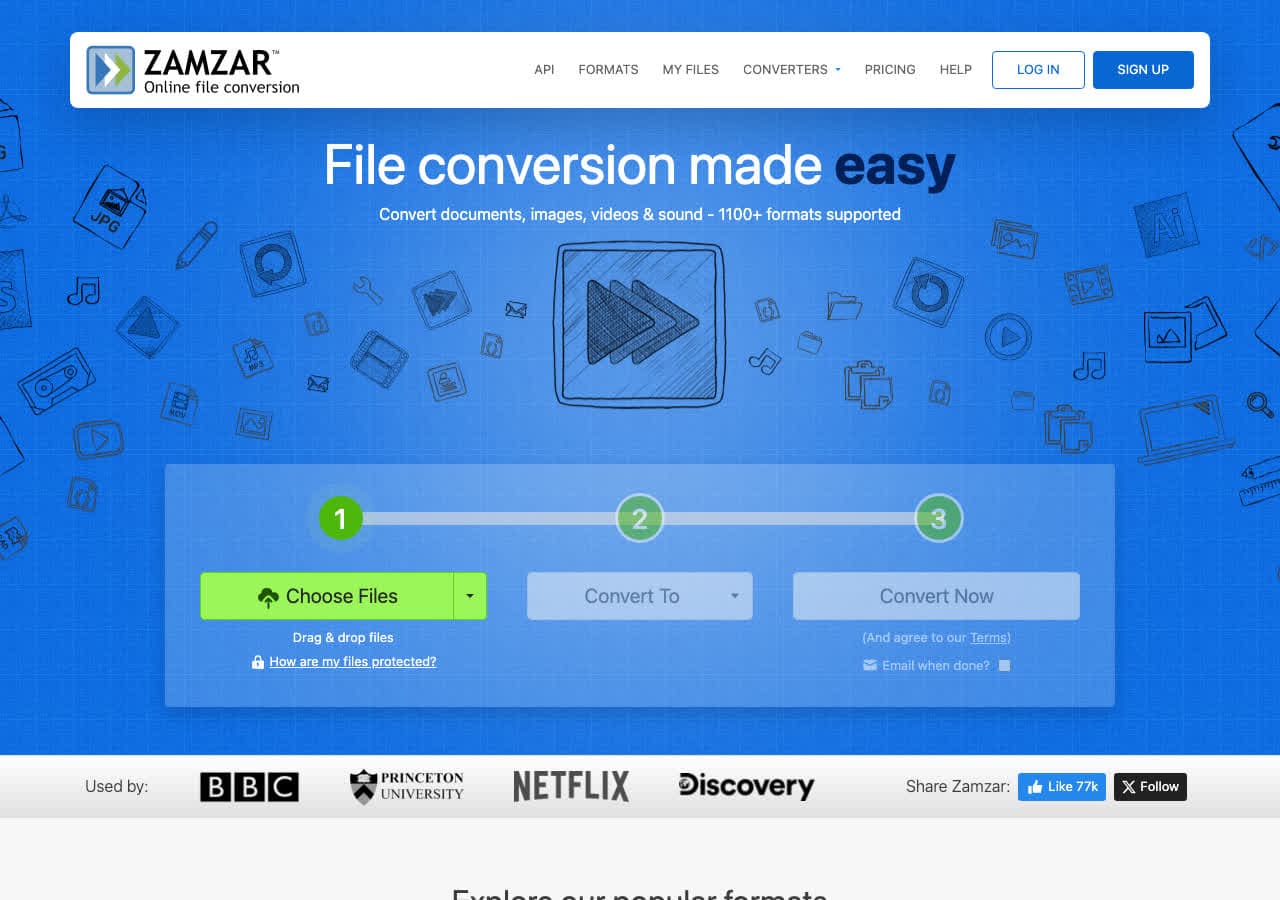
Zamzar supports 1,200+ format conversions online. Browser-based, so nothing to install, but files are uploaded to their servers.
Pros
- 1,200+ format conversions.
- No install.
Cons
- Files uploaded to their servers.
- Free tier limited to 25 MB.
Pricing
- Free: 25 MB limit.
- From $18/month.
18. Switch Audio Converter

Switch by NCH Software is a dedicated audio converter supporting 40+ audio formats. Batch conversion with folder monitoring. Solid if audio is all you need.
Pros
- 40+ audio formats.
- Batch conversion with folder monitoring.
- Extracts audio from video.
Cons
- Audio only.
- Free version non-commercial only.
Pricing
- Free (non-commercial).
- $29.99 (one-time).
Final Thoughts
For an all-in-one local converter on Windows, How to Convert covers the most ground. For free video conversion, HandBrake and Format Factory are hard to beat. For images, IrfanView and XnConvert are classics. And if privacy matters, always choose a tool that converts locally.
How to Convert
The offline file converter for Mac, Windows and Linux.
- Converts video, audio, images, documents, ebooks and more
- Everything runs locally. Your files never leave your device
- Pay once. Access forever
Get the app on Mac, Windows and Linux
