18 Best FLV to MP4 Converters in 2026 (Free and Paid)
The best FLV to MP4 converters for 2026. Convert legacy Flash Video (FLV) files to MP4 for modern playback on phones, browsers, and TVs with these free and paid tools.
Posted by
 Jake Manger
Want to convert your FLV to MP4 right now?
Use our free single-file FLV to MP4 web demo. It runs locally on your device, so your file never leaves your computer. No uploads, no signup, no waiting in a queue.
Or read on for the 18 best FLV to MP4 converters compared.
FLV (Flash Video) was the dominant web video format from the early 2000s until Flash was deprecated. If you have FLV files today, they are usually saved clips, archived recordings, or downloaded videos from the Flash era. The problem is that nothing modern plays FLV natively: phones do not, browsers do not, smart TVs do not. Converting FLV to MP4 fixes the compatibility problem and produces a file that plays anywhere.
The good news is that FLV usually contains H.264 video and AAC or MP3 audio, the same codecs MP4 uses. That means most FLV to MP4 conversions can be a fast remux without re-encoding, preserving 100% of the quality. We tested 18 desktop, command-line, and online tools to find the ones that handle this efficiently.
1. How to Convert (I built this one) - Best Local-First FLV to MP4 Converter
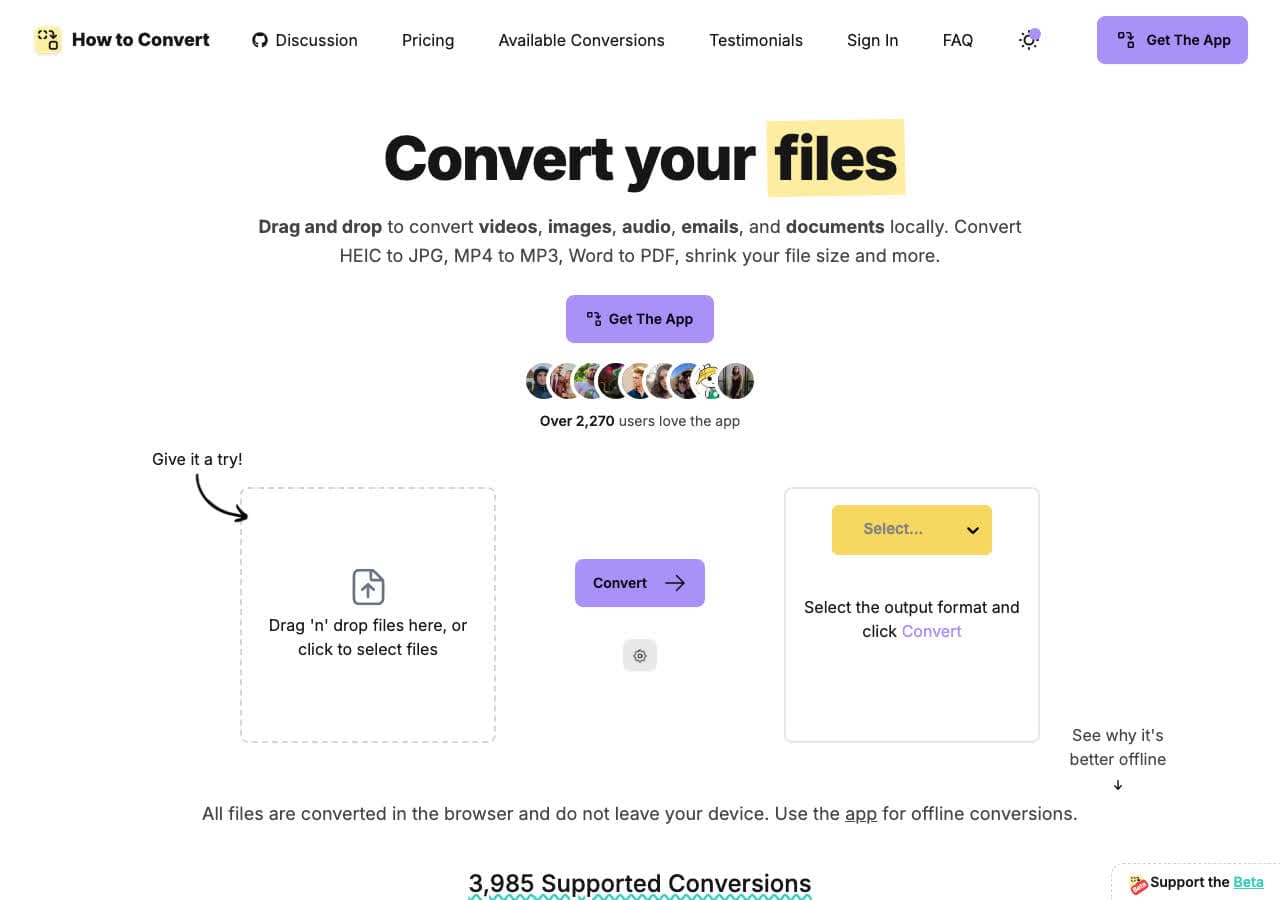
How to Convert converts FLV to MP4 locally on your device. Drop the FLV file in, choose MP4, convert. Batch conversion handles entire folders of archived FLV files. There is also a free browser FLV to MP4 converter for one-off jobs.
Pros
- Local conversion. Files never leave your device.
- Batch convert entire folders.
- One-time purchase. No subscription.
- Mac, Windows, and Linux.
Cons
- Desktop app is a paid one-time purchase.
Pricing
- Free browser converter for common formats.
- Desktop: One-time purchase.
 How to Convert
The offline file converter for Mac, Windows and Linux.
- Converts video, audio, images, documents, ebooks and more
- Everything runs locally. Your files never leave your device
- Pay once. Access forever
Get the app on Mac, Windows and Linux
2. FFmpeg - Best for Lossless FLV to MP4 Remux
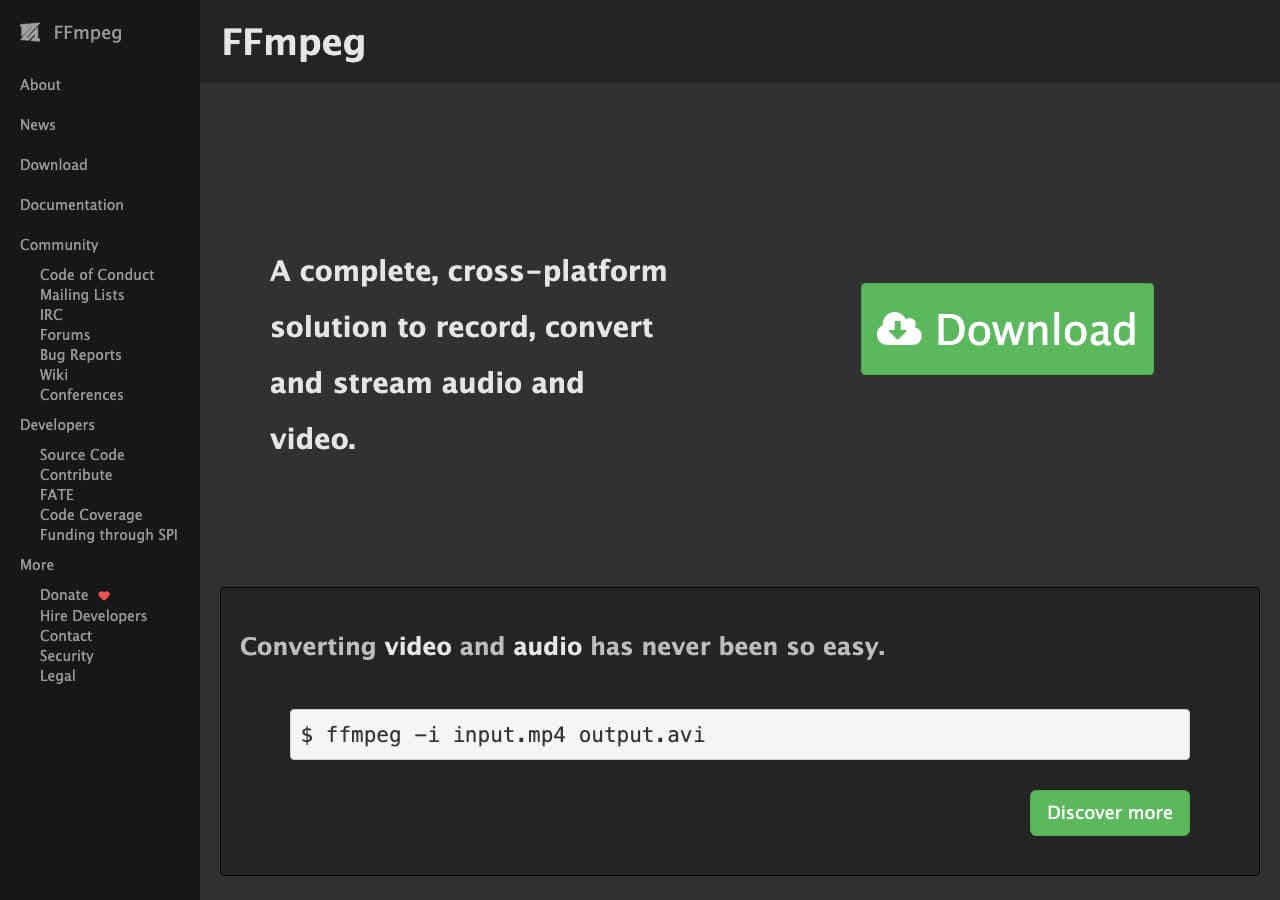
FFmpeg does FLV to MP4 with one fast command without re-encoding: ffmpeg -i input.flv -c copy output.mp4. The -c copy stream-copies, so the video is not re-encoded and the conversion is essentially instant and lossless.
For batch conversion: for f in *.flv; do ffmpeg -i "$f" -c copy "${f%.flv}.mp4"; done. Best pick when you have a folder full of archived FLV files.
Pros
- Stream-copy means lossless and instant.
- Scriptable for batch jobs.
- Free, open source, runs everywhere.
Cons
- Command-line only.
Pricing
- Free (open source).
3. HandBrake - Best Free GUI for FLV to MP4
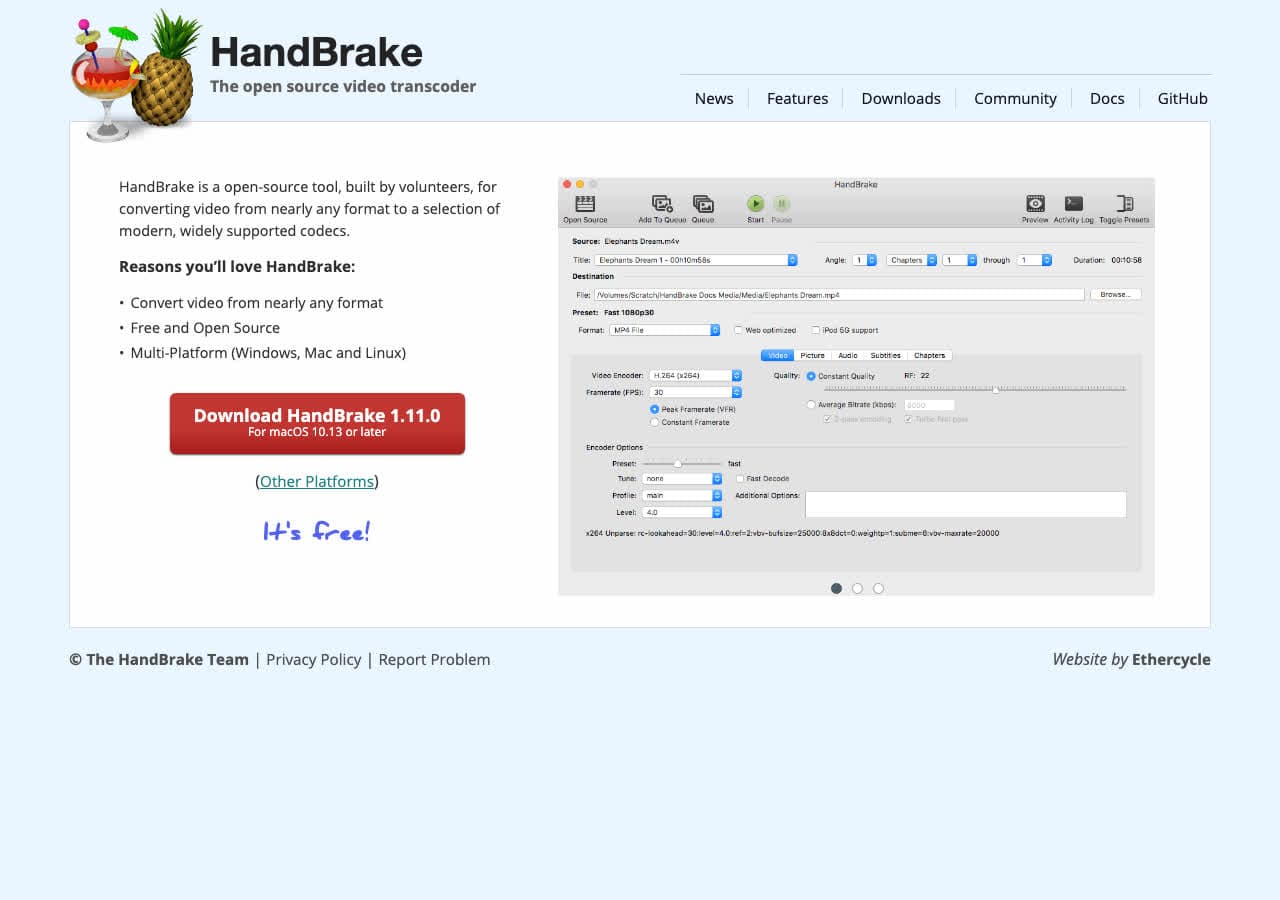
HandBrake is the default free recommendation. Drop your FLV in, pick the "Fast 1080p30" or any MP4 preset, hit Start. HandBrake re-encodes (so it is slower than FFmpeg remux) but it gives you quality control via CRF and proven device presets.
Pros
- Free, trusted, well-maintained.
- Excellent presets for devices and web.
- CRF quality control.
- Cross-platform.
Cons
- Re-encodes (slower than remux).
- Interface has many options.
Pricing
- Free (open source).
4. VLC - Best Already-Installed FLV Tool
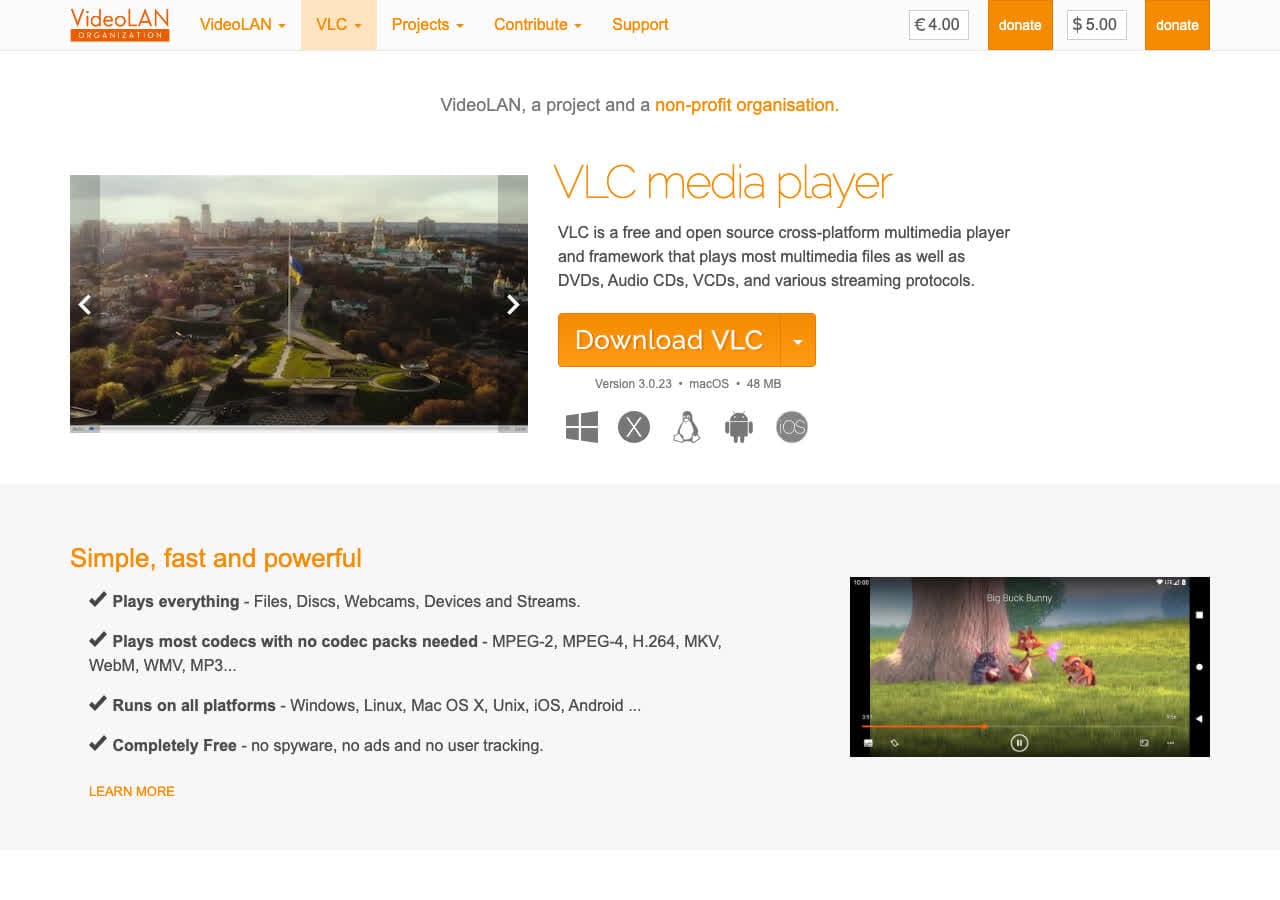
VLC converts FLV to MP4 through Media > Convert/Save. Add the FLV, pick a Video - H.264 + MP3 (MP4) profile, save with a .mp4 extension. Useful for one-off jobs.
Pros
- Free, open source, probably already installed.
- Handles old FLV files reliably.
- Cross-platform.
Cons
- Conversion menu is buried.
Pricing
- Free (open source, GPL).
5. Shutter Encoder - Best Free GUI for Batch FLV to MP4
Shutter Encoder wraps FFmpeg in a clean GUI with explicit remux mode for FLV to MP4. Best free option for batch jobs that need lossless, fast conversion with a UI.
Pros
- Explicit remux mode for FLV to MP4.
- Detailed quality controls.
- Excellent for batch jobs.
- Free, cross-platform.
Cons
- UI has a lot of options.
Pricing
- Free (donations welcome).
6. Wondershare UniConverter - Polished Paid FLV to MP4
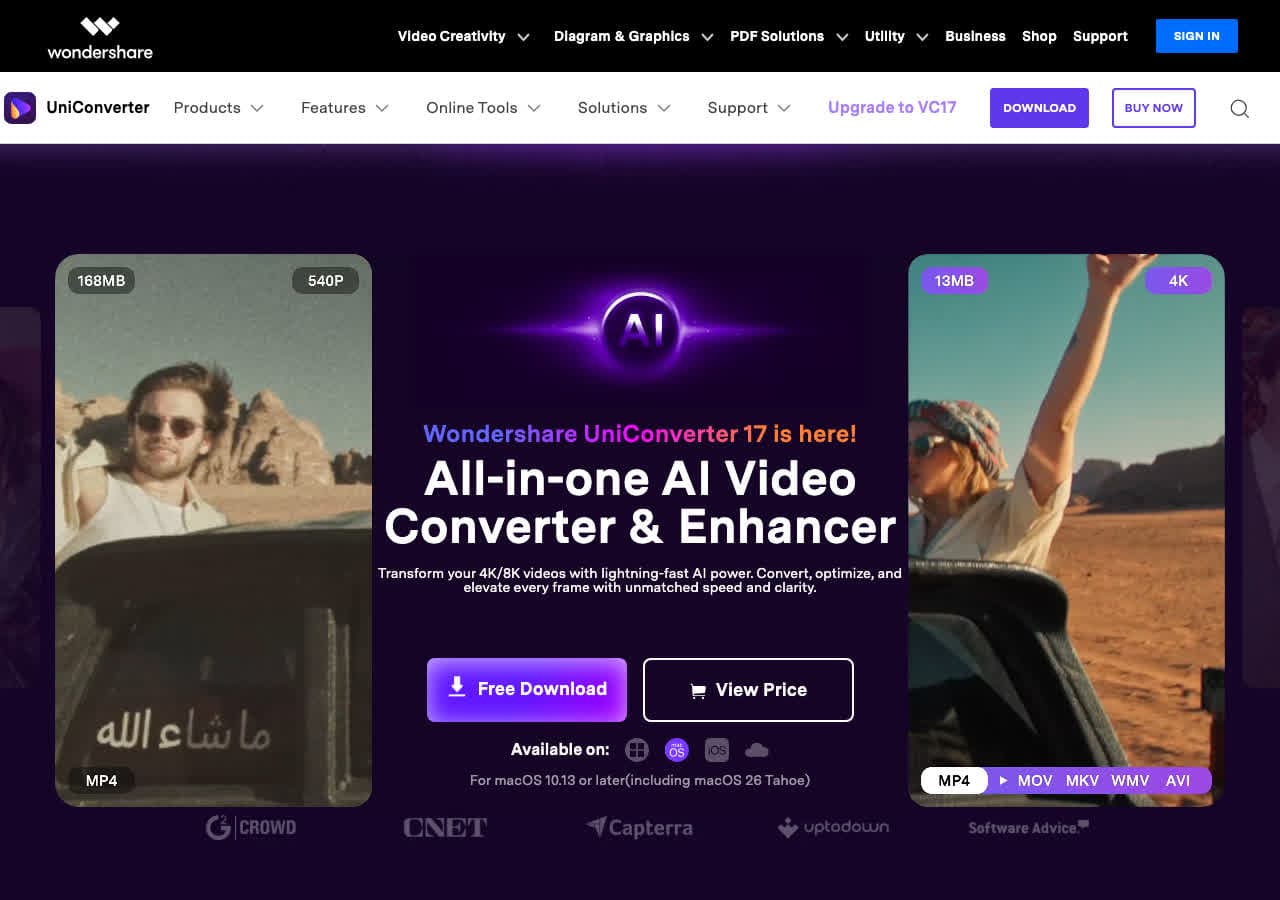
Wondershare UniConverter handles FLV to MP4 with a polished UI and hardware acceleration. Drop the FLV, pick MP4, convert.
Pros
- Polished UI.
- Hardware acceleration.
- Mac and Windows.
Cons
- Paid software.
- Free trial limits output length.
Pricing
- Subscription: From around $40/year.
- Lifetime: Around $80 one-time.
How to Convert
The offline file converter for Mac, Windows and Linux.
- Converts video, audio, images, documents, ebooks and more
- Everything runs locally. Your files never leave your device
- Pay once. Access forever
Get the app on Mac, Windows and Linux
7. Movavi Video Converter - Beginner-Friendly FLV to MP4
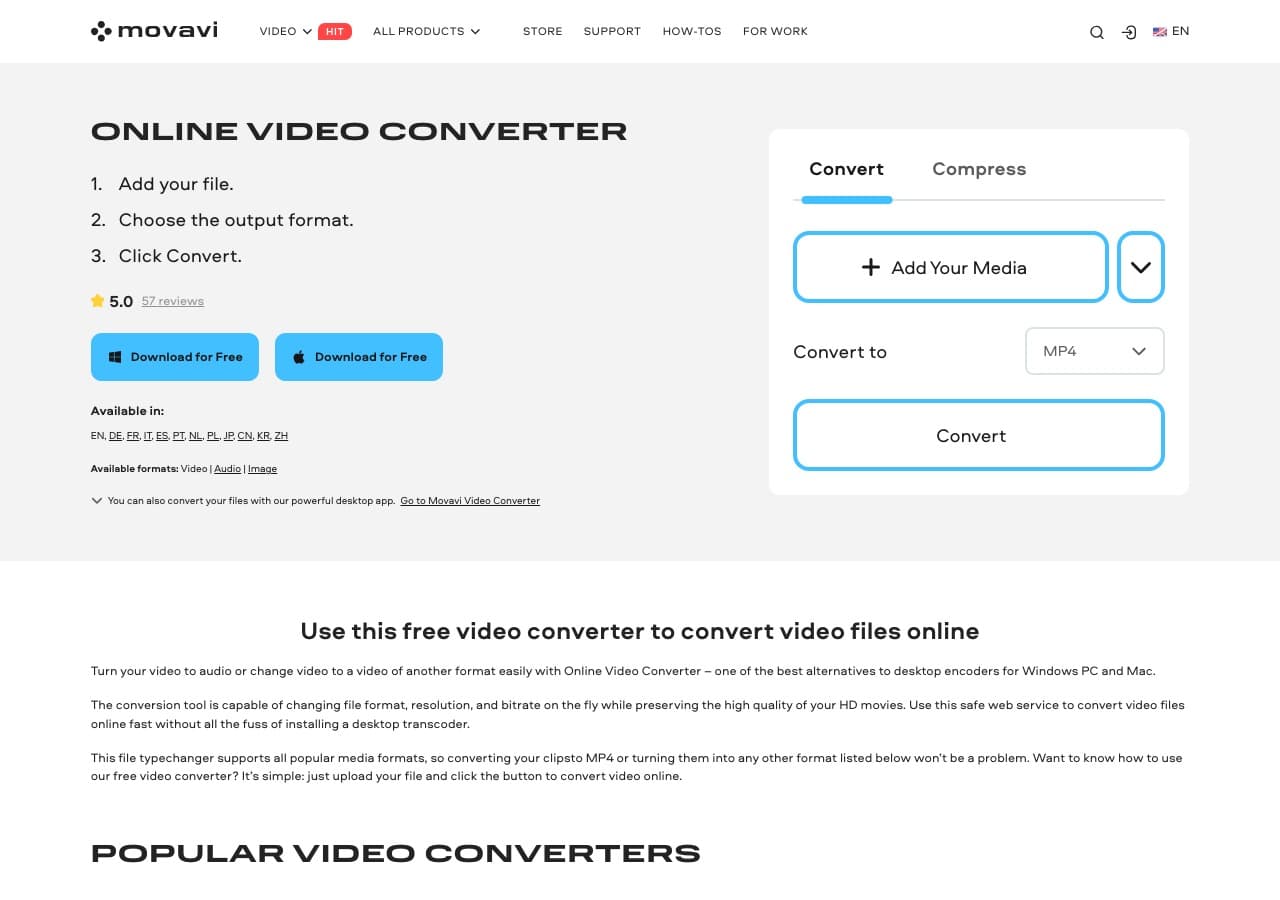
Movavi Video Converter handles FLV input with one of the friendliest UIs in this list. Good fit for non-technical users.
Pros
- Very beginner-friendly.
- Built-in trim and merge.
- Mac and Windows.
Cons
- Paid software.
- Persistent upsell prompts.
Pricing
- Subscription: Around $40/year.
- Lifetime: Around $50 one-time.
8. Any Video Converter - Free Windows FLV to MP4
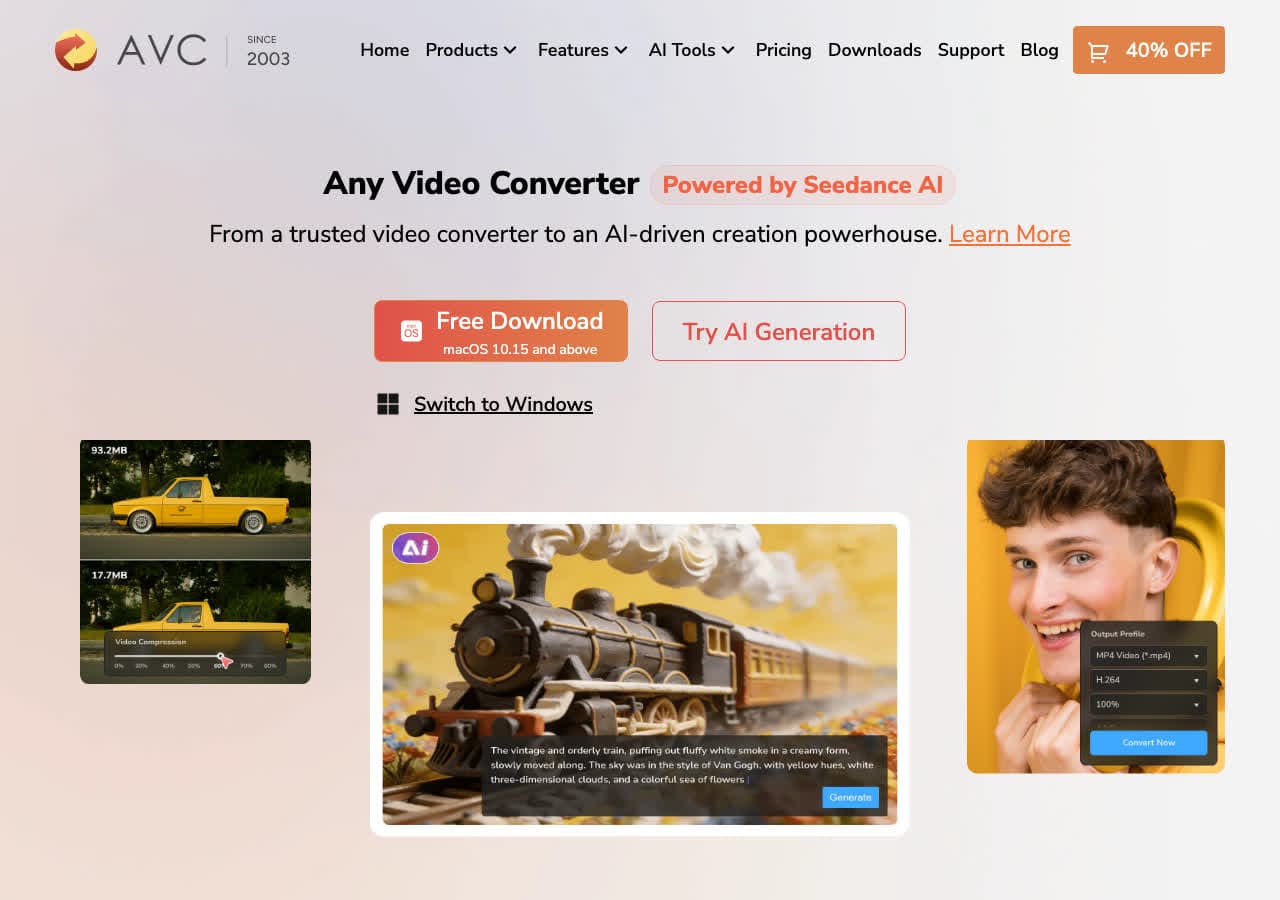
Any Video Converter (Free edition) handles FLV to MP4 in batch. Free for personal use. Decline bundled offers during install.
Pros
- Free MP4 output.
- Batch friendly.
- Mac and Windows.
Cons
- Installer may bundle offers.
- UI feels dated.
Pricing
- Free edition available.
- Pro: One-time around $50.
9. Freemake Video Converter - Familiar FLV to MP4 Tool
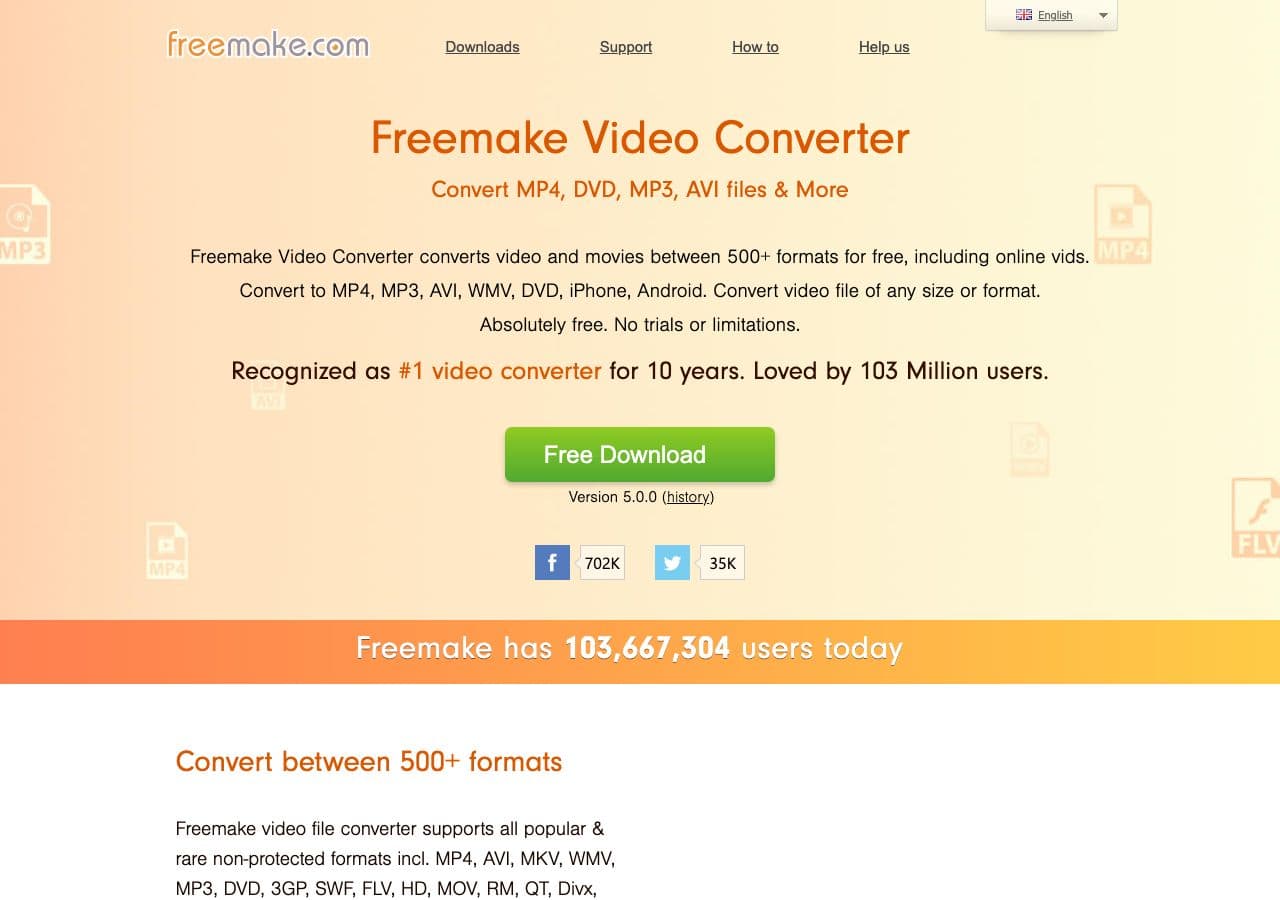
Freemake Video Converter handles FLV to MP4 with a friendly drag-and-drop UI. Free version adds a watermark. Use the official download.
Pros
- Friendly UI.
- Familiar to Windows users.
Cons
- Free version watermark.
- Installer may bundle offers.
- Windows only.
Pricing
- Free with watermark.
- Gold Pack: Around $20 one-time.
10. Switch by NCH - Reliable Batch FLV to MP4
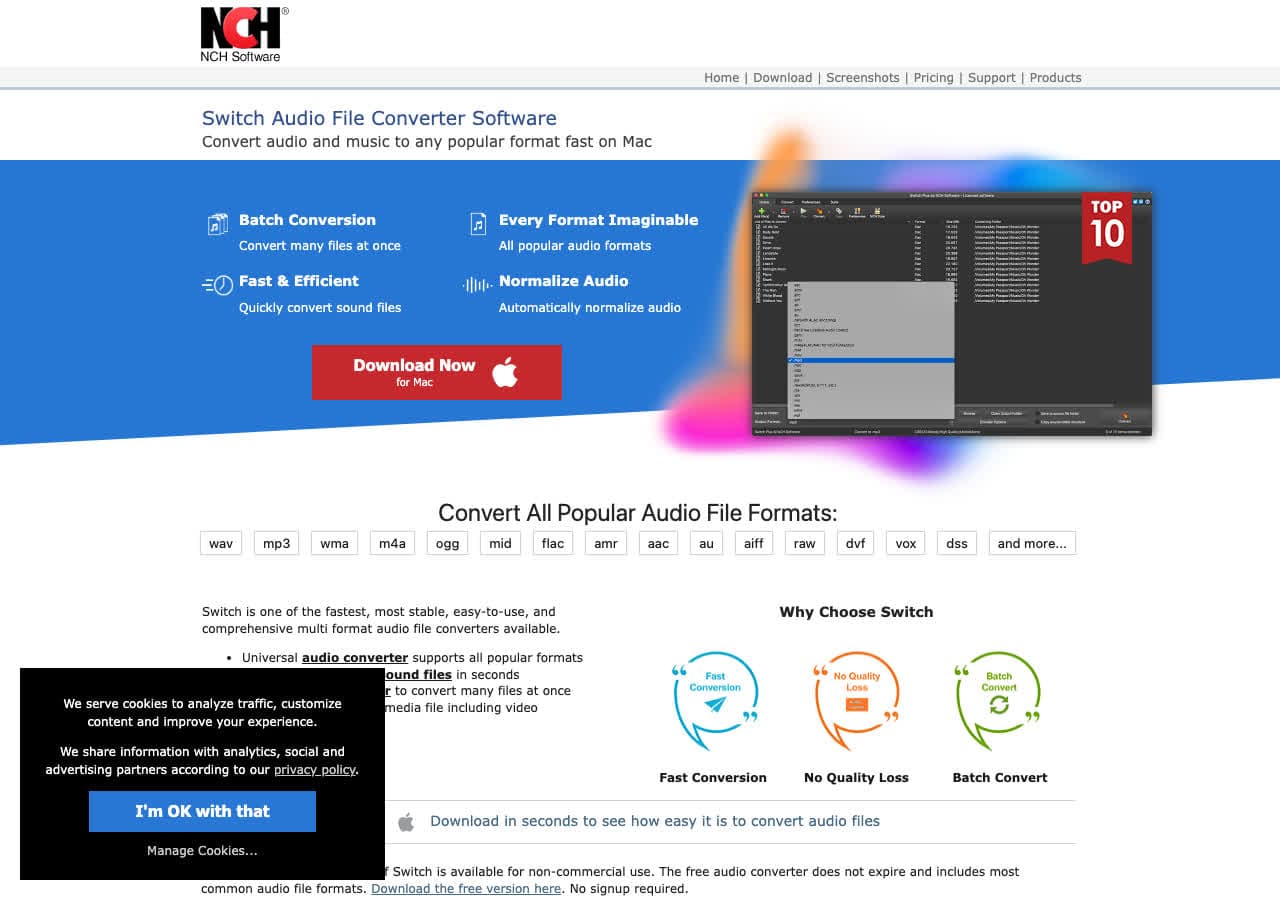
Switch by NCH handles FLV input and MP4 output. Reliable for repeatable batch jobs.
Pros
- Simple batch queue.
- Mac and Windows.
Cons
- Dated UI.
- Personal vs commercial license confusion.
Pricing
- Free for non-commercial use.
- Plus: Around $35 one-time.
11. Prism Video Converter - Lightweight FLV Tool
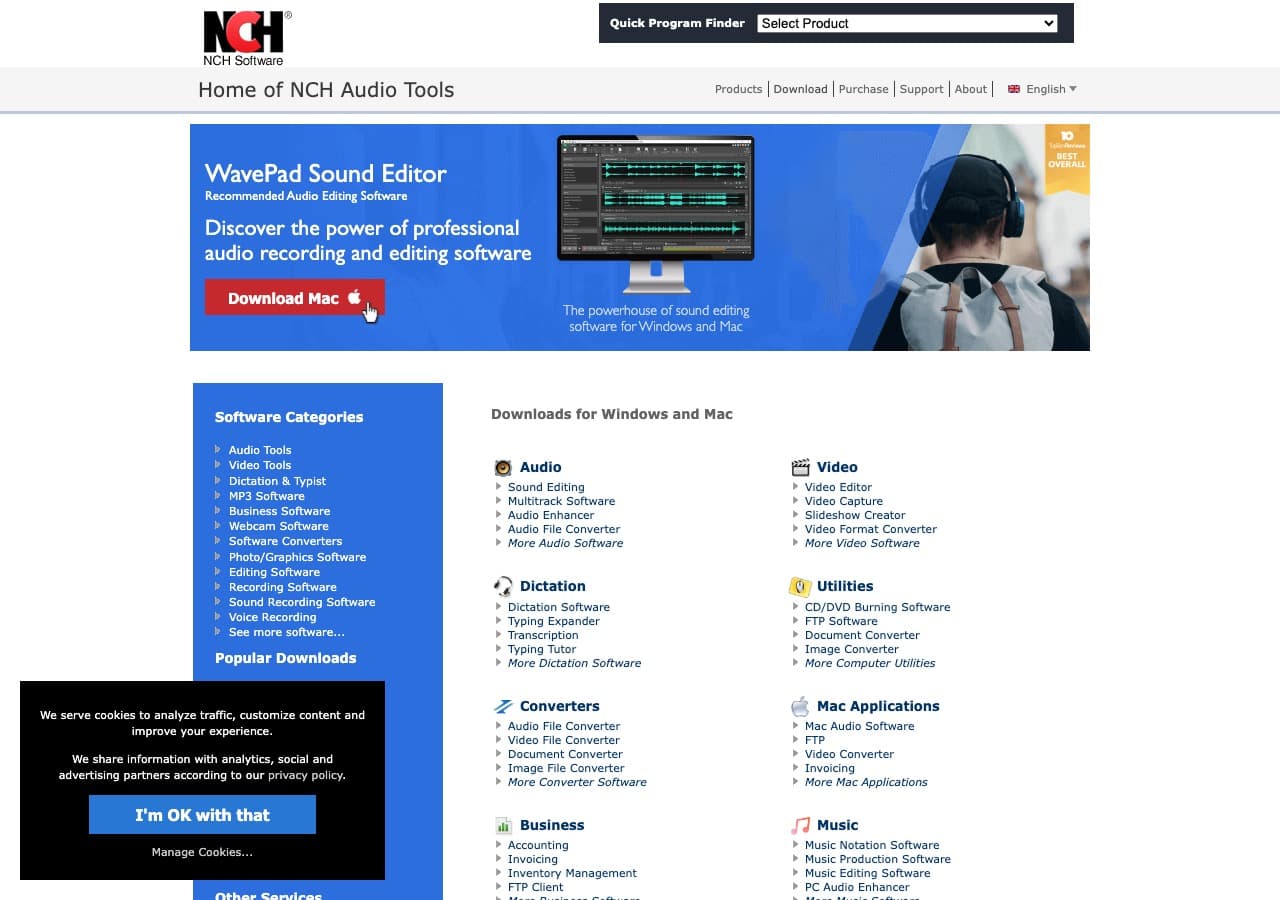
Prism Video Converter handles FLV to MP4 with low system requirements. Good fit for older machines.
Pros
- Lightweight, runs on older hardware.
- Mac and Windows.
Cons
- UI feels dated.
Pricing
- Free for non-commercial use.
- Plus: Around $50 one-time.
12. Permute - Best Mac-Native FLV to MP4
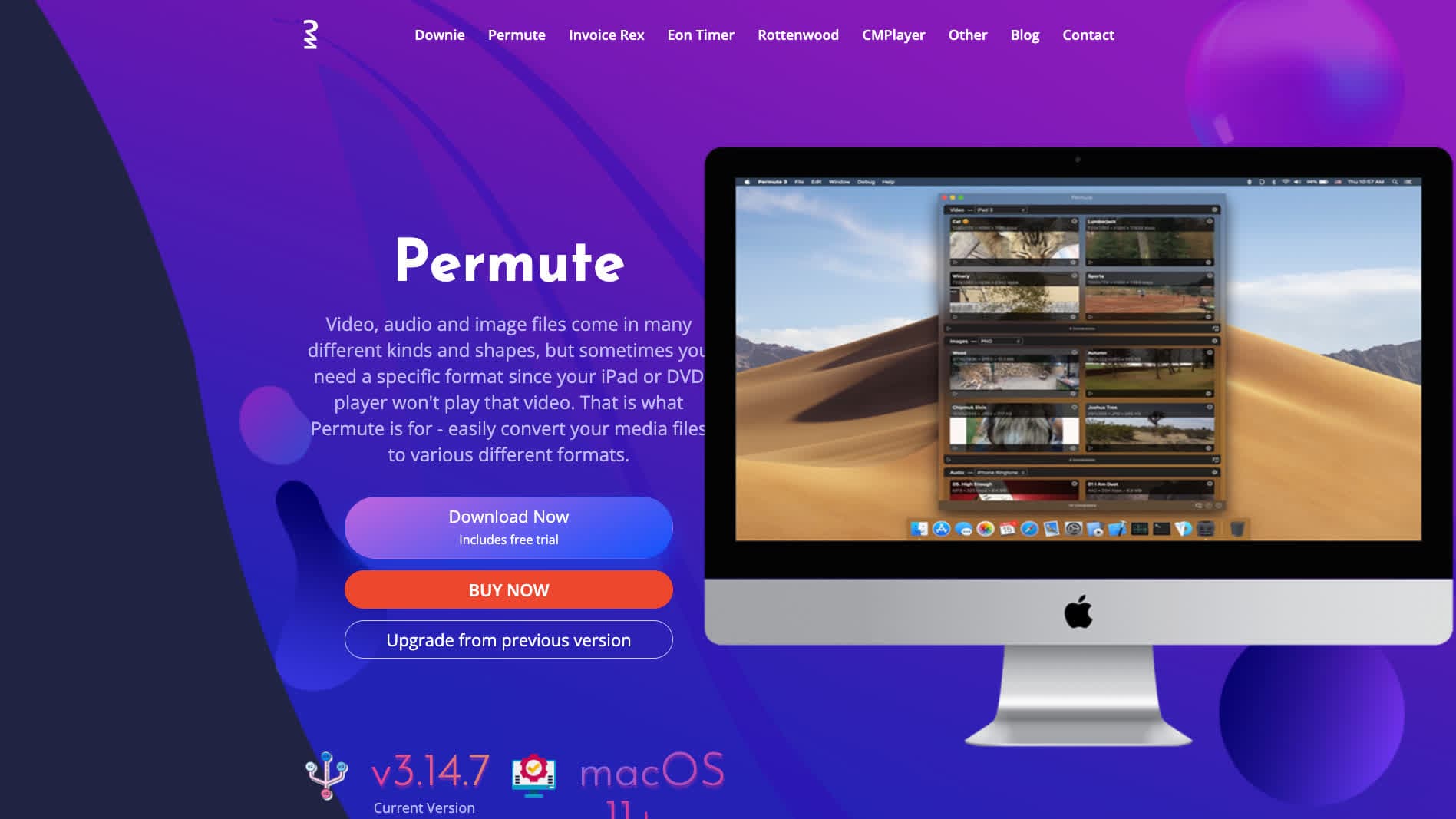
Permute is a Mac app that uses FFmpeg under the hood. Drag in FLV files, pick MP4, convert.
Pros
- Native Mac UI.
- Drag-and-drop.
- FFmpeg under the hood.
Cons
- Mac only.
- Paid app.
Pricing
- One-time around $20 (or via Setapp).
How to Convert
The offline file converter for Mac, Windows and Linux.
- Converts video, audio, images, documents, ebooks and more
- Everything runs locally. Your files never leave your device
- Pay once. Access forever
Get the app on Mac, Windows and Linux
13. CloudConvert - Best Online FLV to MP4
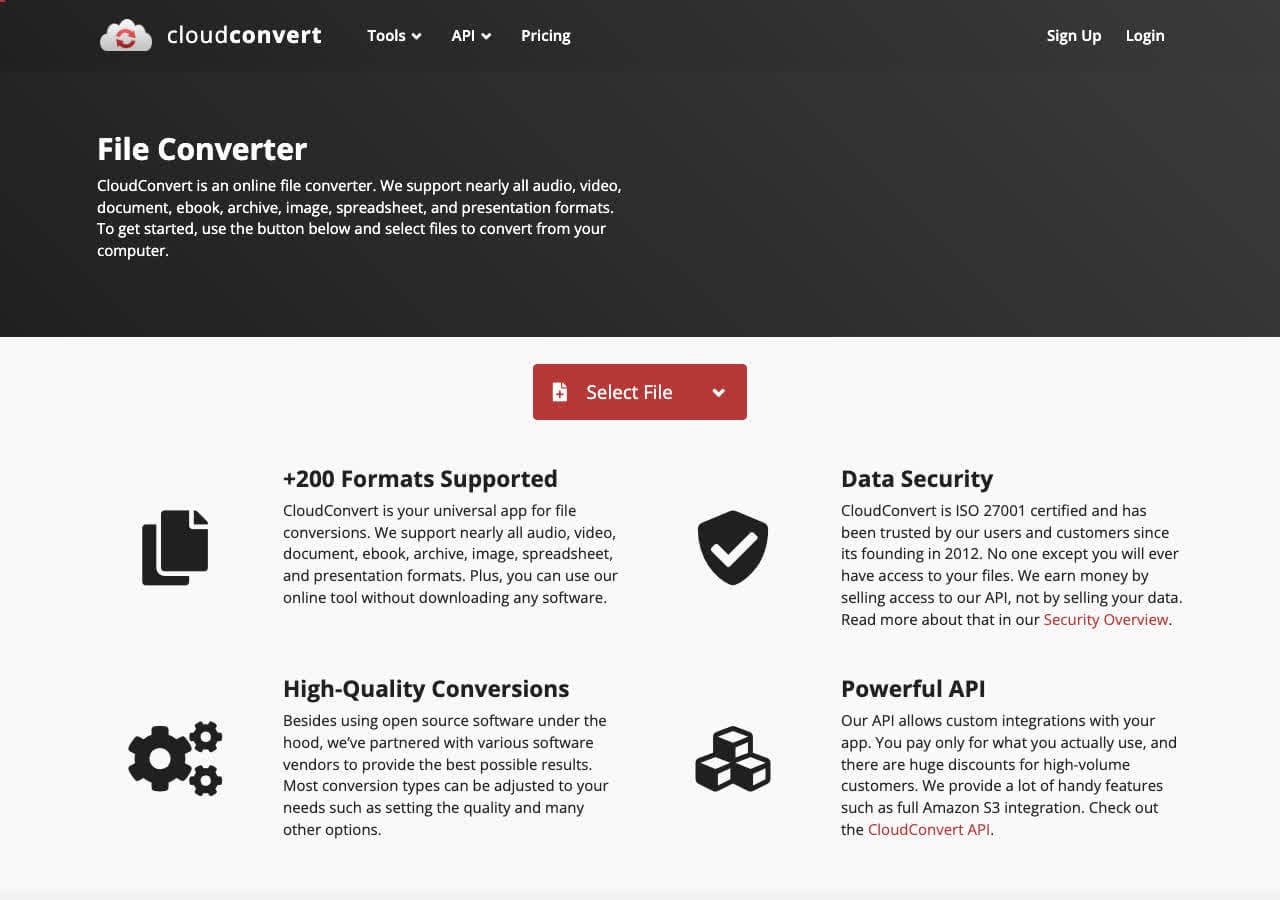
CloudConvert offers a dedicated FLV to MP4 page with bitrate control. Free tier allows 25 conversion minutes per day.
Pros
- No installation required.
- Adjustable bitrate.
- API for automation.
Cons
- Files uploaded to the cloud.
- Free tier limited for large jobs.
Pricing
- Free: 25 minutes per day.
- Paid: From $9 for 500 minutes.
14. Convertio - Simple Online FLV to MP4
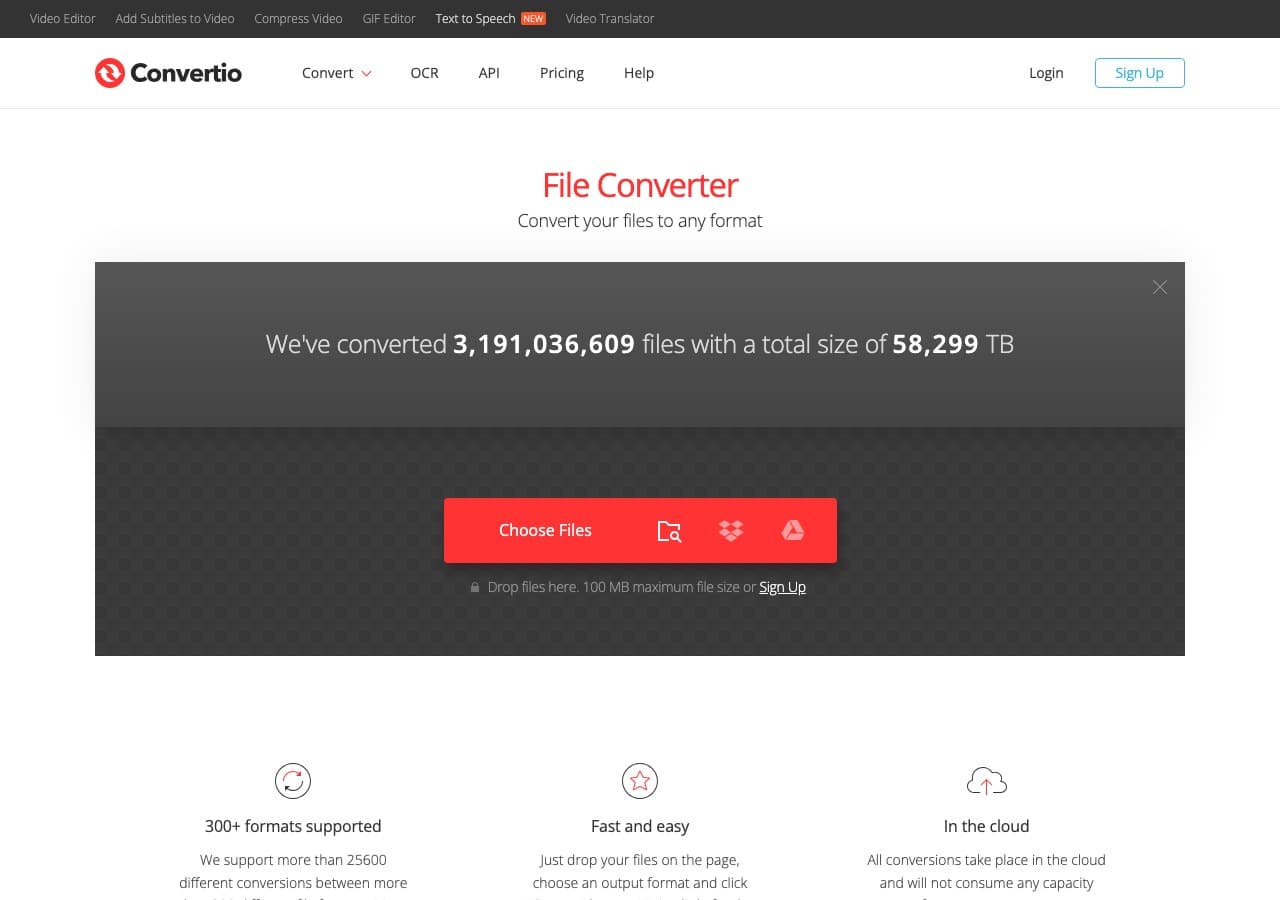
Convertio offers a clean FLV to MP4 flow with cloud storage integration.
Pros
- Clean, simple UI.
- Google Drive and Dropbox integration.
- 100 MB free file size.
Cons
- Files uploaded to the cloud.
- Free tier limited to about 10 minutes per day.
Pricing
- Free: 100 MB, 10 minutes per day.
- Light: From $9.99/month.
15. Zamzar - Easiest Online FLV to MP4
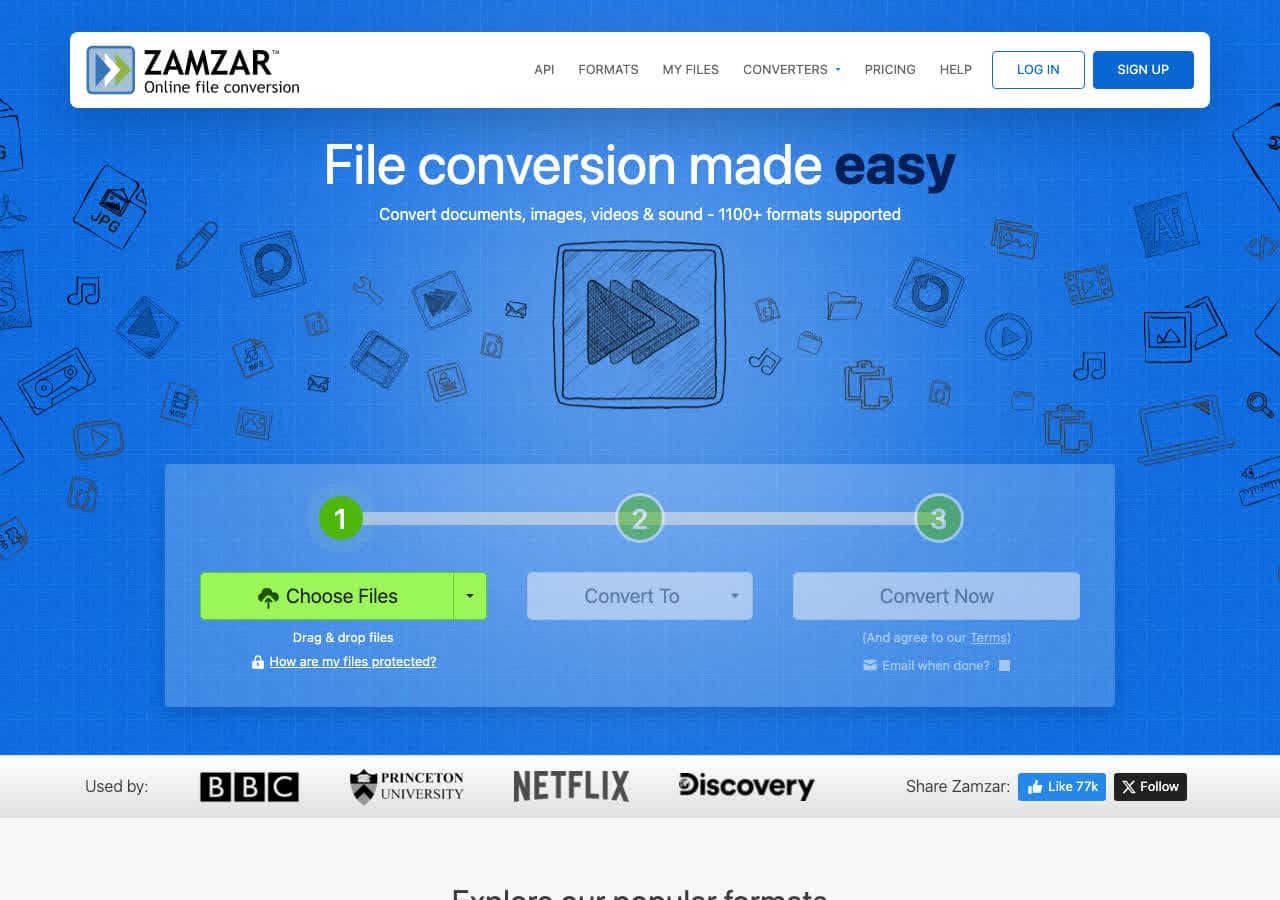
Zamzar is the simplest online FLV to MP4 converter. Free tier allows 2 conversions per day, 50 MB.
Pros
- Dead-simple workflow.
- No account needed.
Cons
- 2 free conversions per day.
- 50 MB free file cap.
Pricing
- Free: 2 conversions per day, 50 MB.
- Basic: From $18/month.
16. FreeConvert - Generous Free Tier
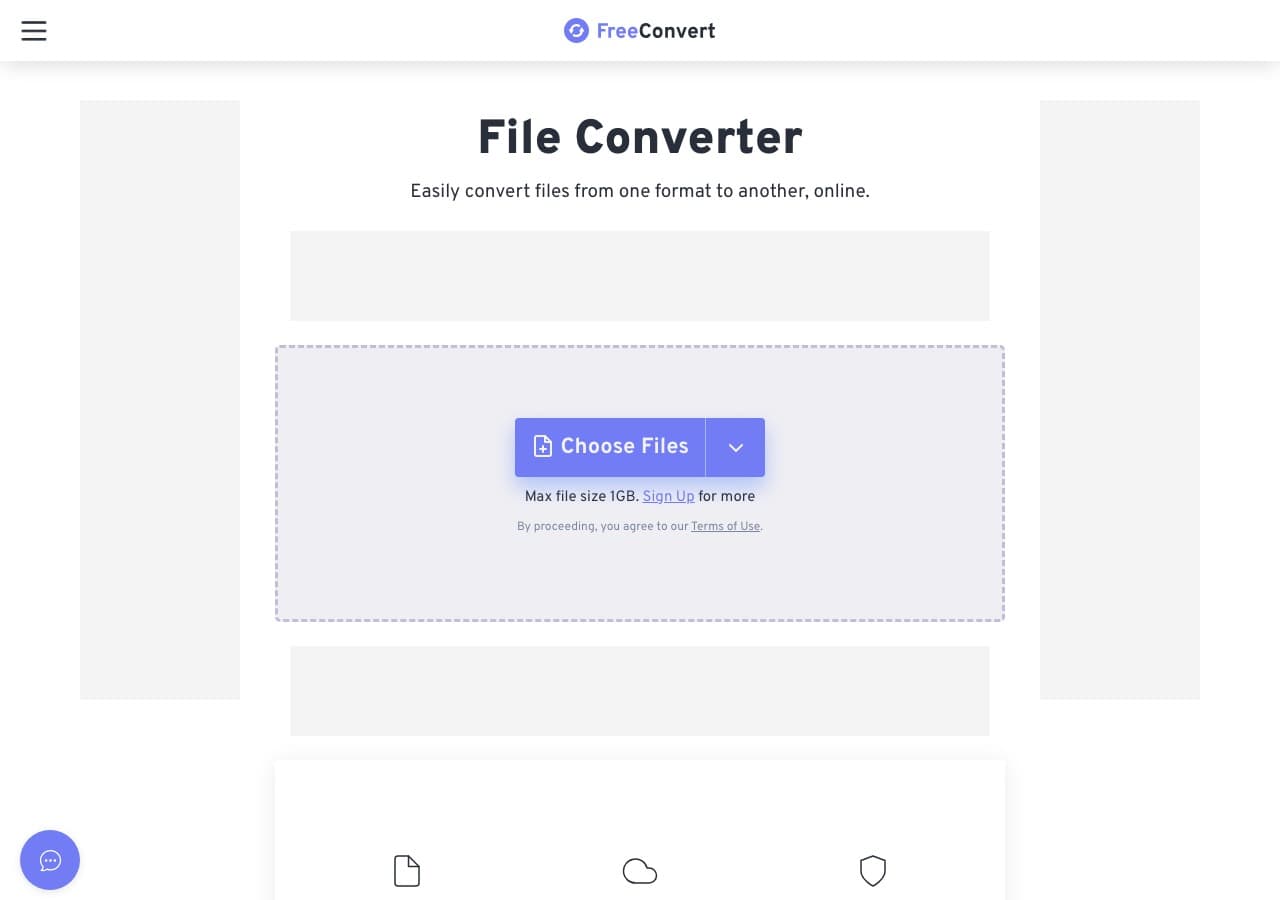
FreeConvert handles FLV to MP4 with a 1 GB free file size limit. Useful for full-length archived recordings.
Pros
- 1 GB free file size limit.
- Advanced bitrate and codec settings.
Cons
- Files uploaded to servers.
- Daily usage limits on free tier.
Pricing
- Free: 1 GB file size limit.
- Pro: From $9.99/month.
17. Online-Convert - Most Detailed Output Settings
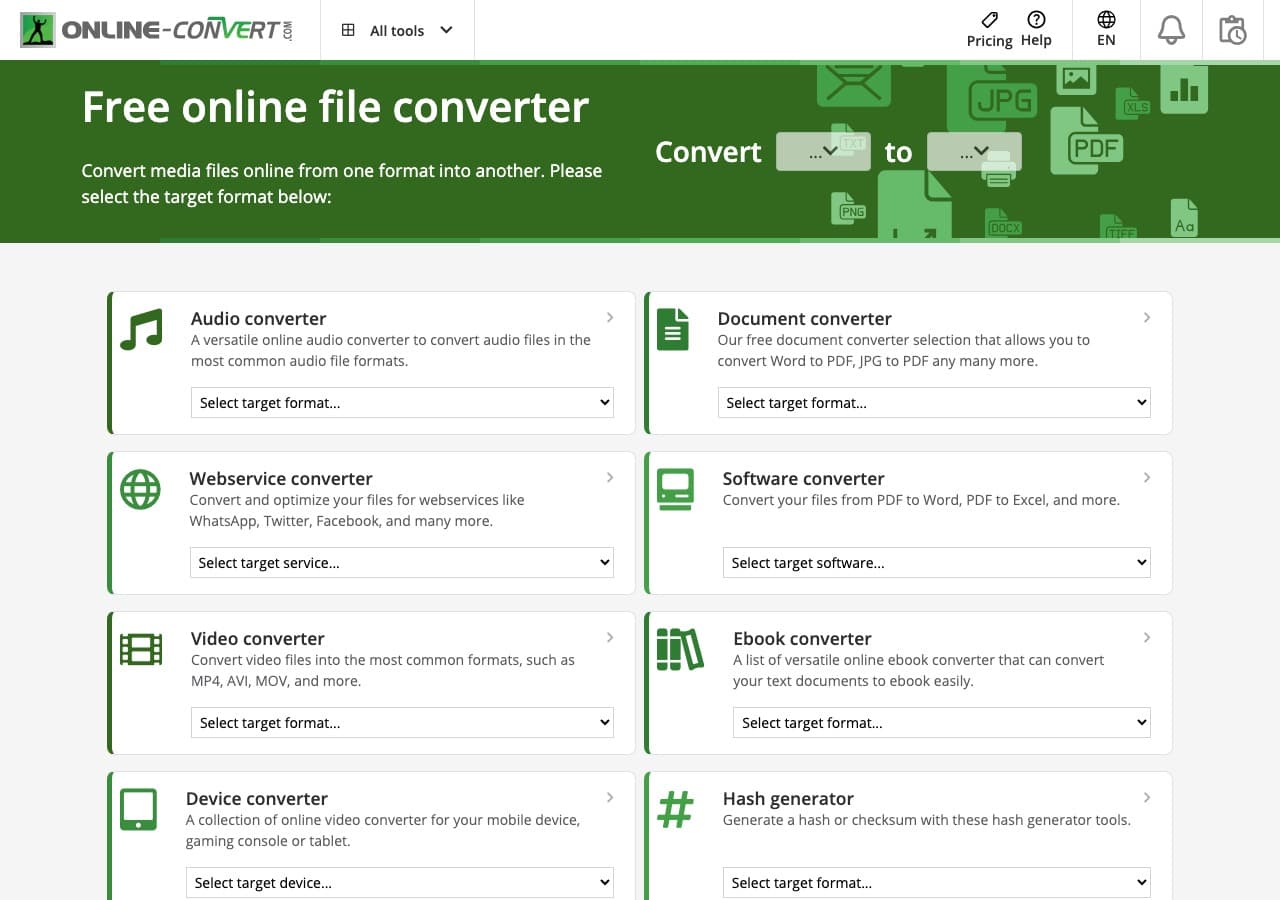
Online-Convert exposes the most detailed output controls of any web tool: codec, bitrate, frame rate, audio settings, crop, rotate.
Pros
- Most detailed settings of any web tool.
Cons
- Cluttered UI with ads.
- 100 MB free file size limit.
Pricing
- Free with ads.
- Paid: From $7.99/month.
18. Adapter - Minimal FLV to MP4 Tool
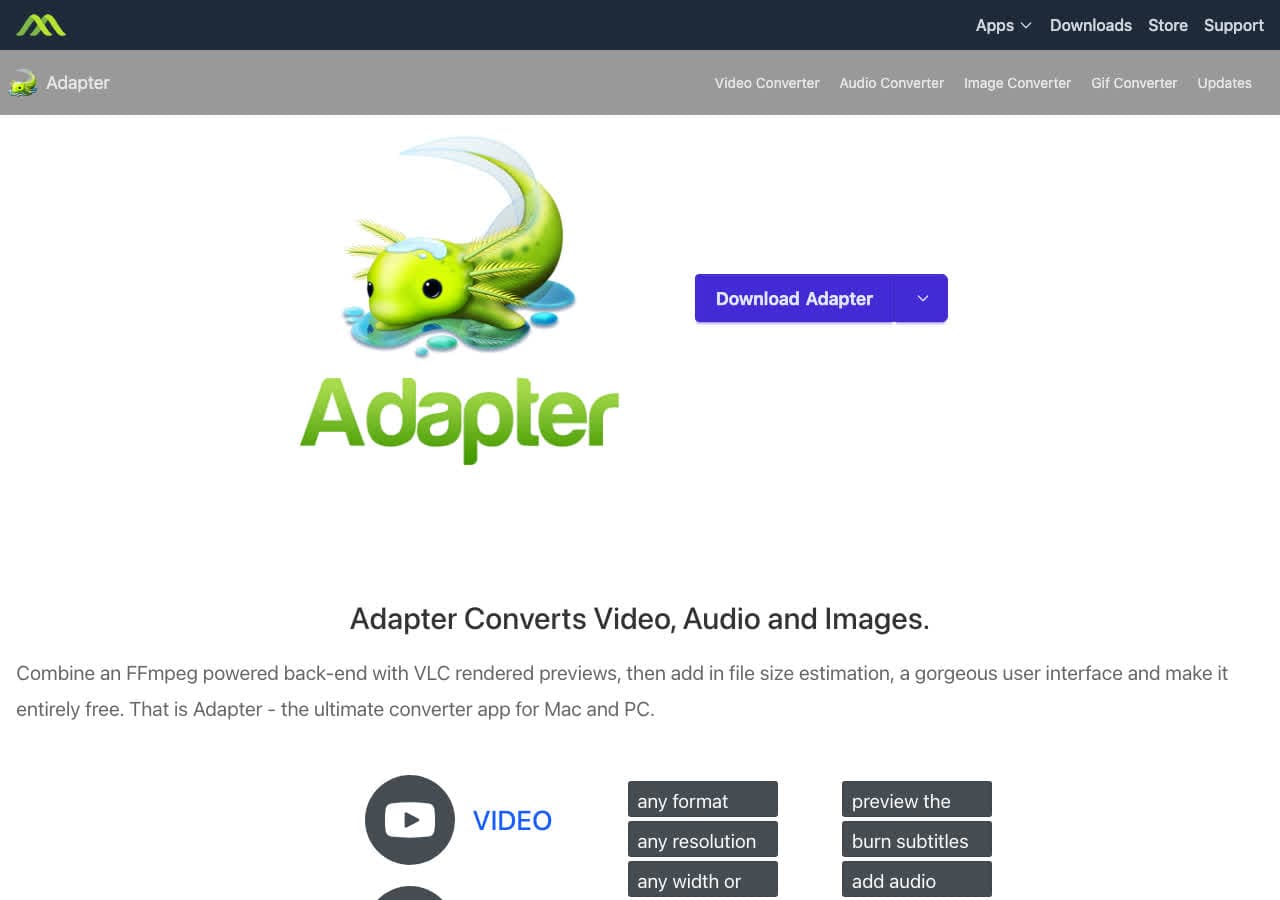
Adapter is a free FFmpeg-based converter on Mac and Windows. Drag in an FLV, pick MP4, convert.
Pros
- Minimal UI.
- Free, FFmpeg-based.
Cons
- Development has slowed.
Pricing
- Free.
Frequently Asked Questions
Will I lose quality converting FLV to MP4?
Almost never. Most FLV files contain H.264 video and AAC or MP3 audio, which MP4 supports natively. FFmpeg can stream-copy them into an MP4 container without re-encoding, so the conversion is lossless and instant. Use ffmpeg -i input.flv -c copy output.mp4.
Why does my FLV file not play on phones or modern browsers?
FLV was tied to Adobe Flash, which was deprecated in 2020 and removed from all major browsers. Mobile devices never natively supported FLV. Converting to MP4 (with H.264) gives you a file that plays on every modern device, browser, and operating system.
What is the fastest way to batch convert FLV to MP4?
For pure speed, FFmpeg with stream copy: for f in *.flv; do ffmpeg -i "$f" -c copy "${f%.flv}.mp4"; done. This is essentially instant per file because no re-encoding happens. For a GUI batch tool, Shutter Encoder or How to Convert handle entire folders without command line.
Final Thoughts
For one-off FLV to MP4 conversion in the browser, our free FLV to MP4 converter handles the file locally. For batch jobs of archived FLV files, FFmpeg stream copy is unbeatable in speed and quality. For a polished local app that handles FLV alongside every other format you care about, How to Convert is the cross-platform pick.
How to Convert
The offline file converter for Mac, Windows and Linux.
- Converts video, audio, images, documents, ebooks and more
- Everything runs locally. Your files never leave your device
- Pay once. Access forever
Get the app on Mac, Windows and Linux
