18 Best ODT to Word Converters in 2026 (Free and Paid)
The best ODT to Word converters in 2026. Compare offline desktop apps, open-source tools, and online converters for sharing LibreOffice documents with Microsoft Word users.
Posted by
 Jake Manger
ODT to DOCX is the conversion that takes LibreOffice Writer or OpenOffice documents and turns them into something Microsoft Word users can open. ODT is the OpenDocument Text format — the default for LibreOffice and what many government, academic, and open-source-aligned organizations use. Most Word users have never installed LibreOffice and refuse on principle, so when you collaborate across that gap, ODT → DOCX is the bridge. This guide compares 18 ODT to DOCX converters in 2026.
ODT → DOCX is a clean, well-understood conversion — LibreOffice handles it natively because it understands both formats deeply.
Quick Picks for ODT → DOCX
- Best: LibreOffice itself. Native handling of both formats.
- Best CLI: LibreOffice headless mode.
- Best one-shot: How to Convert.
- For docs-as-code: Pandoc.
One-shot: ODT to DOCX converter.
1. How to Convert (I built this one)

Drop ODTs in, pick DOCX, hit convert. Local.
Pricing
- One-time purchase; free web demo for single-file conversions.
 How to Convert
The offline file converter for Mac, Windows and Linux.
- Converts video, audio, images, documents, ebooks and more
- Everything runs locally. Your files never leave your device
- Pay once. Access forever
Get the app on Mac, Windows and Linux
2. LibreOffice — best free
Open ODT, File → Save As → Microsoft Word (.docx). LibreOffice authored ODT and supports DOCX export to spec.
CLI batch:
libreoffice --headless --convert-to docx *.odt
Pricing
- Free, open source.
3. Microsoft Word
Word reads ODT and saves as DOCX. Slightly different rendering than LibreOffice but still functional.
Pricing
- Subscription (Microsoft 365) or perpetual.
4. Pandoc
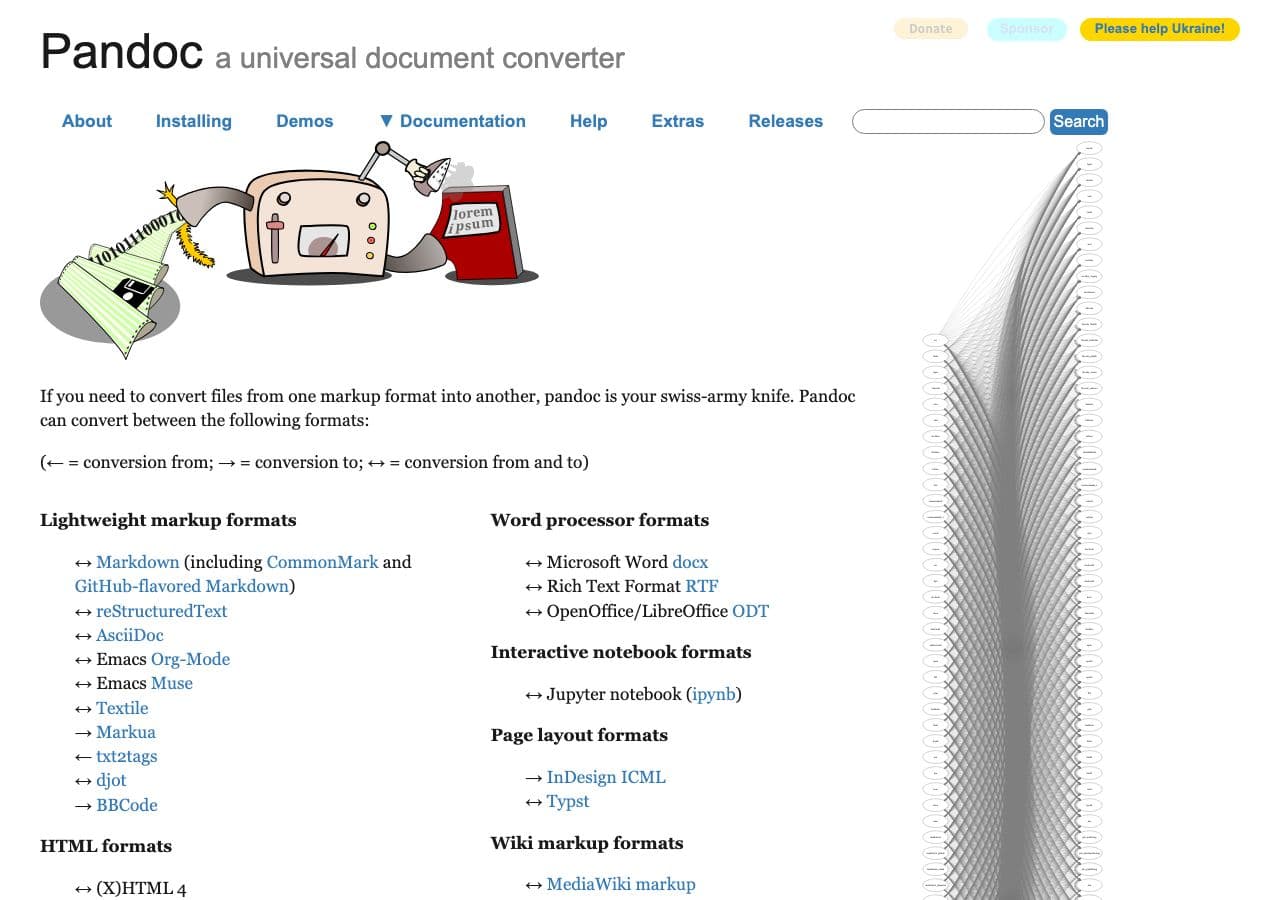
pandoc input.odt -o output.docx
Pricing
- Free, open source.
5. Google Docs
Upload ODT to Drive, open, File → Download → .docx.
Pricing
- Free with Google account.
6. Apple Pages
Imports ODT, exports DOCX.
Pricing
- Free with macOS.
7. OnlyOffice
Free Office suite alternative. ODT → DOCX with high fidelity.
Pricing
- Free.
8. CloudConvert
Web ODT → DOCX.
Pricing
- Free tier; paid above.
9. Convertio
Web ODT → DOCX.
Pricing
- Free with caps; paid above.
10. iLovePDF
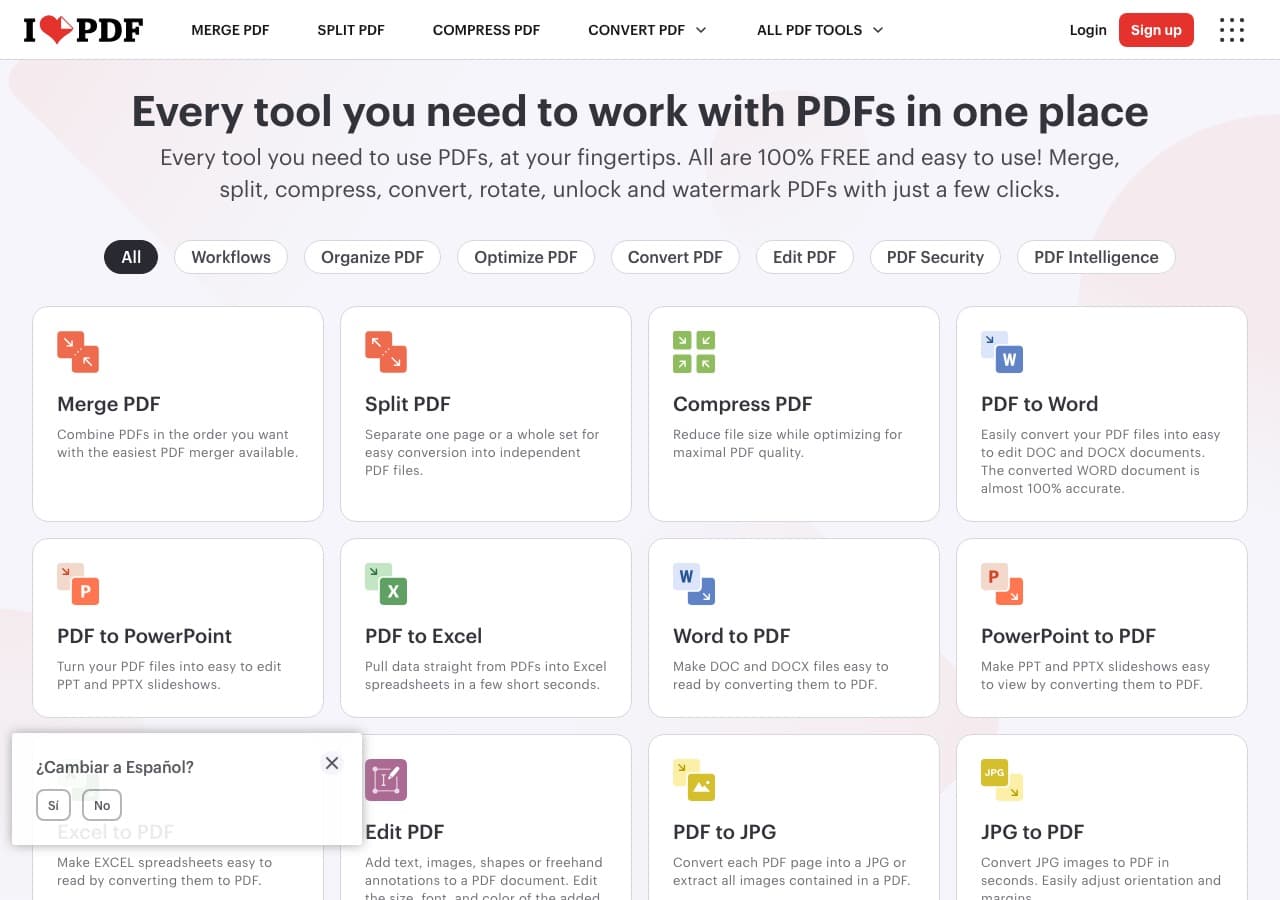
Web converter (includes ODT → DOCX).
Pricing
- Free with limits; paid above.
11. Online-Convert
Web converter.
Pricing
- Free with limits; paid above.
12. Smallpdf
Web converter.
Pricing
- Free with daily limits; paid above.
13. FreeConvert
Web converter.
Pricing
- Free with caps; paid above.
14. Zamzar
Long-running web converter.
Pricing
- Free with daily limits; paid above.
15. PDF24 (limited ODT)
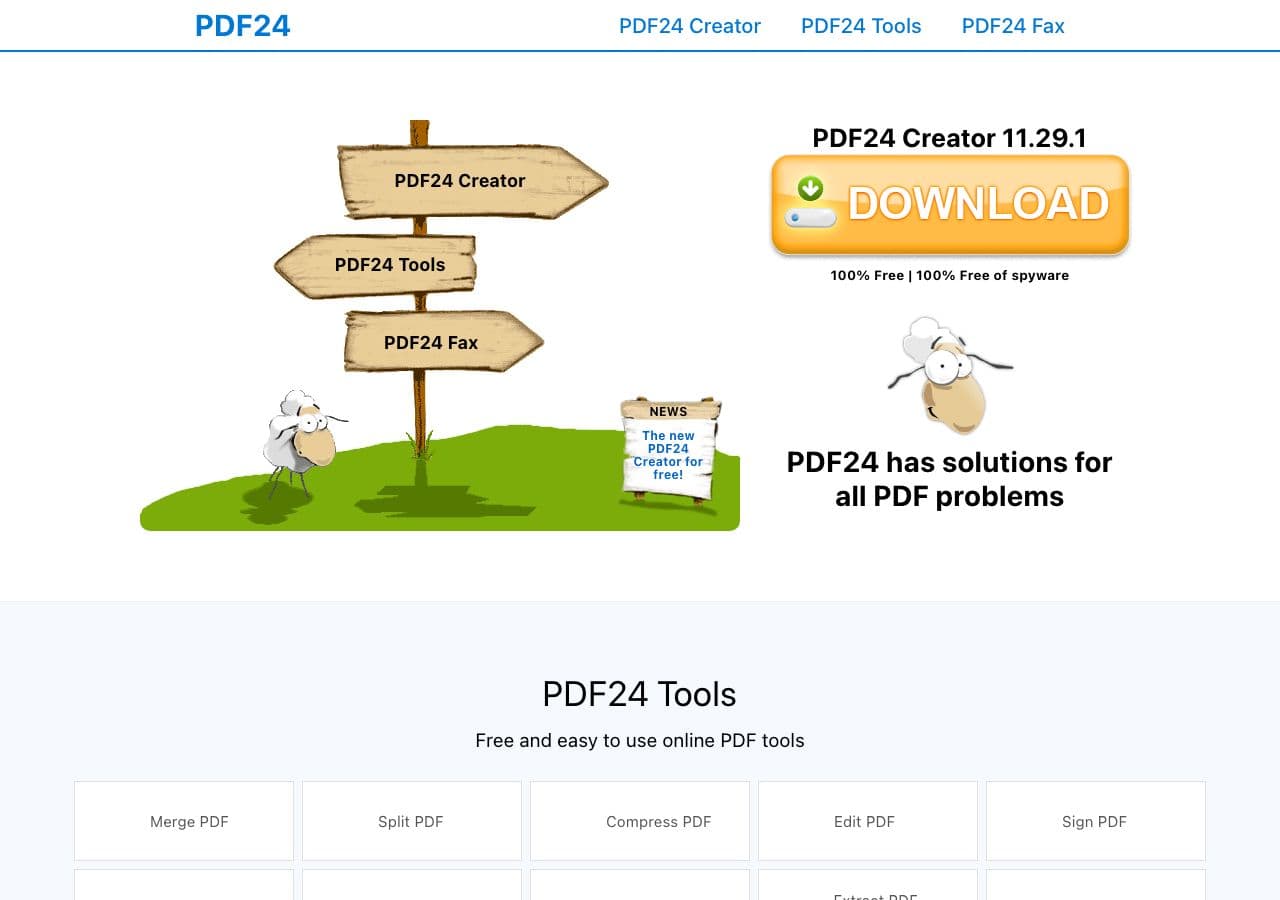
Windows toolkit; ODT → DOCX via LibreOffice backend.
Pricing
- Free for personal use.
16. Aspose.Words
Commercial library for enterprise document workflows.
Pricing
- Paid.
17. WPS Office
Office suite alternative with ODT and DOCX support.
Pricing
- Free; paid premium.
18. NeoOffice
Mac-native fork of LibreOffice.
Pricing
- Free.
How to Choose
- Free, direct: LibreOffice.
- Batch: LibreOffice headless.
- Already in Word ecosystem: Word itself.
- Scripted pipeline: Pandoc.
- Sensitive document: stay local.
Final Thoughts
ODT → DOCX is a clean conversion. LibreOffice handles it natively because it created both formats; Word reads ODT directly for the reverse path. For batch work, LibreOffice headless processes hundreds of files in minutes. For sensitive content, stay local.
How to Convert
The offline file converter for Mac, Windows and Linux.
- Converts video, audio, images, documents, ebooks and more
- Everything runs locally. Your files never leave your device
- Pay once. Access forever
Get the app on Mac, Windows and Linux
