18 Best Open Source File Converter Apps in 2026
The best open source and free file converter apps for 2026. Community-driven tools for video, audio, image, and document conversion.
Posted by
 Jake Manger
Open source file converters give you something commercial tools cannot: transparency. You can inspect the source code, verify that the software does what it claims, and trust that your files are not being sent anywhere. Open source tools are maintained by communities of developers, audited by security researchers, and used by millions of people who value freedom and privacy. They are also free, which is a nice bonus.
We compiled the 18 best open source file converters for 2026, covering video, audio, images, documents, and ebooks. These tools range from command-line engines used by the entire software industry to polished desktop applications with graphical interfaces. Some of these projects have been actively developed for over 20 years and form the backbone of media processing worldwide. If you want converters you can trust, these open source options are the gold standard.
1. HandBrake - Best Open Source Video Converter
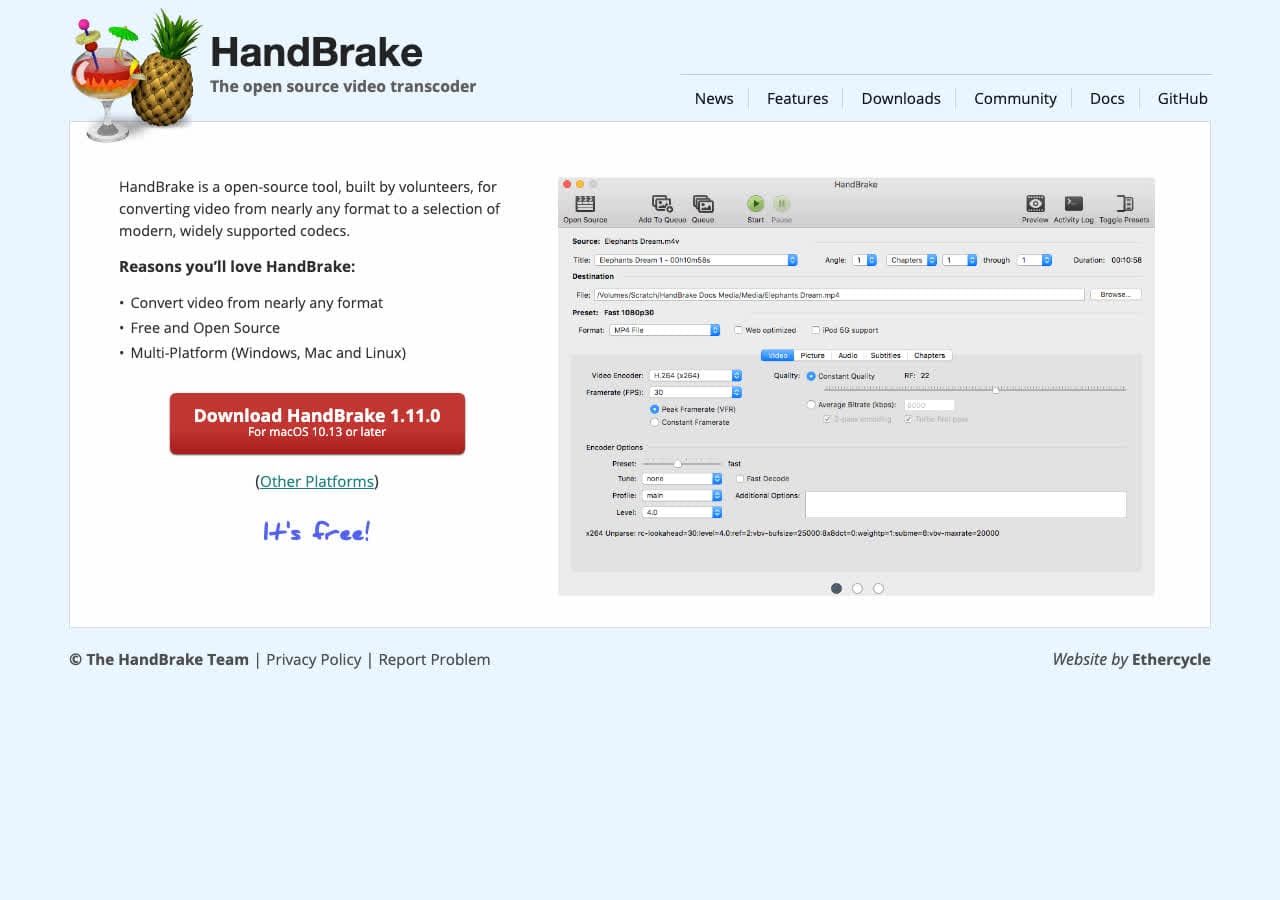
HandBrake is the most popular open source video converter. Licensed under GPL, its source code is publicly available on GitHub. HandBrake converts nearly any video format to MP4 or MKV with support for modern codecs including H.264, H.265, VP9, and AV1. Hardware-accelerated encoding uses your GPU for faster conversions.
HandBrake has been actively developed since 2003. The community maintains device presets, contributes bug fixes, and reviews code changes. It includes a batch queue, chapter markers, subtitle support, and audio track selection. HandBrake runs on Mac, Windows, and Linux with no ads, no tracking, and no upsells. Every feature is available to everyone.
Pros
- Open source (GPL) with code on GitHub.
- Hardware-accelerated encoding.
- Actively maintained since 2003.
- Batch queue for multiple files.
- Cross-platform (Mac, Windows, Linux).
Cons
- Only outputs MP4 and MKV containers.
- Video only. No audio-only or image conversion.
Pricing
- Free (open source, GPL licensed).
 How to Convert
The offline file converter for Mac, Windows and Linux.
- Converts video, audio, images, documents, ebooks and more
- Everything runs locally. Your files never leave your device
- Pay once. Access forever
Get the app on Mac, Windows and Linux
2. VLC - Best Open Source Media Player with Conversion
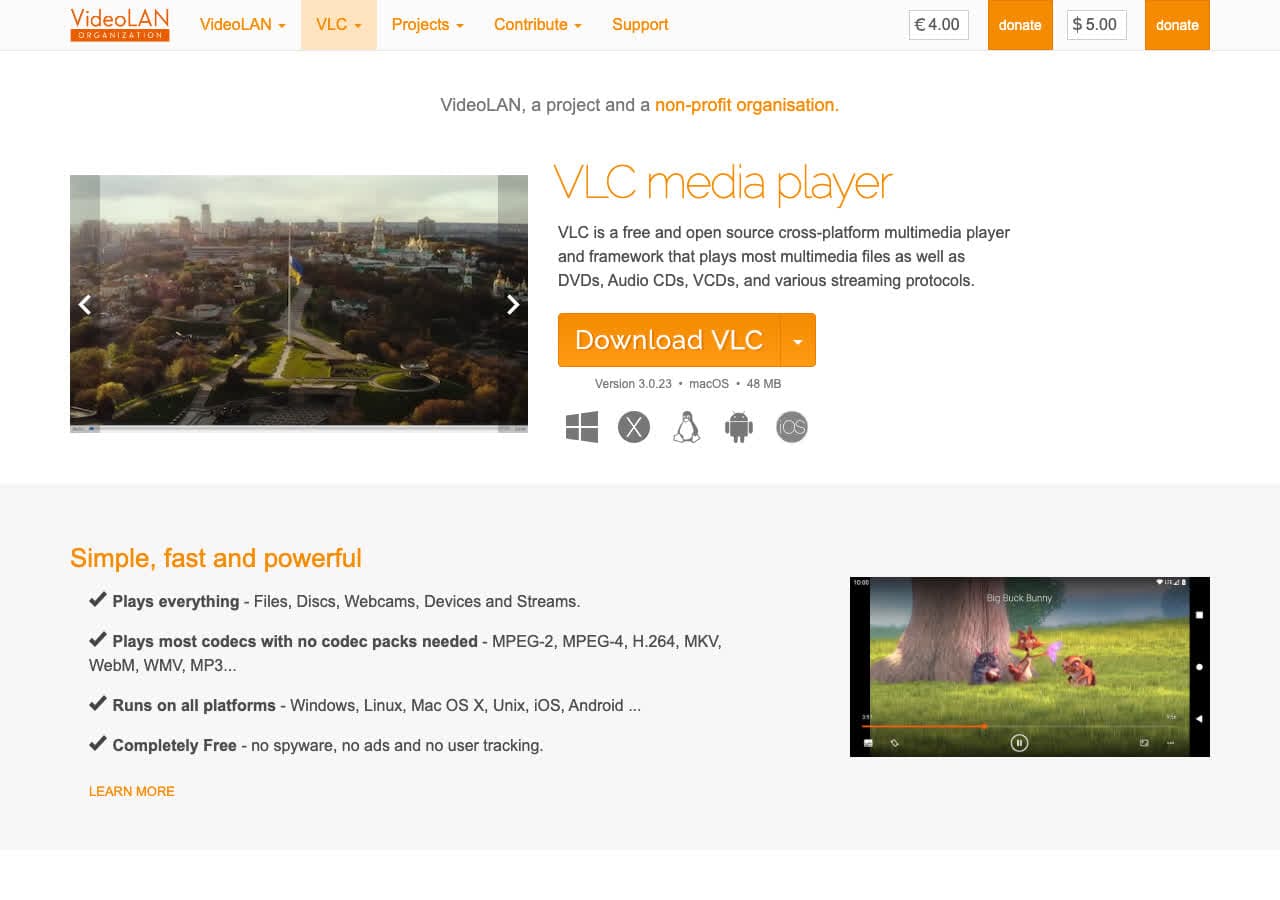
VLC is an open source media player developed by VideoLAN. Beyond playing virtually any media file, VLC converts between video and audio formats using its built-in transcoding engine. The conversion feature supports MP4, MKV, AVI, MOV, MP3, FLAC, WAV, OGG, and dozens more formats. VLC is licensed under GPL and LGPL.
VLC has been downloaded over 3 billion times and is one of the most trusted open source projects in the world. The conversion feature under Media > Convert/Save is basic compared to dedicated converters, but it works reliably. VLC runs on Mac, Windows, Linux, Android, iOS, and even more obscure platforms.
Pros
- Open source with 3 billion+ downloads.
- Converts video and audio formats.
- Plays any media file.
- Runs on every platform.
Cons
- Conversion interface is basic.
- No batch conversion.
Pricing
- Free (open source, GPL/LGPL licensed).
3. FFmpeg - Best Open Source Command-Line Conversion Engine
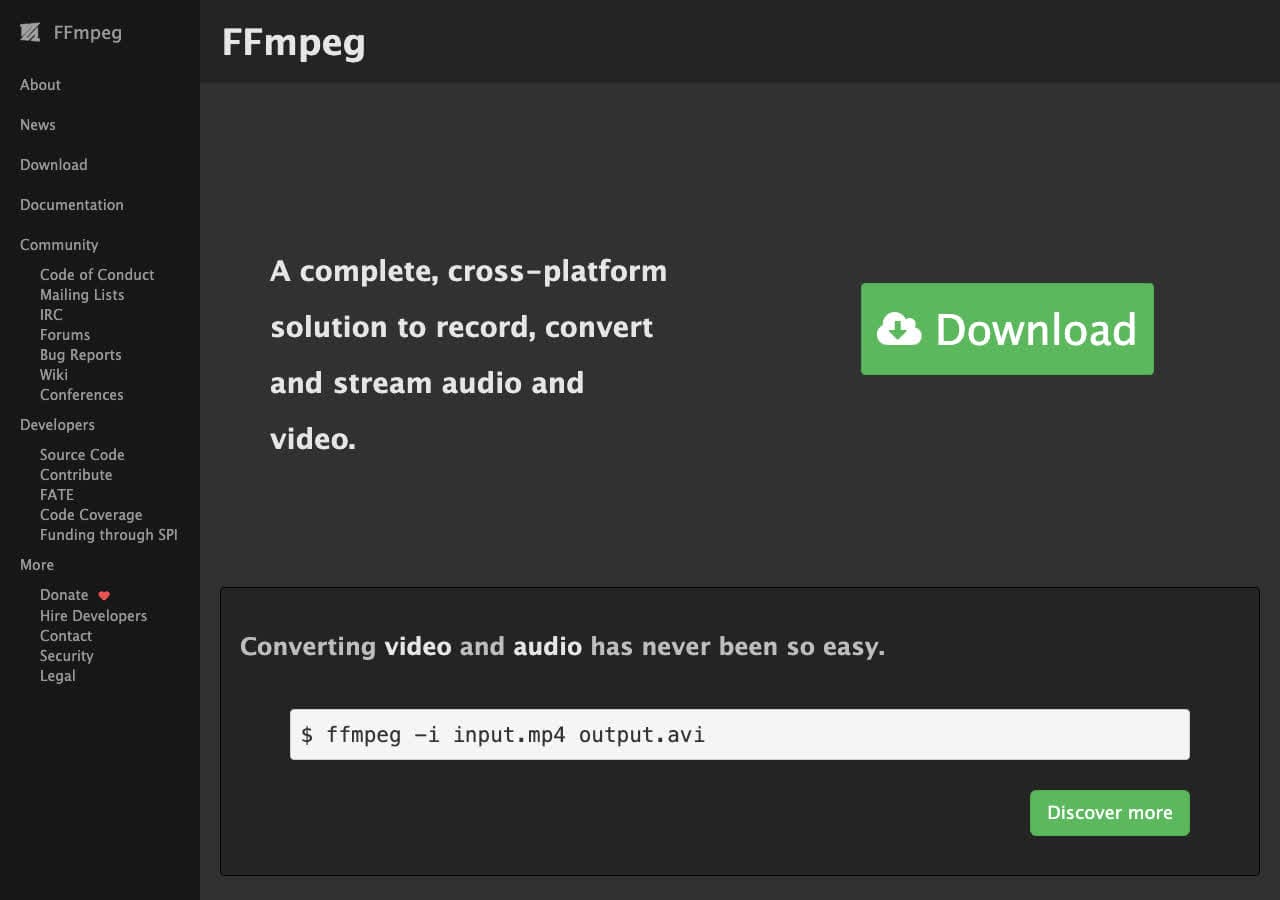
FFmpeg is the open source engine that powers most of the media industry. HandBrake, VLC, YouTube, Netflix, and thousands of other applications use FFmpeg under the hood. As a standalone tool, FFmpeg converts between virtually every video, audio, and image format ever created. It is the most comprehensive media processing toolkit in existence.
FFmpeg has been developed since 2000 and is one of the most important open source projects in computing. It handles codec transcoding, container remuxing, resolution scaling, frame rate conversion, audio extraction, subtitle embedding, filtering, and much more. Licensed under LGPL/GPL, it is free for any use. FFmpeg runs on every platform.
Pros
- Powers the media industry. Used by YouTube, Netflix, etc.
- Supports more formats than any other tool.
- Open source since 2000.
- Scriptable for automated workflows.
Cons
- Command-line only.
- Steep learning curve.
Pricing
- Free (open source, LGPL/GPL licensed).
4. ImageMagick - Best Open Source Image Processing Suite
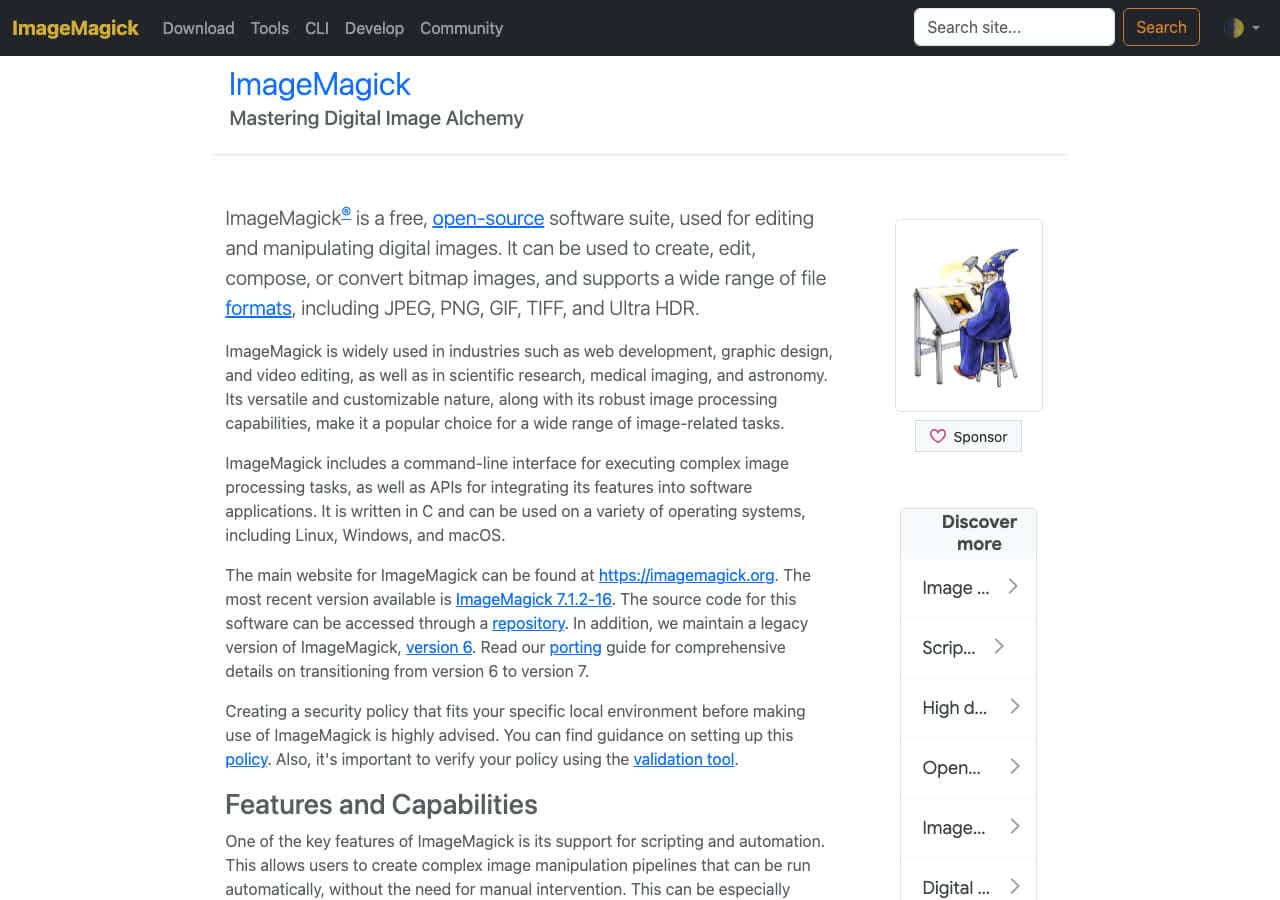
ImageMagick has been the open source standard for image processing since 1990. It converts between over 200 image formats, resizes, crops, rotates, composites, and applies effects. ImageMagick is used by web applications, content management systems, and image processing pipelines worldwide. Licensed under Apache 2.0.
ImageMagick is a command-line tool that processes images with commands like magick input.png output.jpg. Batch processing handles thousands of images with wildcards or shell loops. It supports JPG, PNG, WebP, HEIC, TIFF, SVG, PDF, GIF, BMP, RAW formats, and many more. ImageMagick runs on every platform.
Pros
- Open source since 1990.
- 200+ image formats.
- Industry standard for image processing.
- Batch processing with command line.
Cons
- Command-line only.
- Images only.
Pricing
- Free (open source, Apache 2.0 license).
5. LibreOffice - Best Open Source Document Converter
LibreOffice is the leading open source office suite, developed by The Document Foundation. It reads and writes Microsoft Office formats (DOCX, XLSX, PPTX), ODF, PDF, RTF, HTML, and more. LibreOffice is both an office suite and a document converter, with command-line batch conversion support.
LibreOffice is the open source answer to Microsoft Office. For document conversion, it handles format changes with excellent fidelity. Run libreoffice --headless --convert-to pdf *.docx to batch convert documents without opening the GUI. It is licensed under MPL and runs on Mac, Windows, and Linux.
Pros
- Open source (MPL) by The Document Foundation.
- Reads all Microsoft Office formats.
- Command-line batch conversion.
- Full office suite included.
Cons
- Complex Office documents may lose formatting.
- Large application to install.
Pricing
- Free (open source, MPL licensed).
6. Calibre - Best Open Source Ebook Converter and Manager
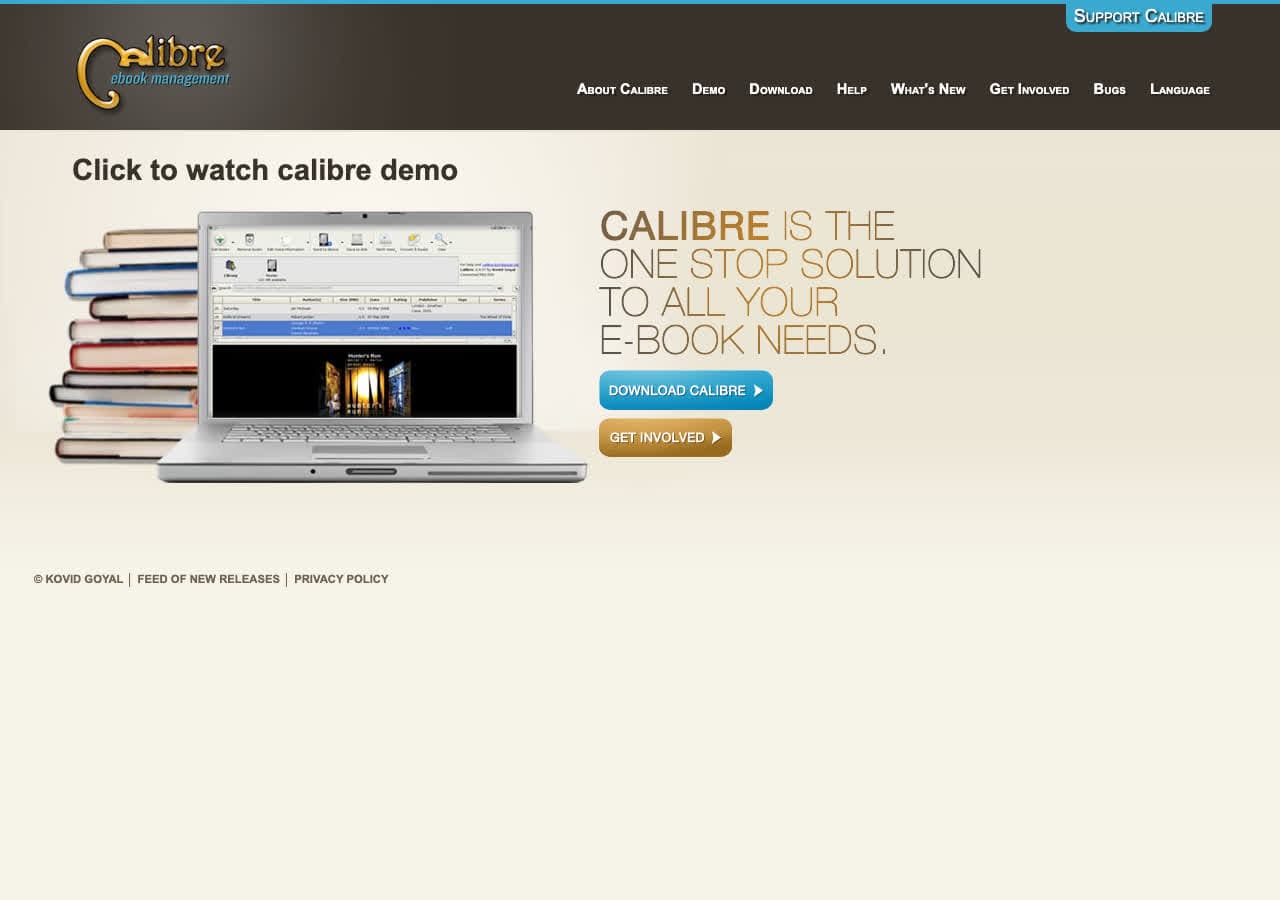
Calibre is the definitive open source ebook converter. Licensed under GPL, Calibre converts between EPUB, MOBI, AZW3, PDF, DOCX, HTML, TXT, and many more ebook formats. It gives you extensive control over output: fonts, margins, page breaks, table of contents, metadata, and cover images.
Calibre has been the go-to ebook tool since 2006. Beyond conversion, it manages your ebook library, syncs with e-readers, downloads metadata, and includes a built-in viewer. The open source community has built plugins that extend its capabilities further. Calibre runs on Mac, Windows, and Linux.
Pros
- Open source (GPL) since 2006.
- Most comprehensive ebook converter.
- Library management and e-reader sync.
- Plugin ecosystem for extensions.
Cons
- Interface is cluttered.
- PDF output is limited.
Pricing
- Free (open source, GPL licensed).
How to Convert
The offline file converter for Mac, Windows and Linux.
- Converts video, audio, images, documents, ebooks and more
- Everything runs locally. Your files never leave your device
- Pay once. Access forever
Get the app on Mac, Windows and Linux
7. Pandoc - Best Open Source Document Markup Converter
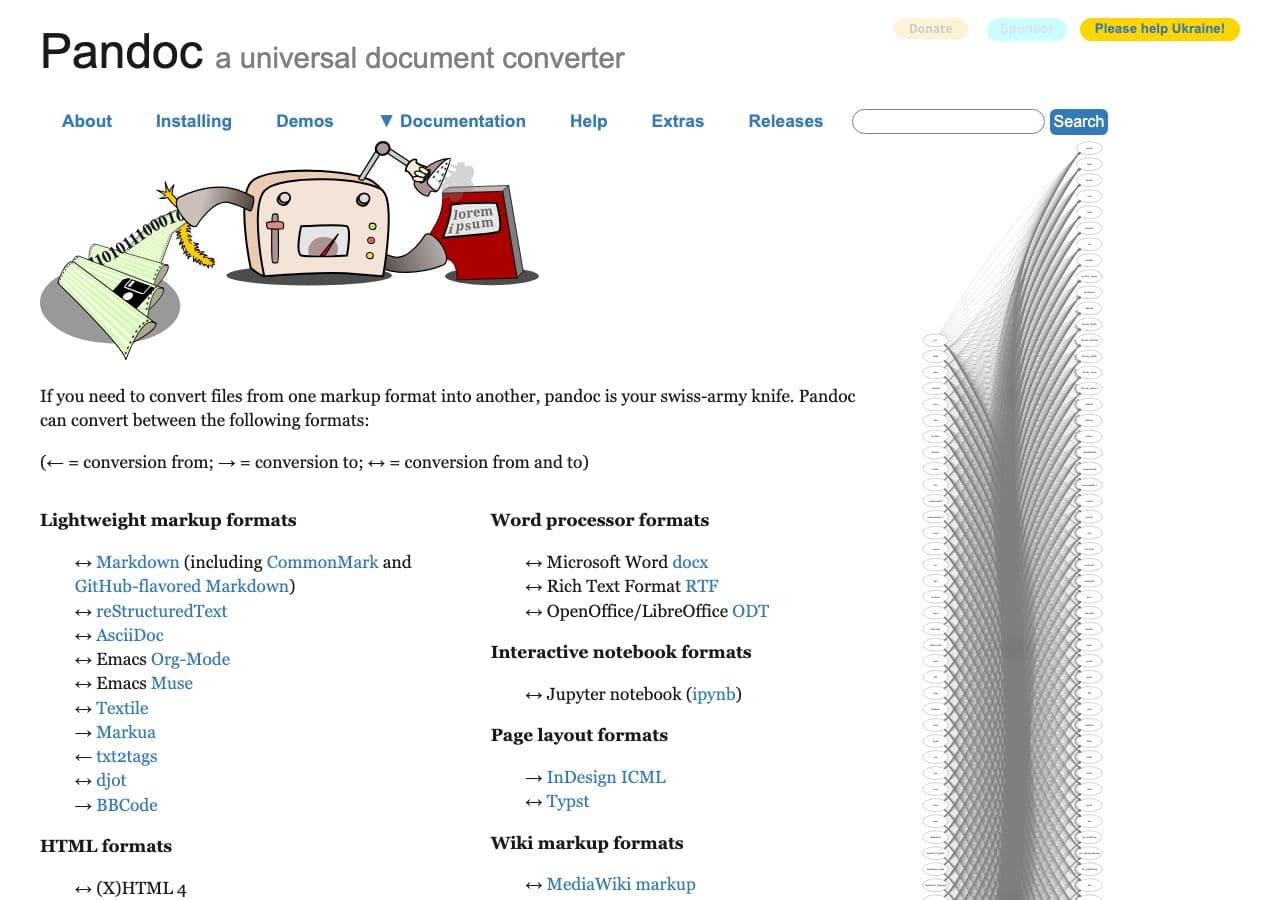
Pandoc is an open source universal document converter written in Haskell. It converts between Markdown, HTML, LaTeX, DOCX, EPUB, reStructuredText, AsciiDoc, MediaWiki, and dozens of other text-based formats. Pandoc preserves document structure through conversions with remarkable accuracy.
Pandoc is the tool of choice for academics, technical writers, and anyone who works with structured text. Write in Markdown and generate PDF, HTML, DOCX, and EPUB from the same source. The open source community has contributed filters, templates, and extensions that expand its capabilities. Licensed under GPL.
Pros
- Open source (GPL) universal document converter.
- Dozens of text-based formats.
- Excellent structure preservation.
- Community filters and templates.
Cons
- Command-line only.
- Text formats only. No media conversion.
Pricing
- Free (open source, GPL licensed).
8. Audacity - Best Open Source Audio Editor and Converter
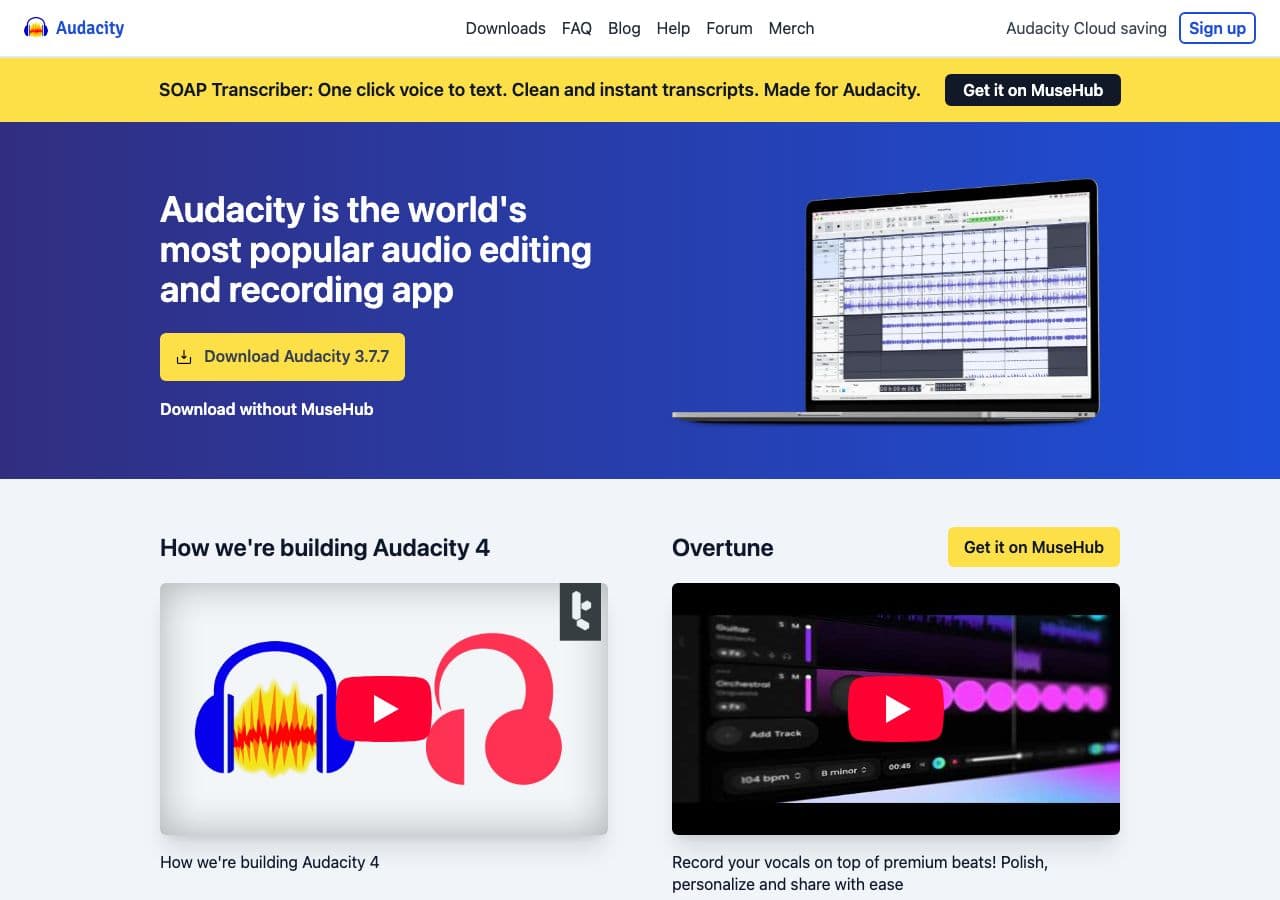
Audacity is an open source audio editor that also converts between audio formats. Import WAV, MP3, FLAC, OGG, AIFF, and other formats, optionally edit the audio, then export in your target format. Audacity is licensed under GPL and has been actively developed since 1999.
Audacity is more than a converter. It is a full audio workstation for recording, editing, and processing audio. For conversion specifically, it gives you control over bitrate, sample rate, and channels when exporting. The open source community has contributed hundreds of effects plugins. Audacity runs on Mac, Windows, and Linux.
Pros
- Open source (GPL) since 1999.
- Full audio editing and recording.
- All common audio formats.
- Community effects plugins.
Cons
- No batch conversion.
- Overkill for simple format changes.
Pricing
- Free (open source, GPL licensed).
9. GIMP - Best Open Source Image Editor with Format Conversion
GIMP (GNU Image Manipulation Program) is the open source alternative to Photoshop. It opens and exports images in JPG, PNG, WebP, TIFF, BMP, GIF, PSD, XCF, and many other formats. GIMP is licensed under GPL and has been developed since 1996, making it one of the longest-running open source projects.
GIMP is a professional image editor that also serves as a format converter. Open any supported image, edit if needed, and export in a different format with full control over quality settings. GIMP supports plugins written in Python and Script-Fu for automated processing. It runs on Mac, Windows, and Linux.
Pros
- Open source (GPL) since 1996.
- Professional image editing.
- Opens PSD files.
- Extensible with plugins.
Cons
- No batch conversion without scripting.
- Steep learning curve.
Pricing
- Free (open source, GPL licensed).
10. Inkscape - Best Open Source Vector Graphics Converter
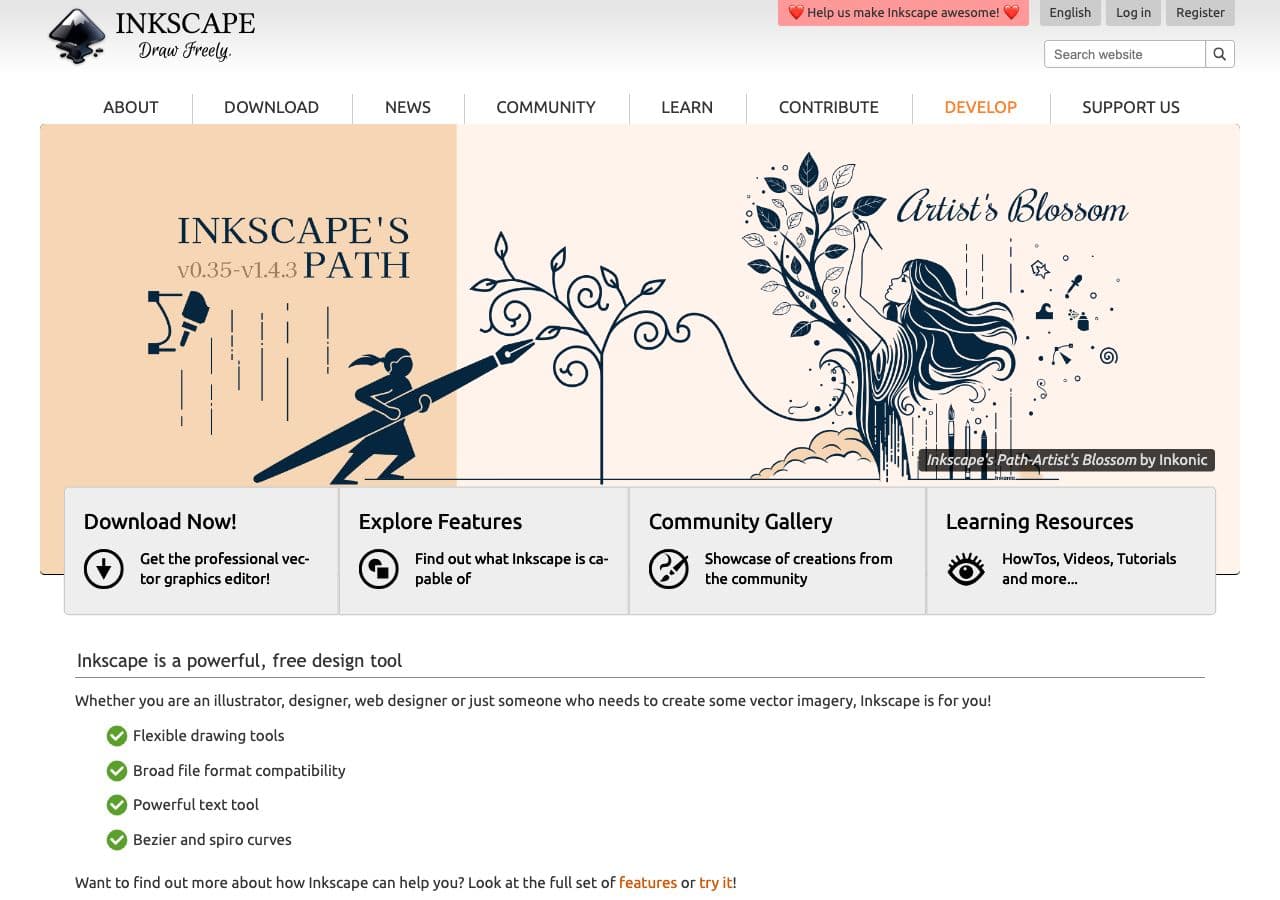
Inkscape is the leading open source vector graphics editor. It handles SVG natively and converts to and from PDF, EPS, AI (limited), WMF, and other vector formats. Inkscape also exports to PNG at any resolution. Licensed under GPL, it has been developed since 2003.
Inkscape is the open source answer to Adobe Illustrator. For format conversion, it excels at SVG workflows: import vector files from other tools, edit them, and export in different vector or raster formats. The command-line interface supports batch conversion of vector files. Inkscape runs on Mac, Windows, and Linux.
Pros
- Open source (GPL) vector editor.
- Native SVG support.
- Converts between vector formats.
- Command-line batch conversion.
Cons
- Vector and PNG only.
- Can be slow with complex files.
Pricing
- Free (open source, GPL licensed).
11. Ghostscript - Best Open Source PostScript and PDF Engine
Ghostscript is an open source interpreter for PostScript and PDF. It converts between PDF versions, renders PDFs to images, converts PostScript to PDF, merges PDFs, and compresses files. Ghostscript is the PDF processing engine used by many other open source tools including LibreOffice. Licensed under AGPL.
Ghostscript has been in development since 1988, making it one of the oldest open source projects still actively maintained. It is the standard tool for PDF processing in print production, document management, and automated workflows. The command-line interface handles batch processing of PDF files.
Pros
- Open source (AGPL) since 1988.
- Industry standard for PDF processing.
- Renders PDFs to high-resolution images.
- Batch command-line processing.
Cons
- Command-line only.
- PDF and PostScript formats only.
Pricing
- Free (open source, AGPL licensed).
- Commercial license available for embedding.
12. Kdenlive - Best Open Source Video Editor with Export Conversion
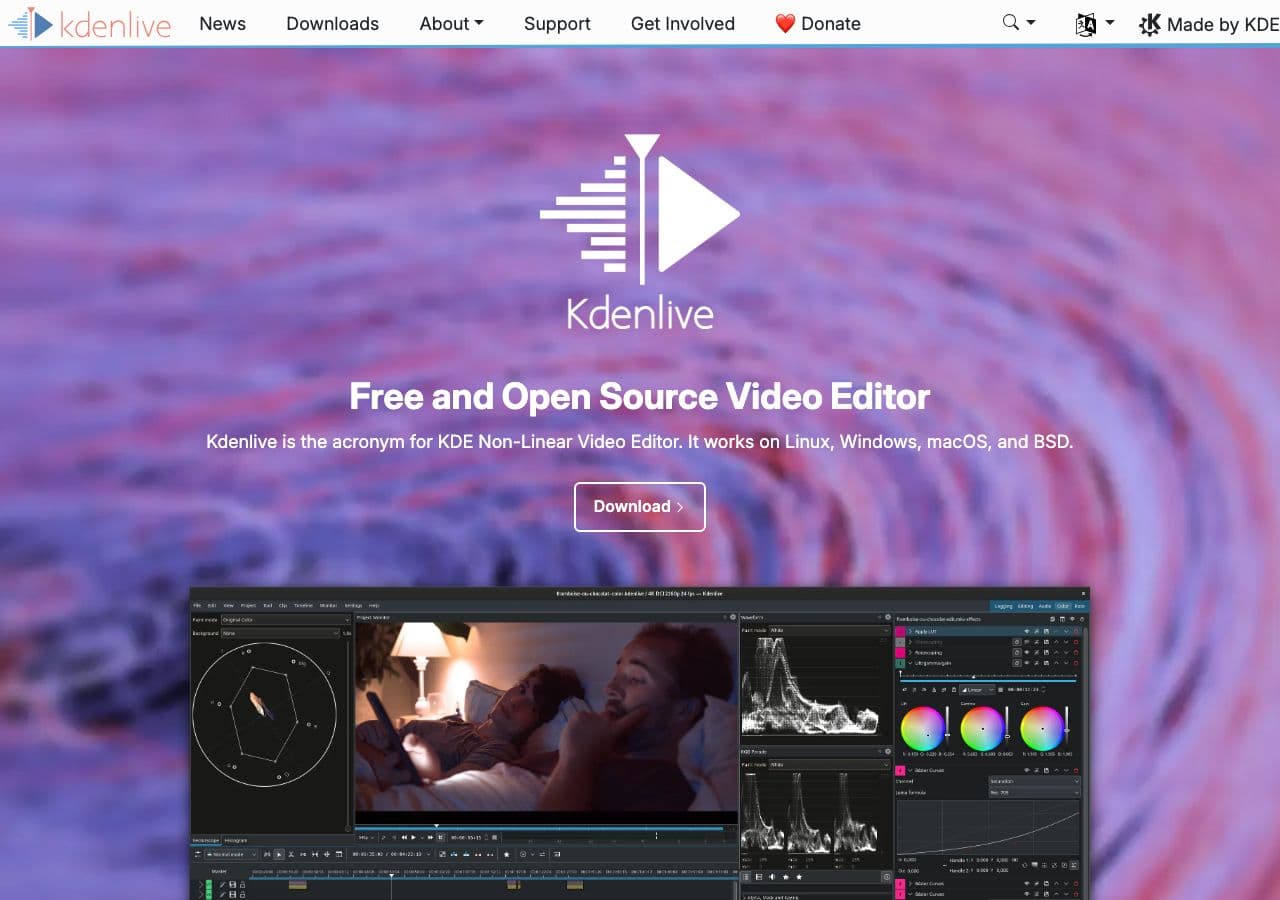
Kdenlive is an open source video editor that exports to multiple formats. Built on the MLT framework and using FFmpeg for encoding, Kdenlive renders projects to MP4, MKV, WebM, and other formats with full control over codecs, bitrate, and resolution. Licensed under GPL, it is developed by the KDE community.
Kdenlive is not a dedicated converter, but its export functionality effectively converts video between formats. Import a video in any format, optionally edit it, then render to a different format. The render dialog includes presets for web, mobile, and archival use. Kdenlive runs on Linux, Windows, and Mac.
Pros
- Open source (GPL) video editor.
- FFmpeg-powered export to many formats.
- Full video editing alongside conversion.
- Render presets for common use cases.
Cons
- Overkill for simple format conversion.
- No batch conversion.
Pricing
- Free (open source, GPL licensed).
How to Convert
The offline file converter for Mac, Windows and Linux.
- Converts video, audio, images, documents, ebooks and more
- Everything runs locally. Your files never leave your device
- Pay once. Access forever
Get the app on Mac, Windows and Linux
13. SoX - Best Open Source Command-Line Audio Converter

SoX (Sound eXchange) is an open source command-line audio processing tool. It converts between WAV, FLAC, MP3, OGG, AIFF, AU, and other audio formats. SoX also applies effects: normalization, equalization, speed adjustment, noise reduction, reverb, and many more. Licensed under GPL/LGPL.
SoX is called the "Swiss Army knife of audio processing." A single command like sox input.wav output.mp3 converts between formats. Chain effects in the same command: sox input.wav output.mp3 norm -1 fade 0 0 0.5 normalizes audio and adds a fade-out during conversion. SoX is lightweight, scriptable, and fast.
Pros
- Open source (GPL/LGPL).
- Conversion with inline audio effects.
- Lightweight and fast.
- Scriptable for batch workflows.
Cons
- Command-line only.
- MP3 encoding requires external library.
Pricing
- Free (open source, GPL/LGPL licensed).
14. fre:ac - Best Open Source Audio Format Converter
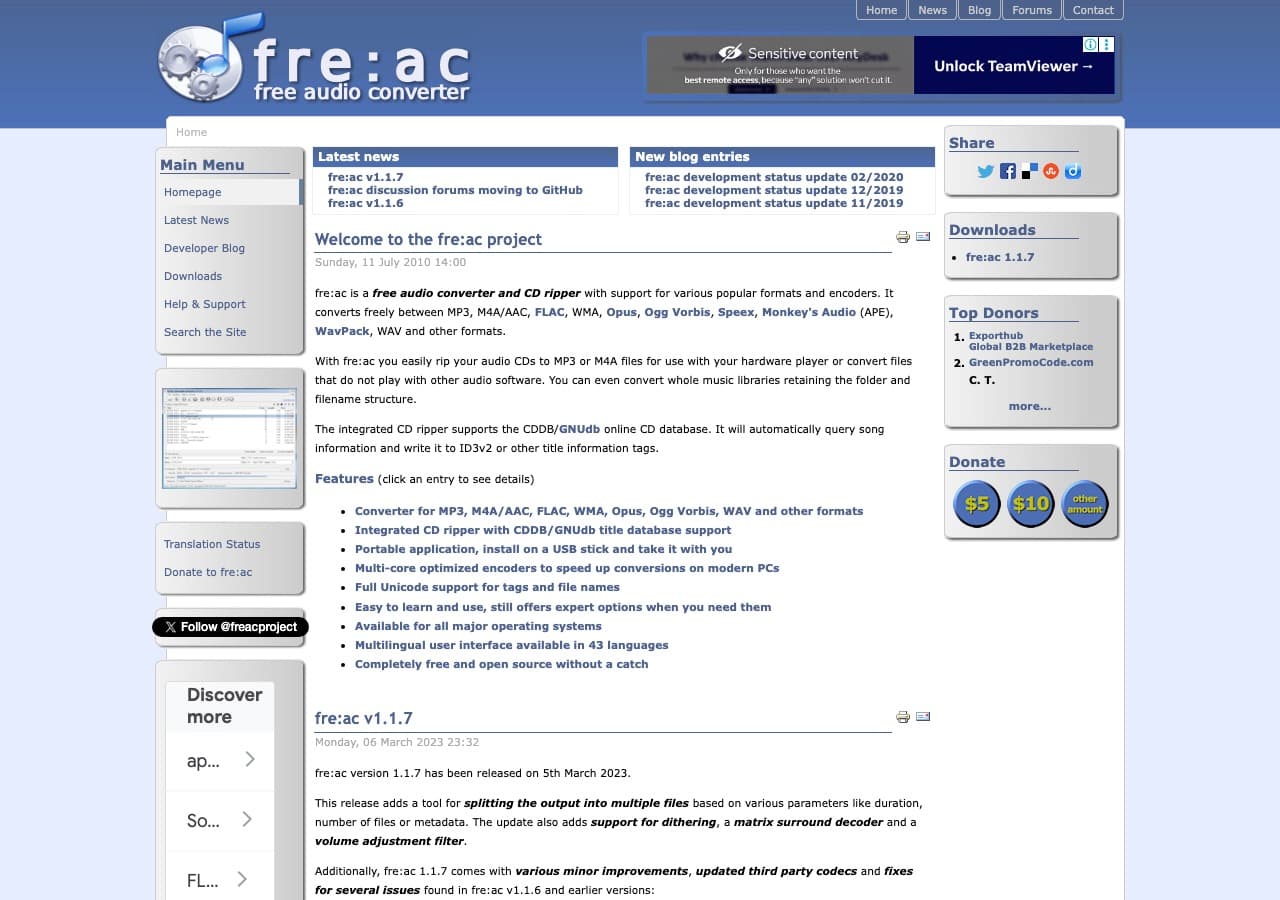
fre:ac (free audio converter) is an open source audio converter with a graphical interface. It converts between MP3, MP4/AAC, FLAC, WAV, OGG Vorbis, Opus, WMA, and other formats. fre:ac includes batch conversion, CD ripping, and automatic tagging from online databases. Licensed under GPL.
fre:ac is the open source option for users who want a GUI audio converter rather than a command-line tool like SoX. Multi-core processing speeds up batch jobs. The interface is simple: add files, pick the format and quality, convert. A portable version runs from USB drives. fre:ac runs on Mac, Windows, and Linux.
Pros
- Open source (GPL) with GUI.
- Batch conversion with multi-core support.
- CD ripping and auto-tagging.
- Portable version available.
Cons
- Audio only.
- Basic interface design.
Pricing
- Free (open source, GPL licensed).
15. Shutter Encoder - Best Open Source Media Encoder
Shutter Encoder is an open source media converter built on FFmpeg with a graphical interface. It converts video and audio to any format FFmpeg supports, with presets for common tasks: web encoding, social media, DVD authoring, and archival. Shutter Encoder also handles image sequences, subtitles, and audio normalization.
Shutter Encoder bridges the gap between FFmpeg's power and a user-friendly interface. Instead of memorizing FFmpeg commands, select options from dropdown menus and checkboxes. It supports hardware encoding, batch processing, and advanced features like two-pass encoding and HDR conversion. Licensed under GPL.
Pros
- Open source (GPL) FFmpeg GUI.
- All FFmpeg formats supported.
- Hardware encoding support.
- Presets for common encoding tasks.
Cons
- Interface can be overwhelming.
- Video and audio only.
Pricing
- Free (open source, GPL licensed).
16. Sigil - Best Open Source EPUB Editor and Converter
Sigil is an open source EPUB editor for creating and modifying ebook files. It provides WYSIWYG and code-level editing of EPUB content, with tools for metadata management, table of contents generation, spell checking, and validation. Sigil also imports HTML to create new EPUBs. Licensed under GPL.
Sigil is for ebook authors and publishers who need precise control over EPUB files. Import HTML pages, assemble them into an EPUB, edit the styling and structure, and validate the output against EPUB standards. Plugins extend Sigil with additional import/export capabilities. It runs on Mac, Windows, and Linux.
Pros
- Open source (GPL) EPUB editor.
- WYSIWYG and code editing.
- EPUB validation built in.
- Plugin support.
Cons
- EPUB format only.
- Not a format converter per se.
Pricing
- Free (open source, GPL licensed).
17. LAME - Best Open Source MP3 Encoder
LAME is the open source MP3 encoder used by the entire audio industry. When any tool converts audio to MP3, there is a good chance it is using LAME. As a standalone command-line tool, LAME converts WAV and other raw audio formats to MP3 with precise control over bitrate, quality, and encoding mode (CBR, VBR, ABR). Licensed under LGPL.
LAME has been the reference MP3 encoder since 1998. Its VBR encoding produces the best quality-to-size ratio of any MP3 encoder. Tools like Audacity, fre:ac, and many others use LAME as their MP3 encoding backend. As a standalone tool, it is focused and fast: convert a WAV file to MP3 with one command.
Pros
- Open source (LGPL) reference MP3 encoder.
- Best MP3 quality-to-size ratio.
- Used by most audio tools under the hood.
- Fast and lightweight.
Cons
- MP3 output only.
- Command-line only.
Pricing
- Free (open source, LGPL licensed).
18. XnConvert - Best Free Batch Image Converter
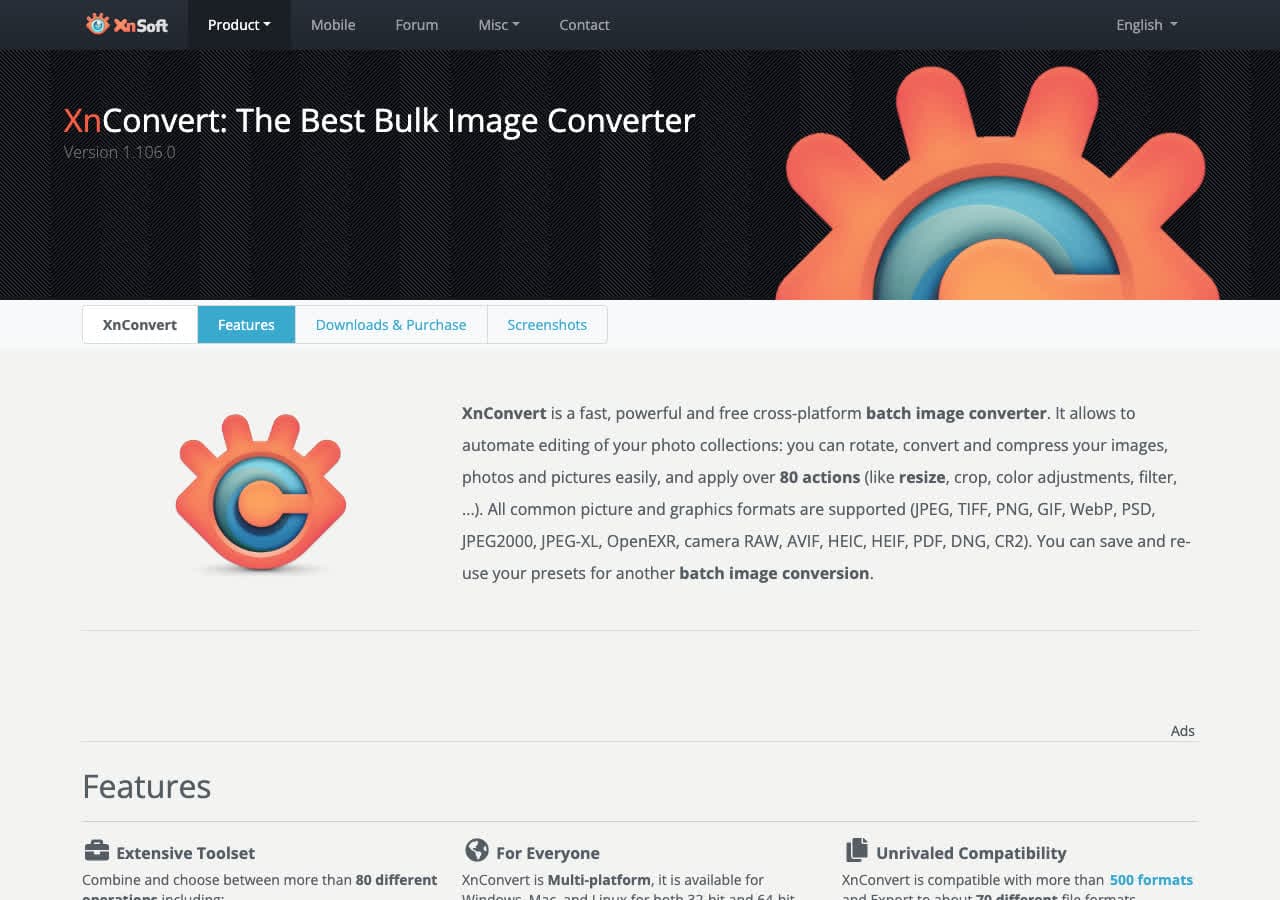
XnConvert is a batch image converter with a graphical interface that supports 500+ formats. Note: XnConvert is free for personal and educational use but is not fully open source. It uses some open source libraries internally, but the application itself is proprietary freeware. We include it here because it is free and complements the open source tools on this list.
XnConvert fills a gap in the open source ecosystem: a GUI batch image converter. While ImageMagick handles batch image conversion from the command line, XnConvert provides drag-and-drop batch processing with an action pipeline for chained operations. It runs on Mac, Windows, and Linux.
Pros
- Free for personal use.
- 500+ image formats.
- GUI batch conversion with action pipeline.
- Cross-platform.
Cons
- Not fully open source (freeware).
- Commercial license required for business use.
Pricing
- Free for personal and educational use.
- Commercial license available.
Frequently Asked Questions
Why use open source file converters?
Open source converters are transparent: you can inspect the code to verify the software does what it claims and nothing more. They are free with no hidden costs, subscriptions, or feature gates. They are maintained by communities rather than single companies, so they tend to be more stable and long-lived. Many open source converters on this list have been actively developed for 20+ years.
Are open source converters as good as commercial ones?
In most cases, open source converters are better. FFmpeg, which is open source, is the engine behind most commercial video converters. ImageMagick is the standard for image processing. LibreOffice handles document conversion as well as paid alternatives. The main advantage of commercial tools is a polished user interface. The conversion quality is often identical because they use the same open source engines.
What open source converter should I start with?
For video, start with HandBrake. It has a graphical interface and covers most video conversion needs. For audio, fre:ac provides a GUI for batch audio conversion. For images, use XnConvert (free, not open source) or ImageMagick (open source, command-line). For documents, LibreOffice handles all major formats. For ebooks, Calibre is the standard.
Is there an all-in-one open source file converter?
There is no single open source tool that handles every file type with a graphical interface. FFmpeg covers media formats from the command line, and ImageMagick covers images, but documents and ebooks require separate tools. For a polished all-in-one experience, How to Convert uses OS-level conversion tools (like sips and afconvert on Mac) alongside industry-standard tools like FFmpeg, ImageMagick, and LibreOffice, all behind a simple interface with no command line required.
Final Thoughts
Open source file converters are the backbone of the conversion industry. FFmpeg and ImageMagick power most commercial tools. HandBrake is the best free video converter available. Calibre dominates ebook conversion. LibreOffice handles documents. These projects have been developed for decades by communities of contributors and are used by millions. For users who want a polished all-in-one interface, How to Convertleverages your OS's built-in conversion tools alongside industry-standard engines like FFmpeg, ImageMagick, and LibreOffice, no command line required. Either way, you are getting world-class conversion technology.
How to Convert
The offline file converter for Mac, Windows and Linux.
- Converts video, audio, images, documents, ebooks and more
- Everything runs locally. Your files never leave your device
- Pay once. Access forever
Get the app on Mac, Windows and Linux
